






Installation Manual
KO1 Keepout Panel
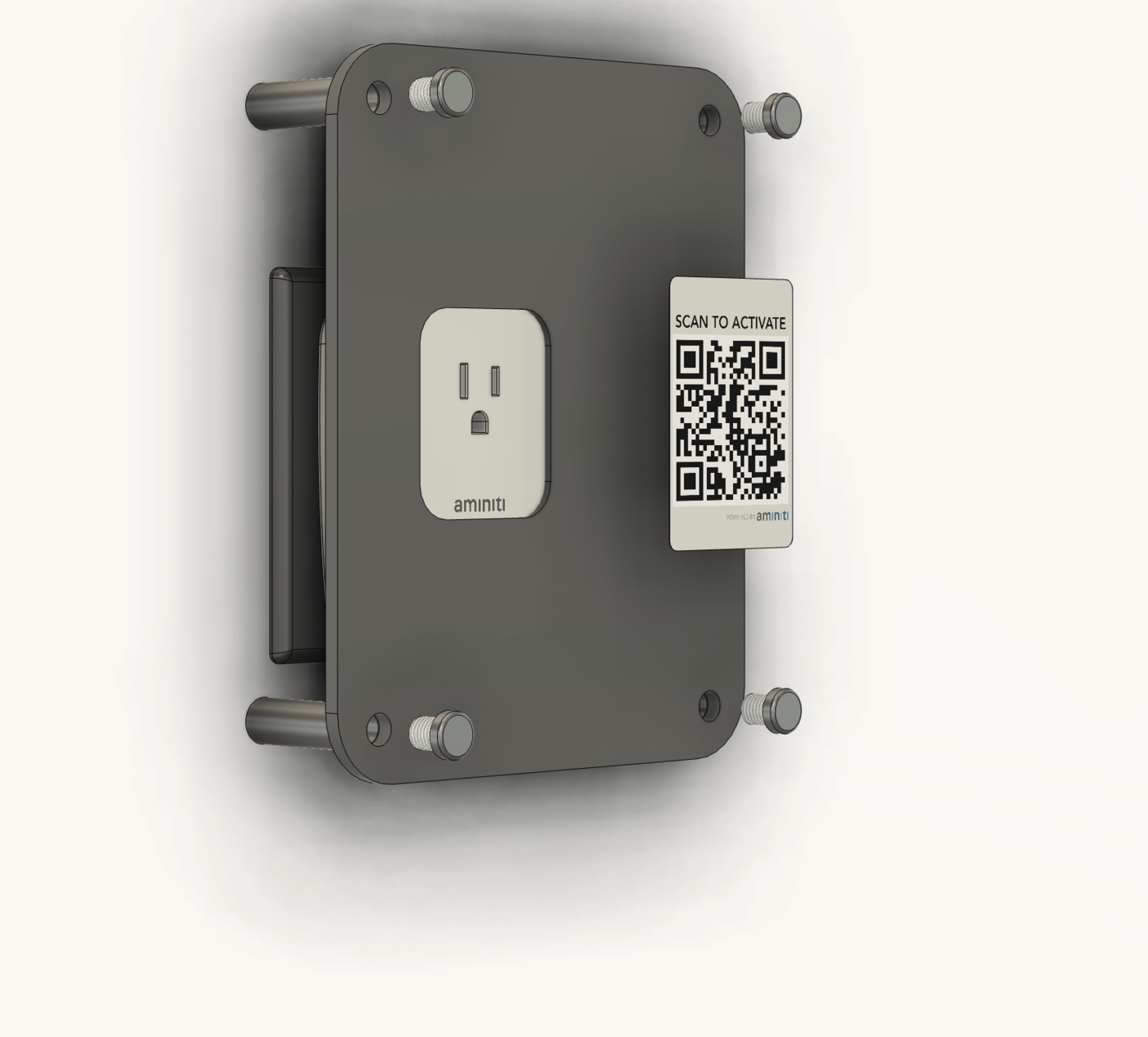
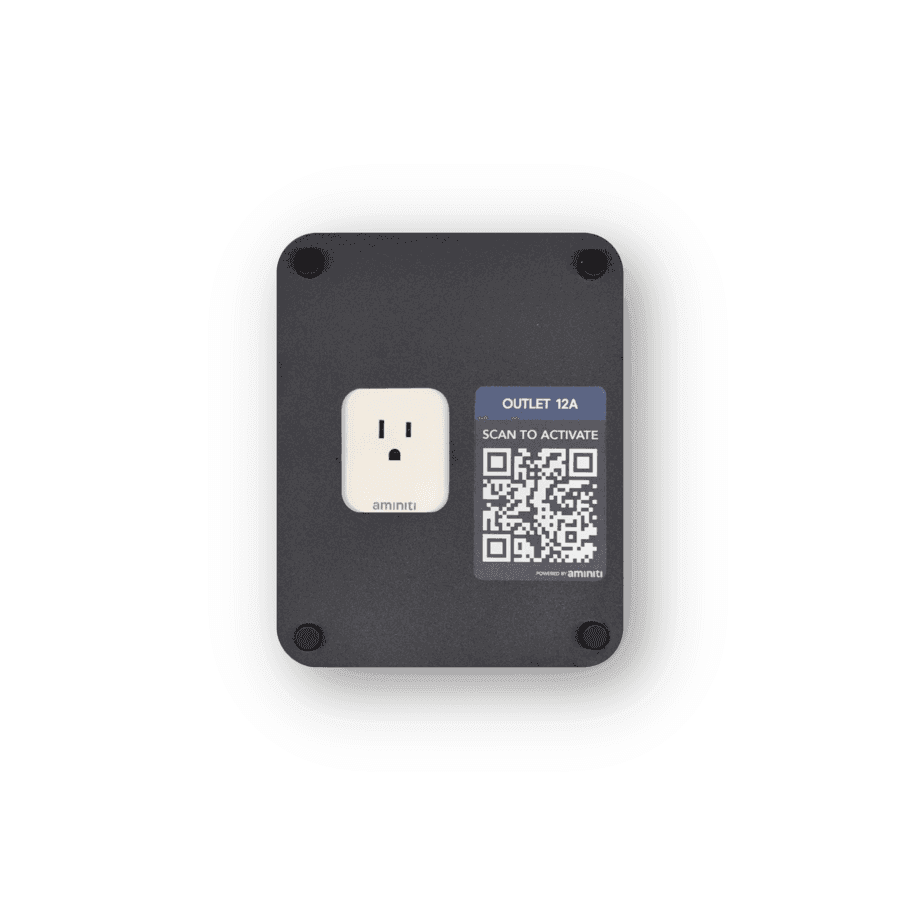
Install the Aminiti KO1 Keepout Panel to secure a Q16 Outlet Manager while keeping it accessible.
Thanks for your purchase of the KO1 keepout panel, for securing Aminiti Q16 stations while keeping them accessible. For best results, please follow these instructions carefully to install your panel.
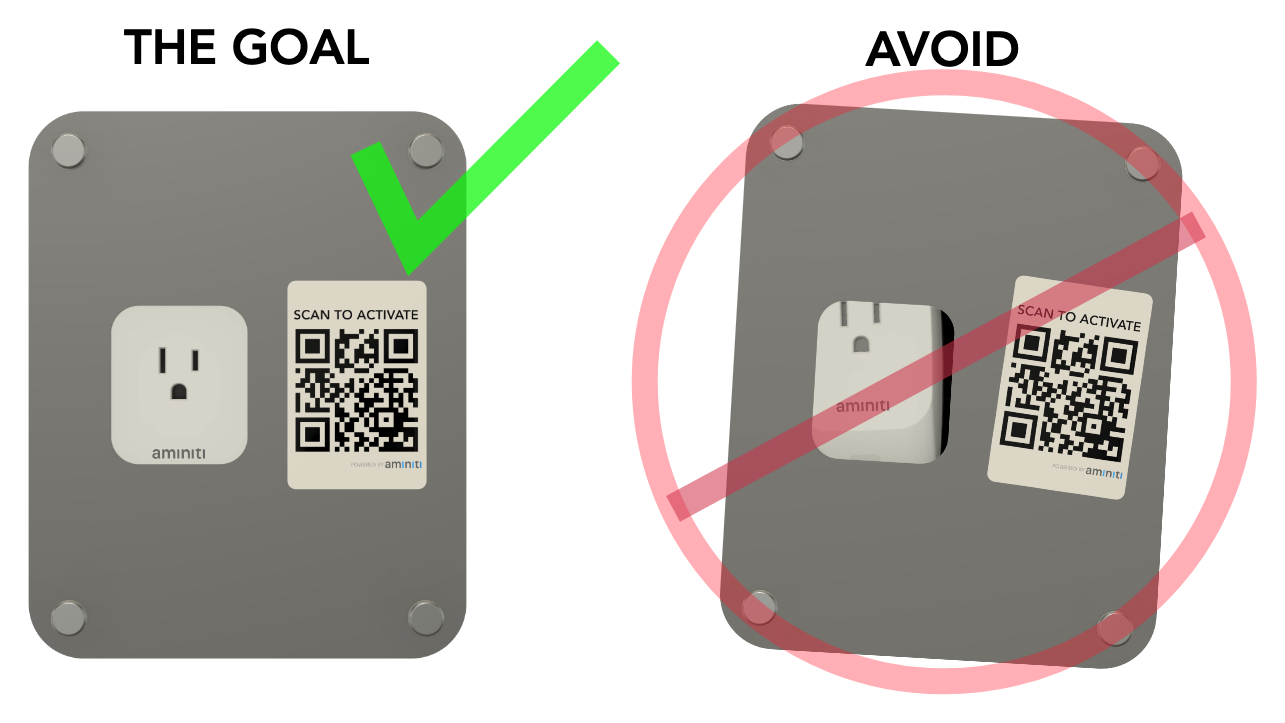
1. Use the panel as a guide to mark hole locations on the wall
Use the included mounting guide to align the panel with the receptacle you wish to protect.
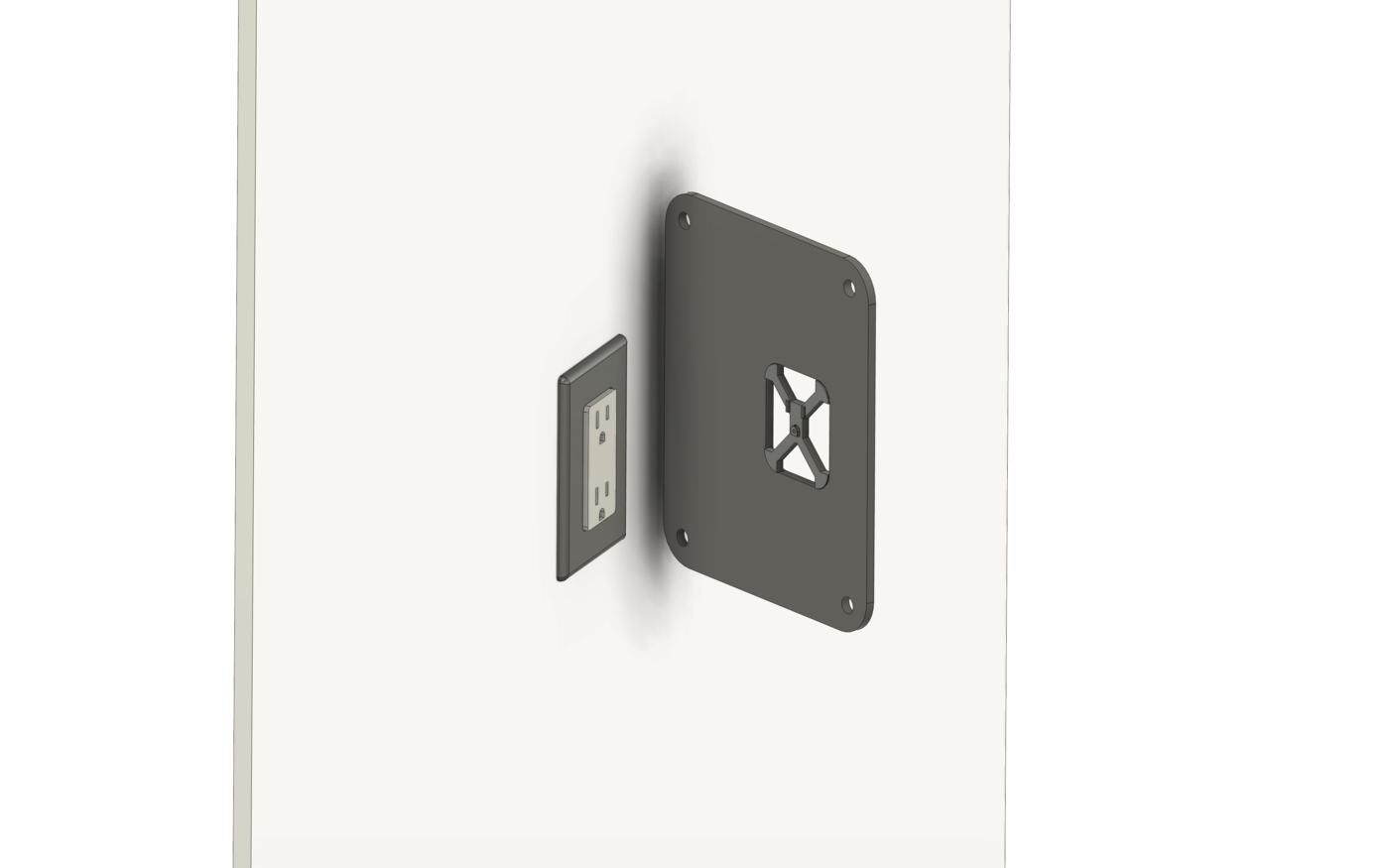
2. Hold the panel flat against the wall while you mark the hole locations
Remove the panel and drill holes suitable for screws or anchors you intend to use. Do not drill holes deeper than 1.5" (40 mm) into the surface, and avoid wiring that may exist in the wall near the hole locations.
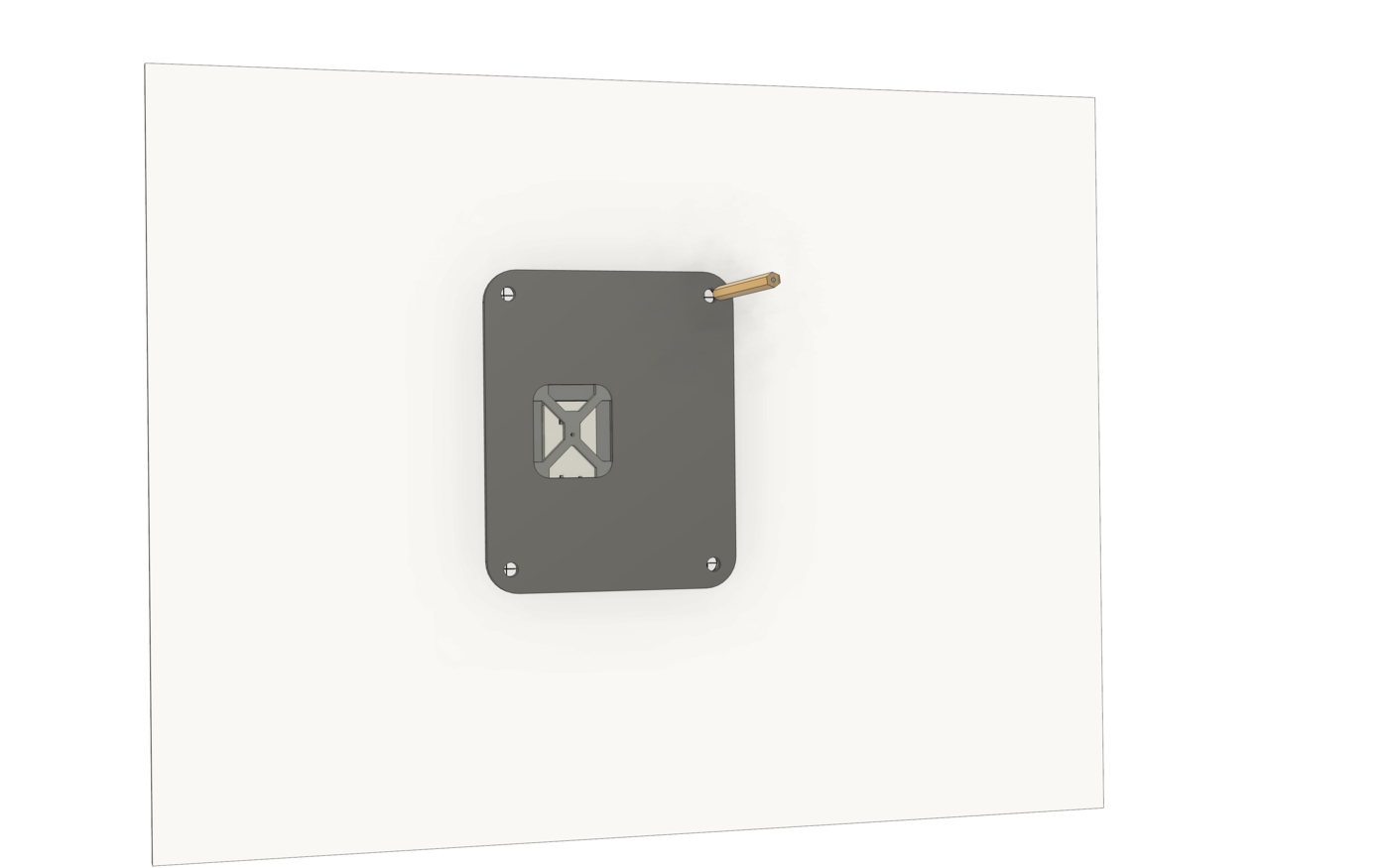
3. If mounting to drywall, concrete or masonry, install appropriate anchors
The included anchors may not be suitable for all surfaces.
4. Unscrew the top caps from the included standoffs
Use the included screws, or screws suitable for the installed anchors, to tightly secure the standoffs to the wall at the previously drilled locations.
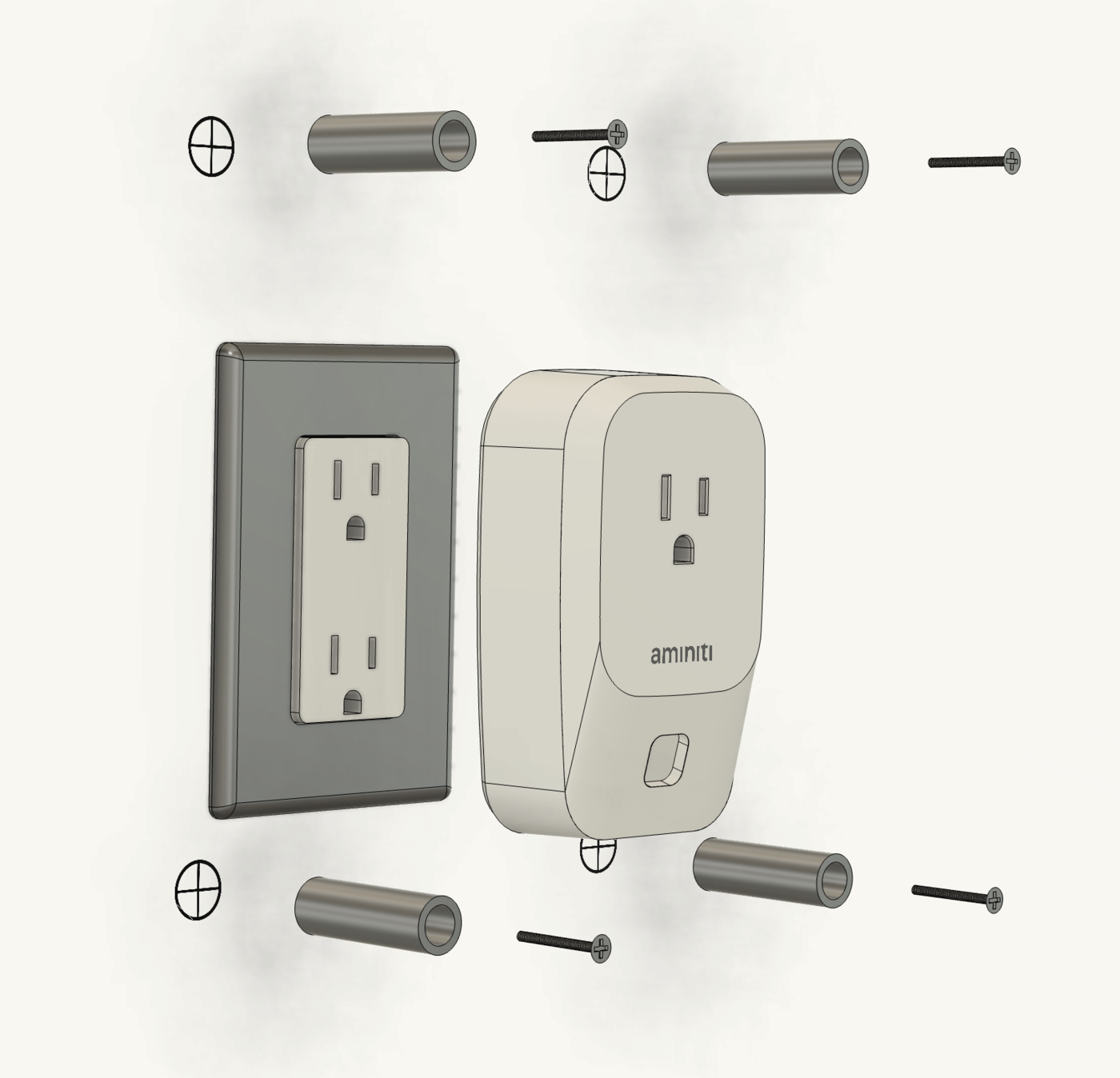
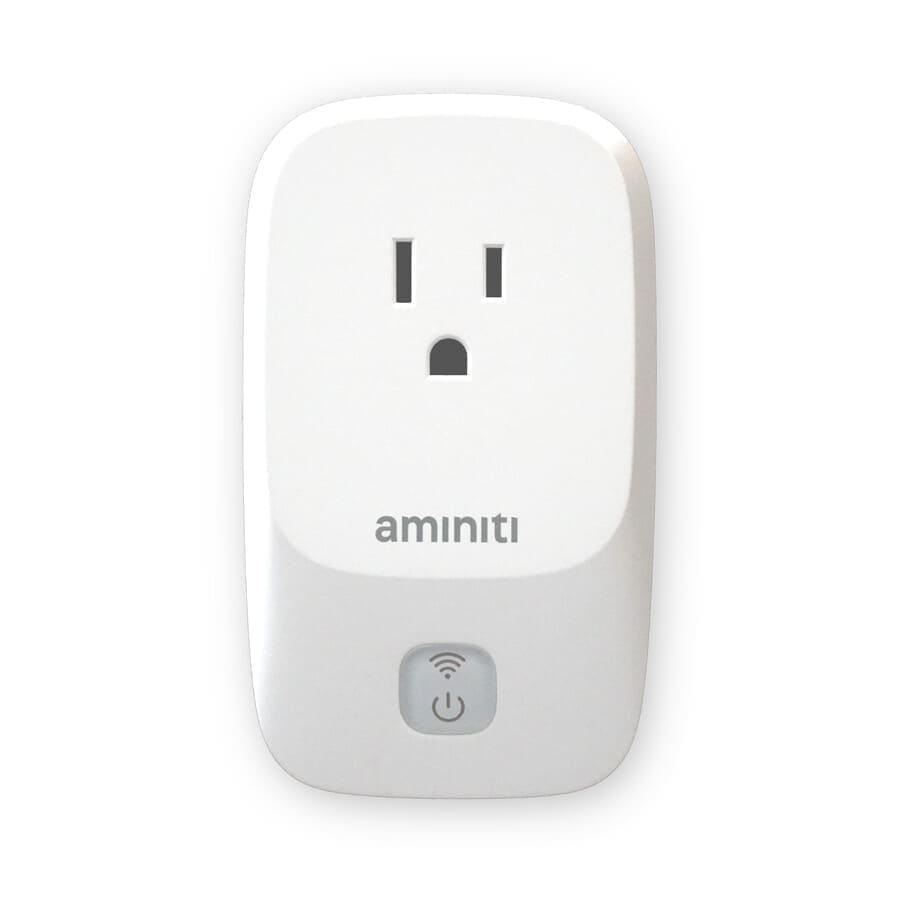
5. Plug the Q16 Outlet Manager into the receptacle
We recommend claiming, configuring, and testing the device prior to installing the keepout panel. Follow the Q16 installation instructions to claim and configure it.
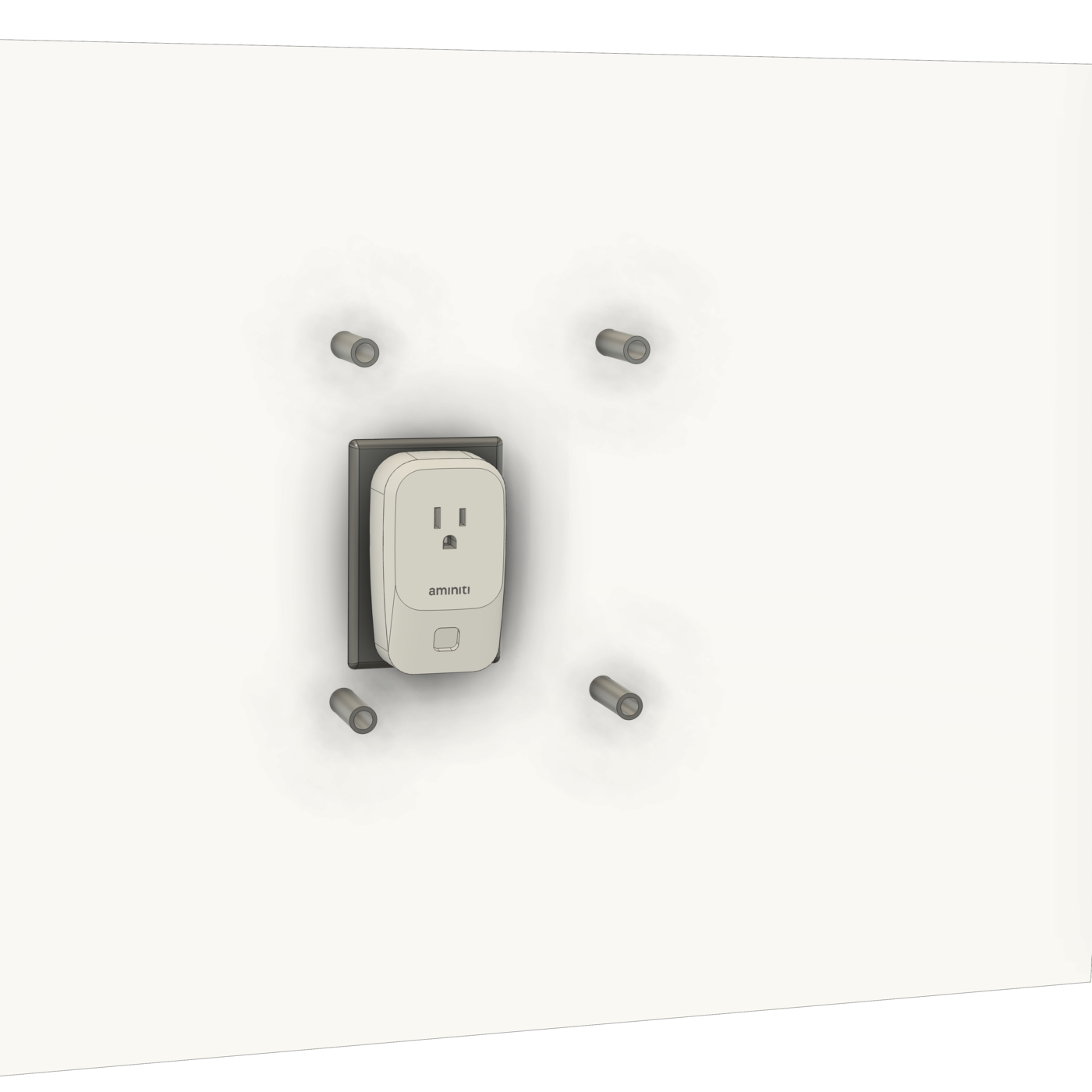
6. Remove the alignment guide from the panel
Secure the panel to the standoffs using the threaded caps that were removed in step 4. If desired, print a QR label using the Aminiti web app and affix it on or near the panel.