






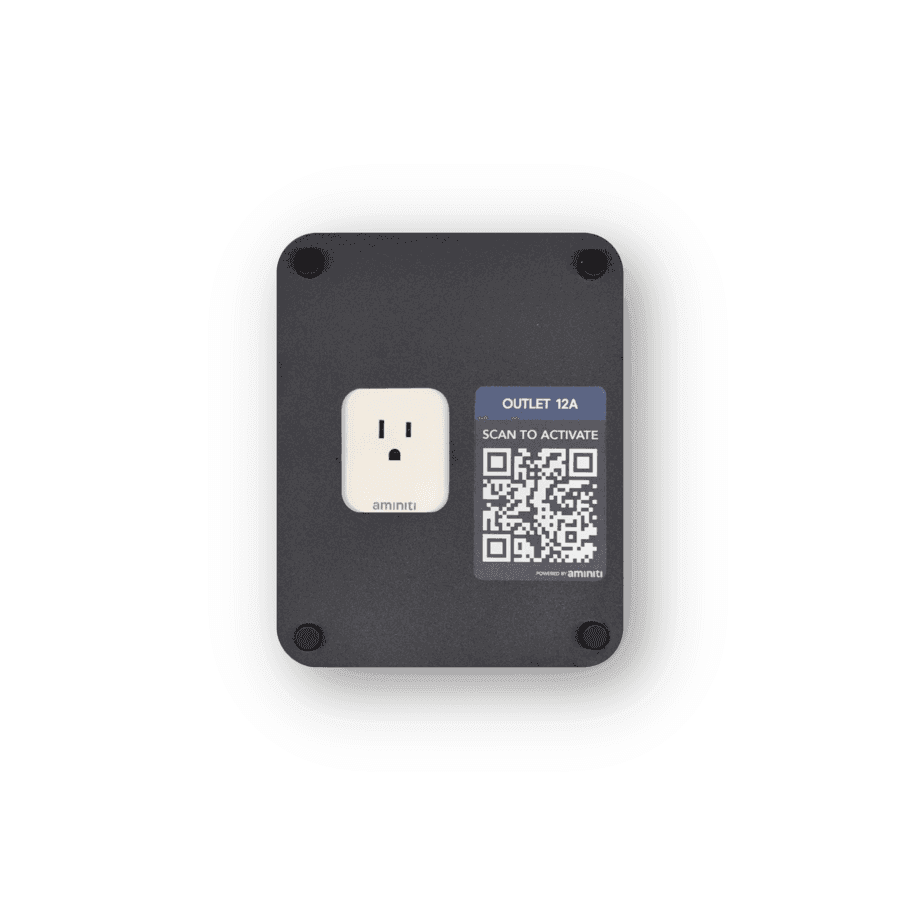
Create forms that control kilowatts.
Manage shared patio heating amenities for safety, energy savings, and accountability.
Outdoor heat, sustainably
Outdoor heaters extend the season — and the utility bill. Aminiti gives you control over who turns them on, how long they run, and whether costs are recovered.
Reserve heat for approved guests, tenants, or registered teams.
Limit session length so heaters don't get left on.
Recover energy costs with per-session, per-minute, or donation-based billing.
Features
How Aminiti helps
Flexible Pay-per-use
Collect fees per session or by duration with Apple Pay, Google Pay, or most credit cards. Enable free access for staff or registered users.
Forms & Waivers
Require users to provide a signed acknowledgement, safety waiver, or custom form before a session can start. Protects you legally and communicates expectations to every user.

Time Limits
Cap session duration so equipment doesn't get left on, reducing waste and unauthorized use.
Authorized Use Only
Restrict access to approved users, staff, and community members. Aminiti devices hide away, with no outside keypads or controls to wear out or be vandalized.

Passcode Access
For streamlined access, issue passcodes that provide instant, secured access for casual users without requiring account creation, and no app download (iOS only).
Scheduled Operation
Make equipment available during approved hours only. Reduce noise complaints, misuse, and liability.
Hardware
Installation options
Aminiti is flexible — here are just a few ways to integrate our hardware
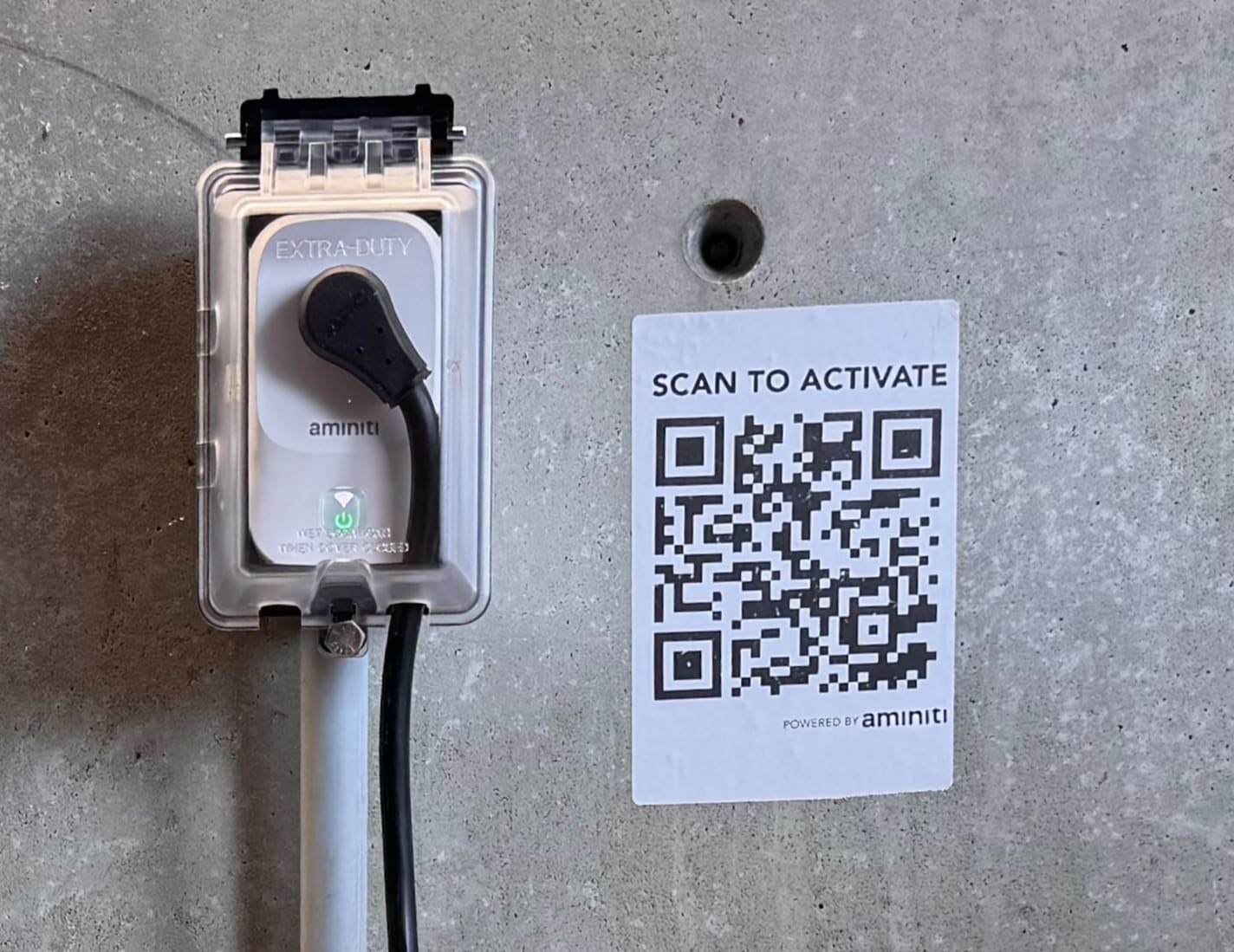
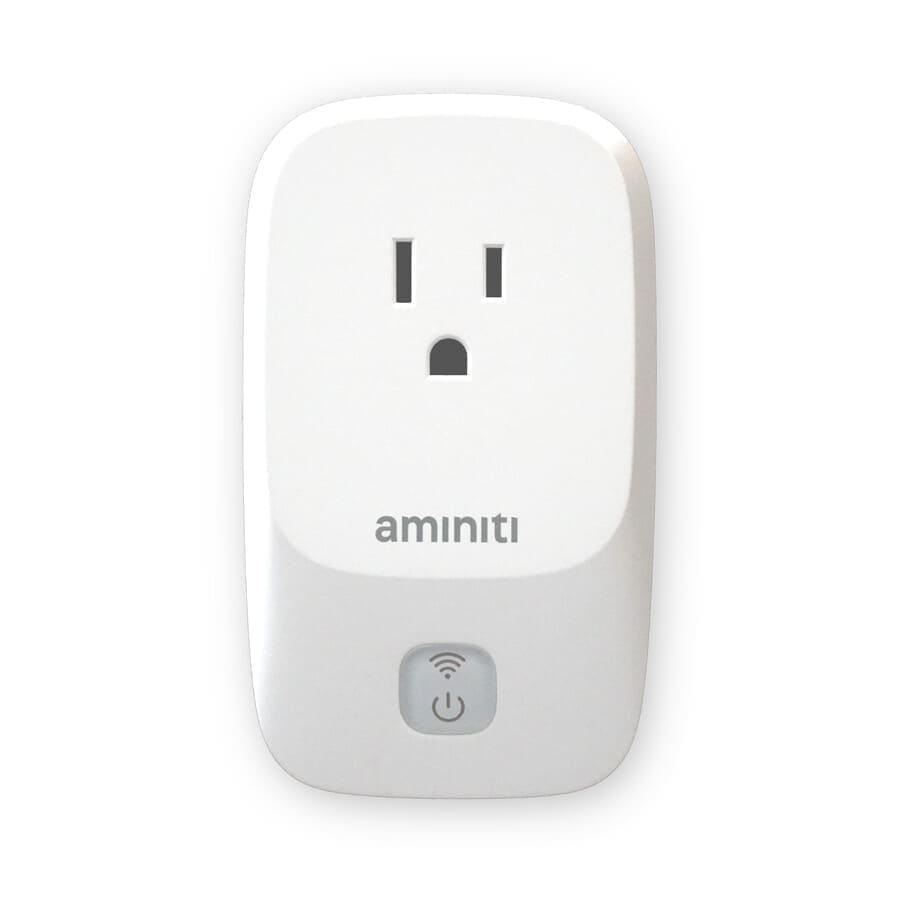
For low-power heaters that work on 120VAC, install a Q16 plug-in module. Place it in a secure outdoor enclosure near the amenity.
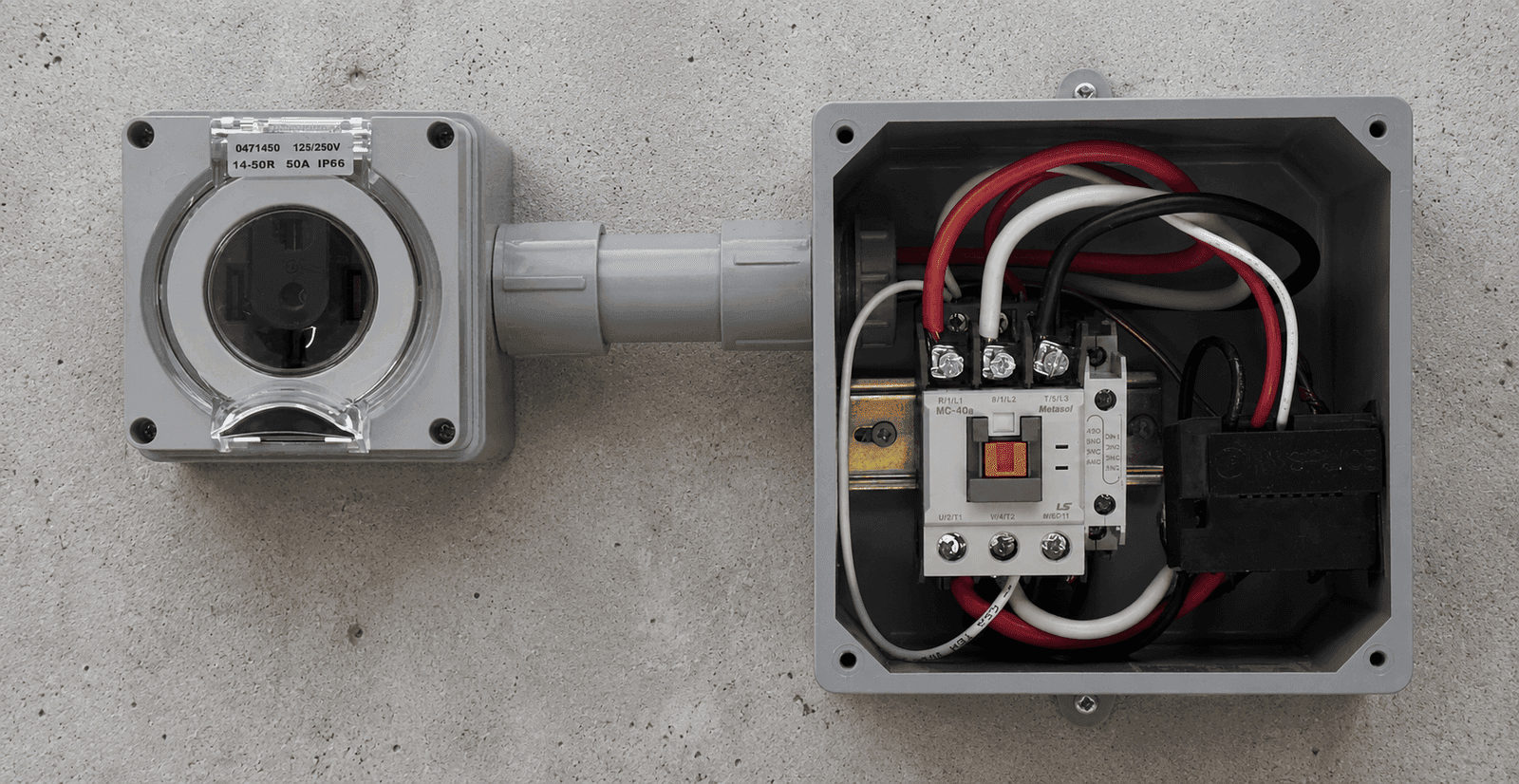
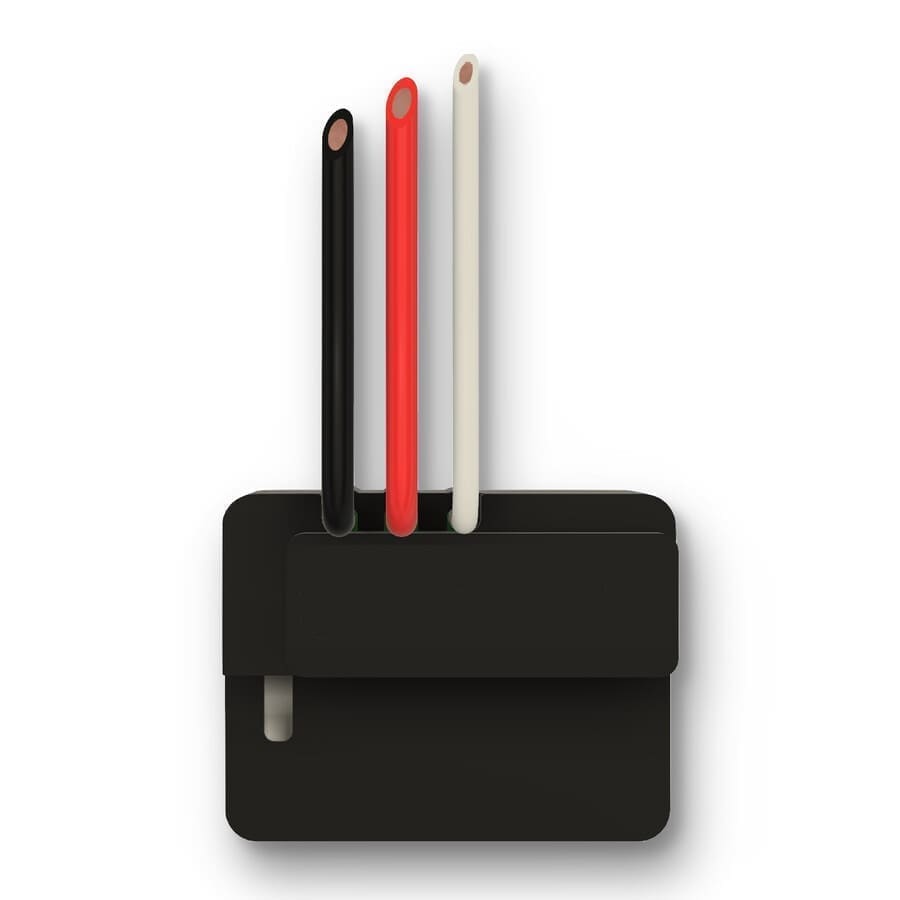
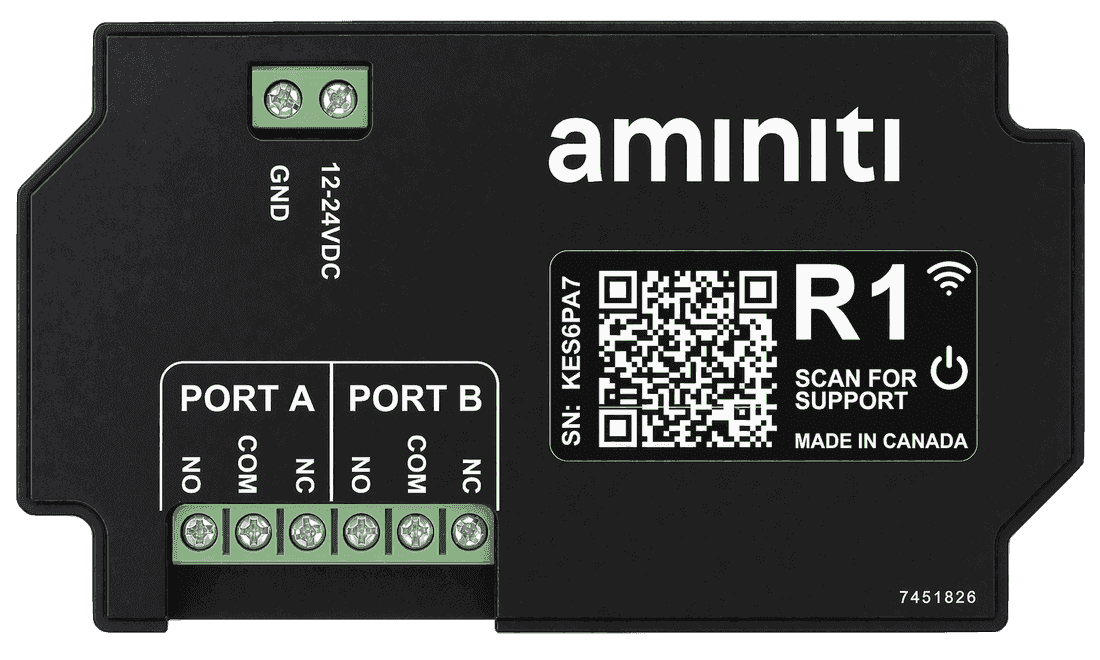
For high-power heating loads, use an Aminiti S16 wire-in module to switch a high-current contactor relay. A licensed electrician must do the install.
Get started
Implementation
- 1
Install an Aminiti device to control power to each heater. High-power circuit work must be performed by a licensed contractor.
- 2
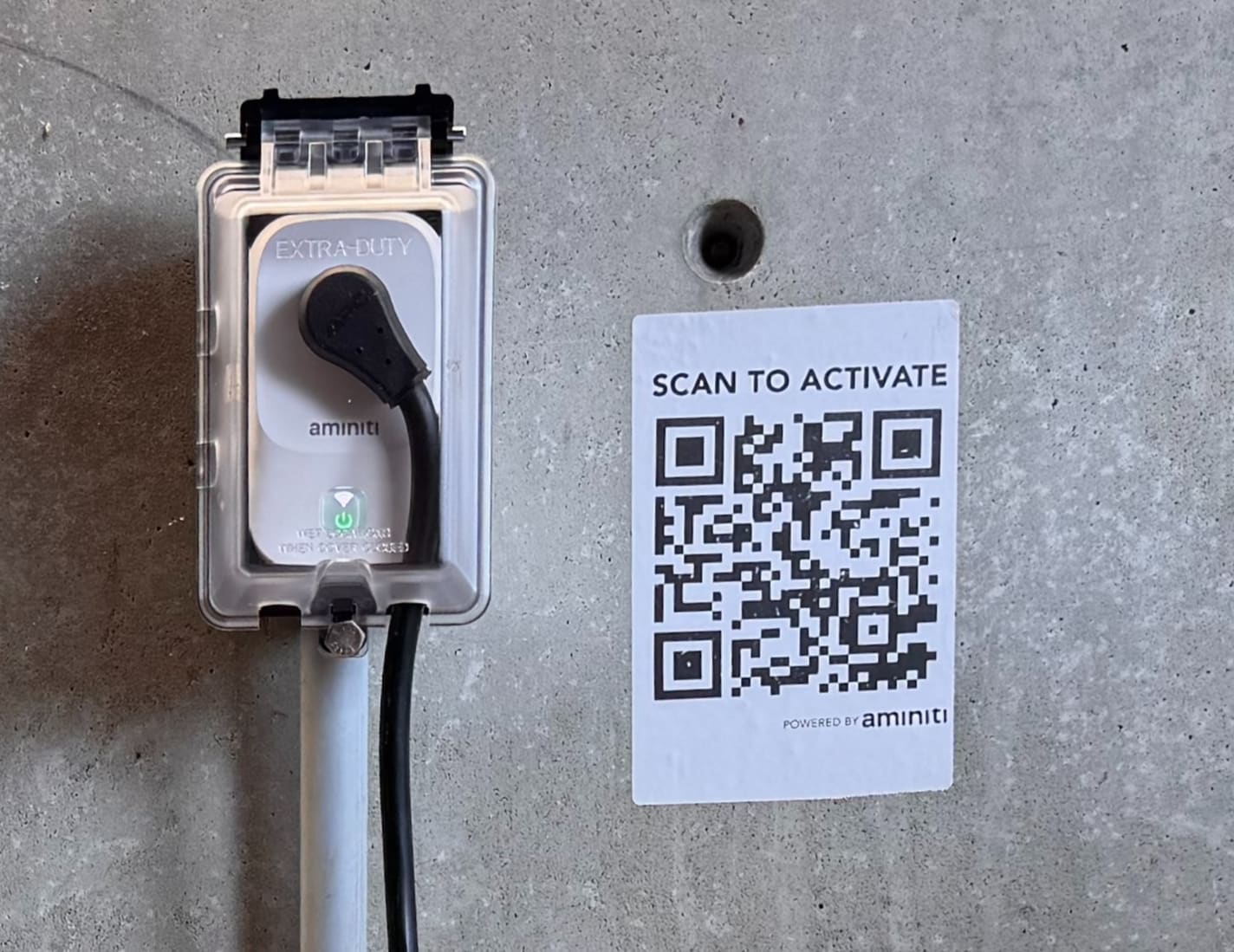
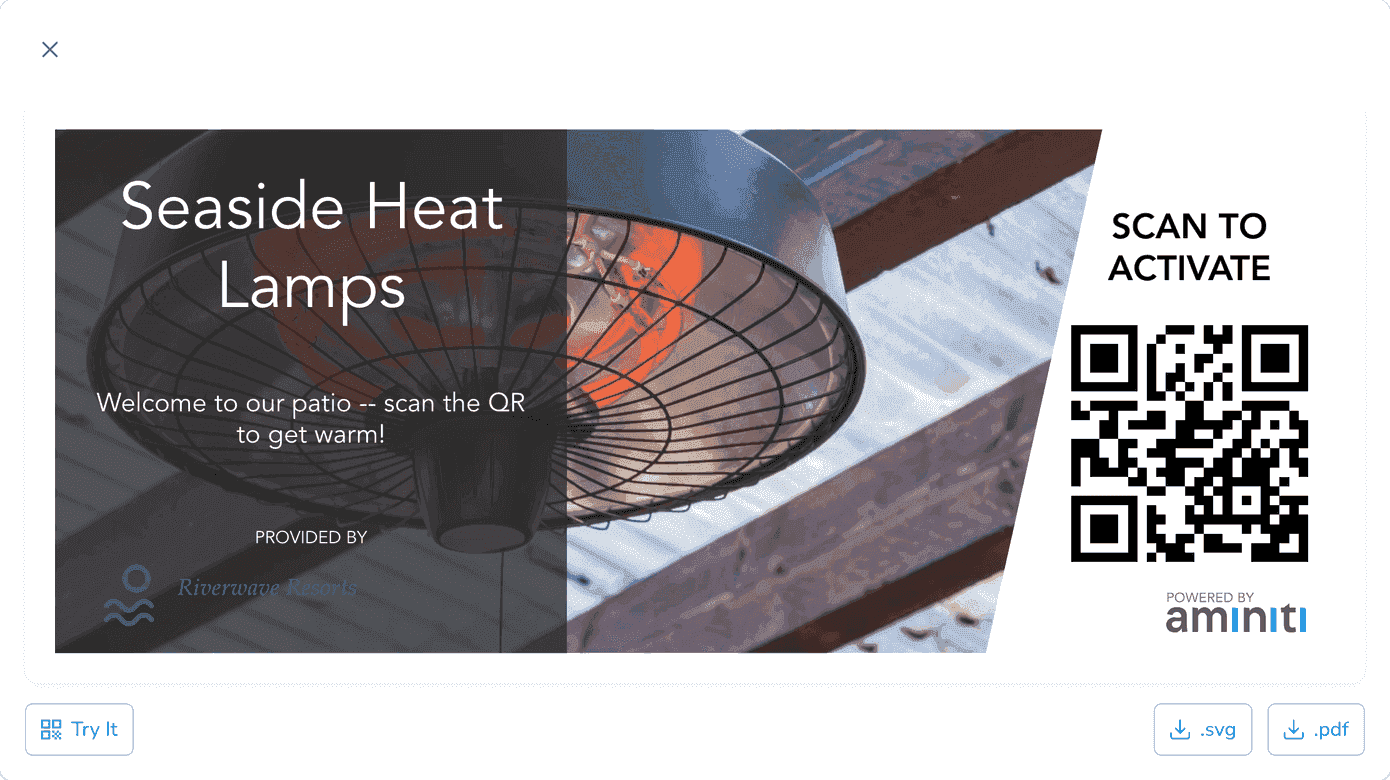
Use the Aminiti web app to create QR signage so guests can activate a heater with a scan.
- 3
Configure your station using the Aminiti app on the web or on your mobile device.
Flexible Pay-per-use
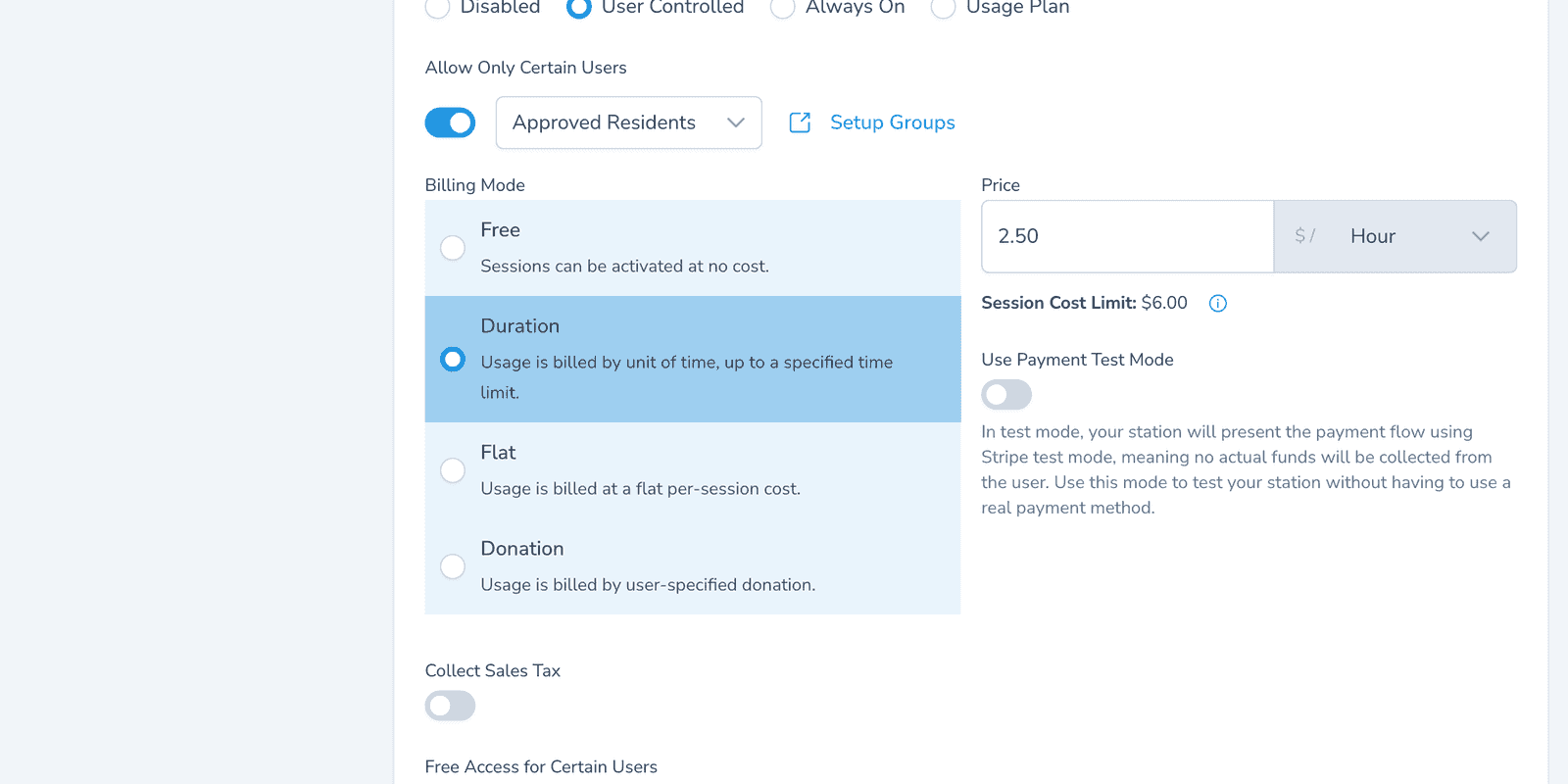
Set a per-session or per-minute price to recover the kilowatts heaters burn. Guests pay with Apple Pay, Google Pay, or credit card. Add Free Access for Certain Users for staff or VIP guests who shouldn't see a charge.
Forms & Waivers
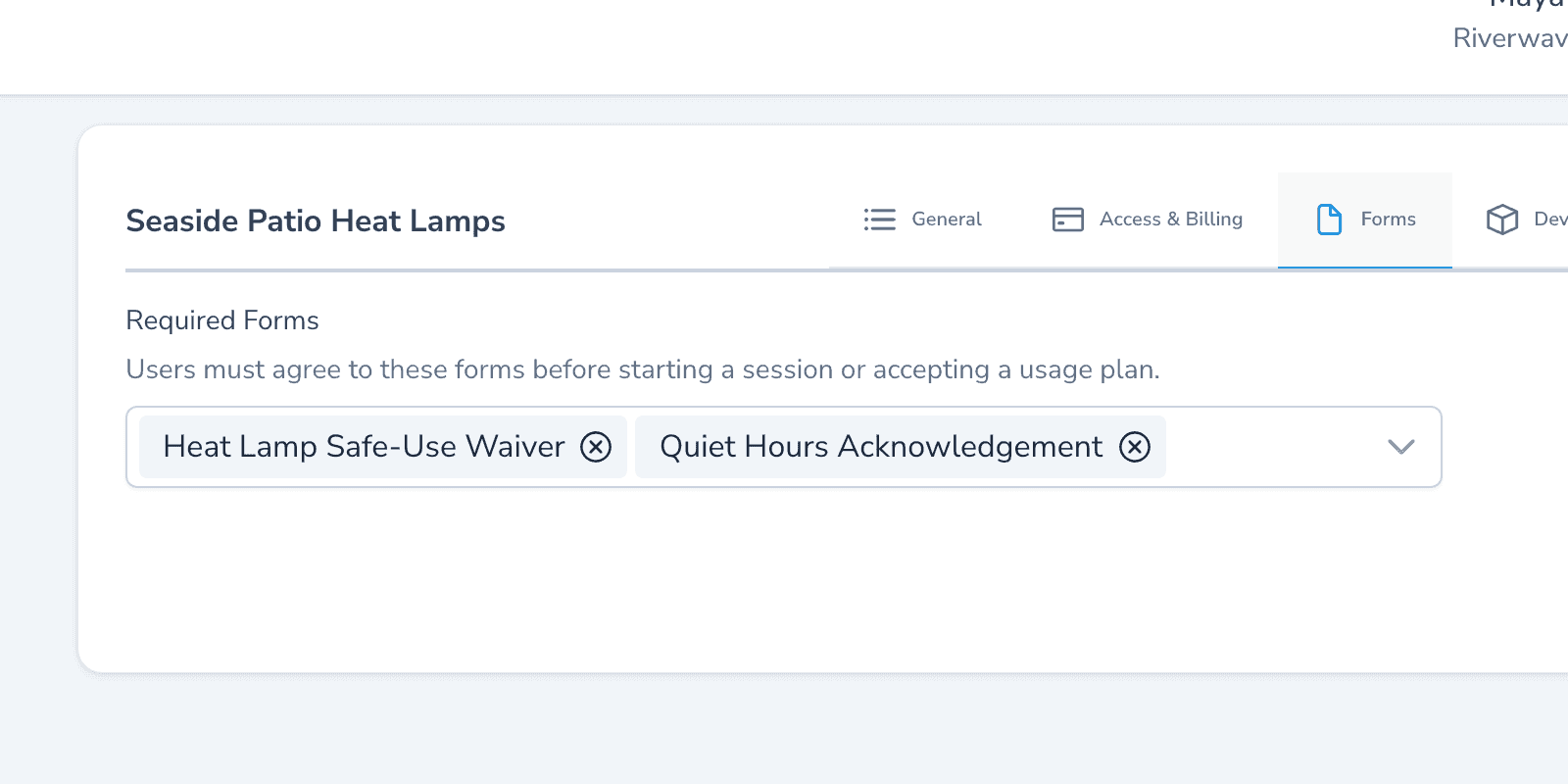
Require a quick safety acknowledgement — keep clearance from heater, no children unattended, alert staff if it tips — before activation. The signed timestamp goes into your session log.
Time Limits
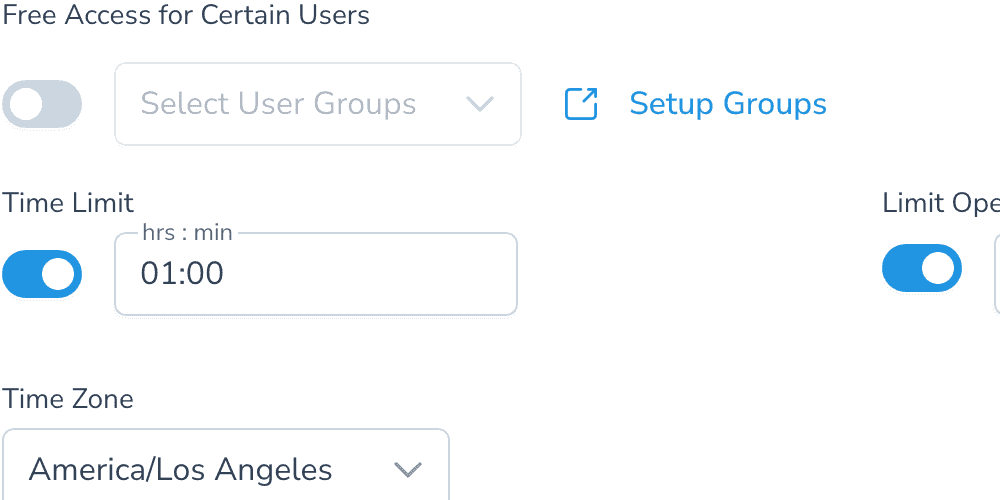
Cap session length so a forgotten heater doesn't run all night. Set a default of 60 or 90 minutes; guests can re-activate if they want more heat.
One app, many solutions
Manage access to all your amenities, with one app for your users and one portal for you. Explore more ways to use Aminiti on your property.
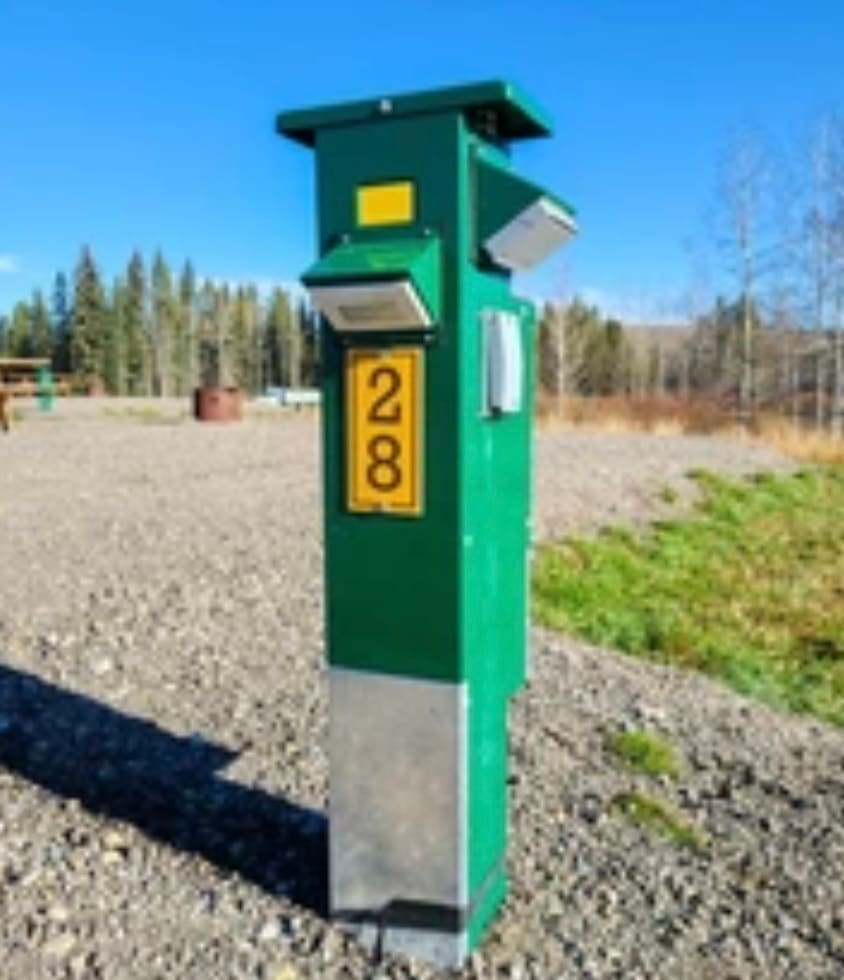
Recreational Facilities
Campsite Power & Water
Convenient, secure campsite power and water available only to registered guests.
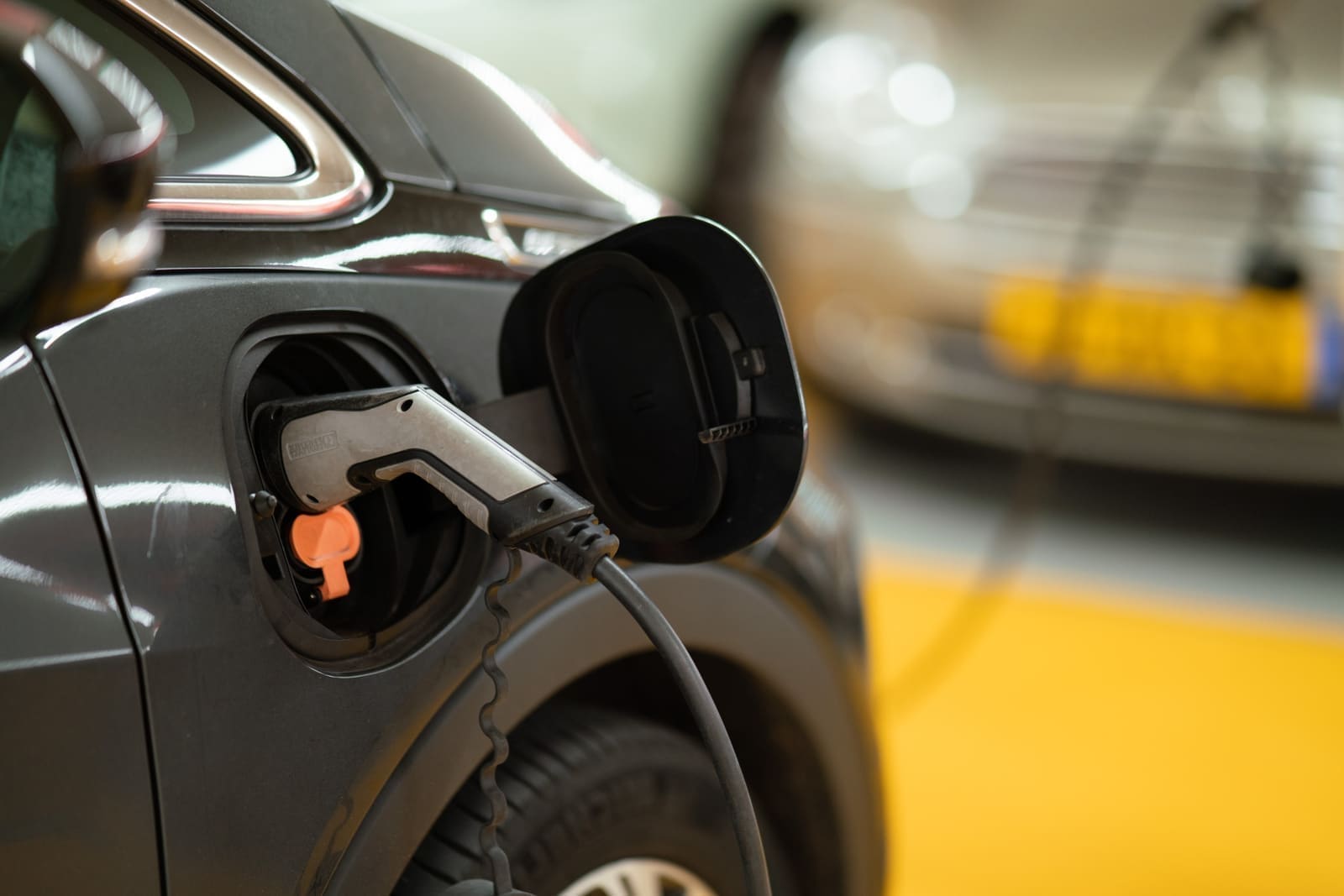
Recreational Facilities
EV Charging
Provide secure resident EV charging with full access control.
Recreational Facilities
E-Bike Charging
Safe charging for bikes only, preventing misuse of outlets everywhere.
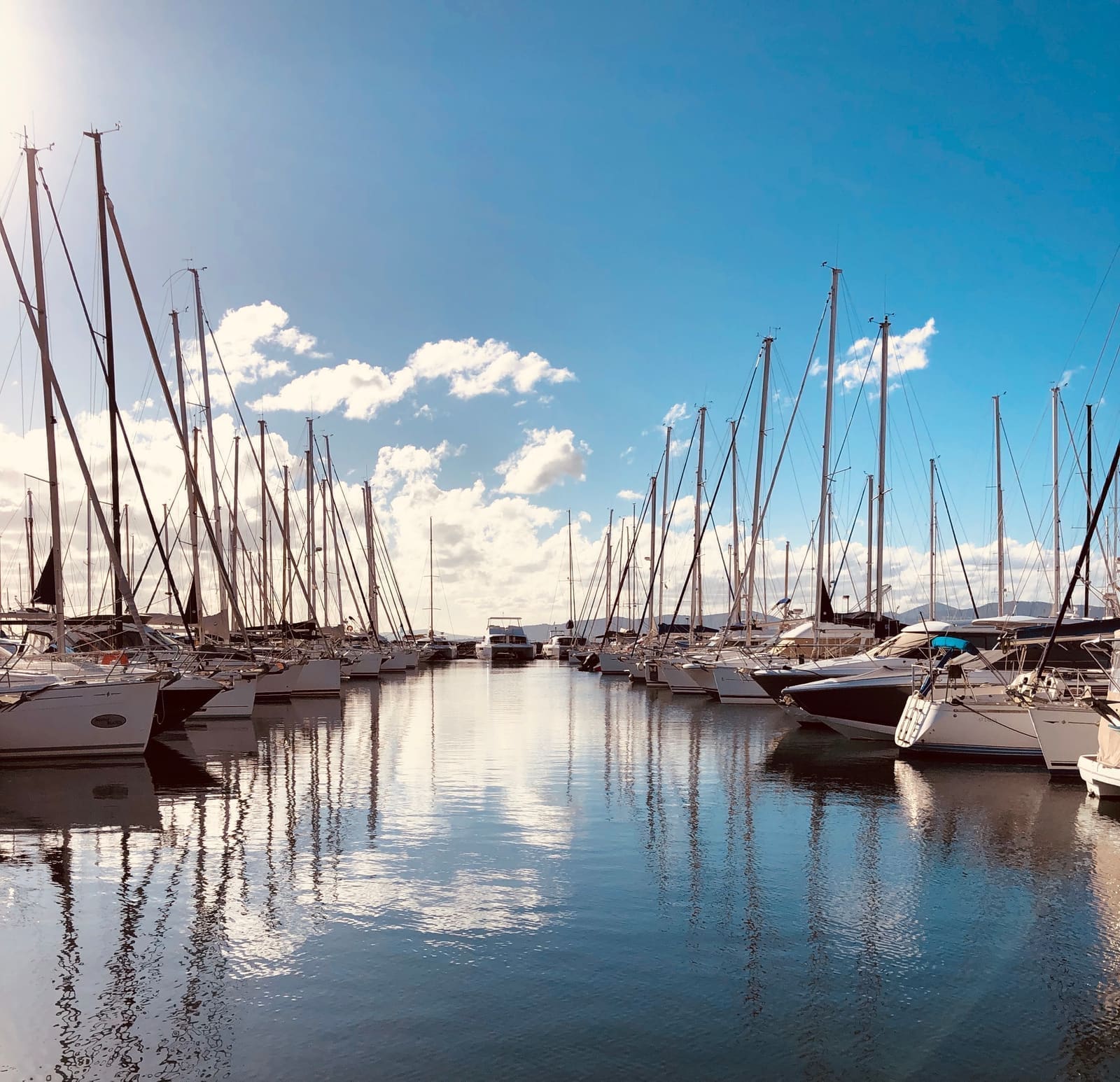
Recreational Facilities
Marina Shore Power
Authorize dockside power access, protecting slips and operator resources.
Recreational Facilities
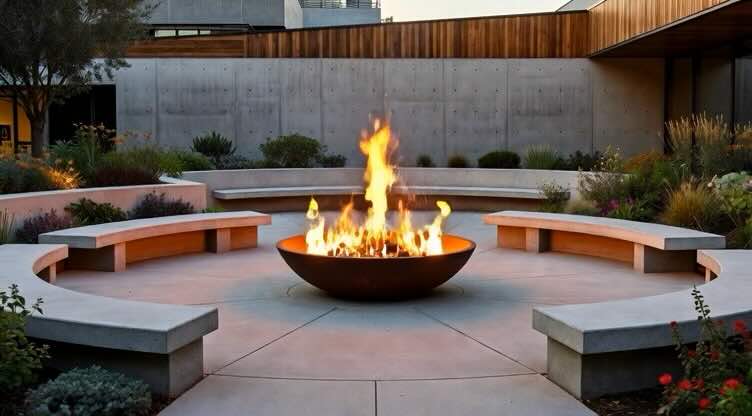
Firebowl
Authorized-only access to outdoor fire bowls and fire pits.
Recreational Facilities
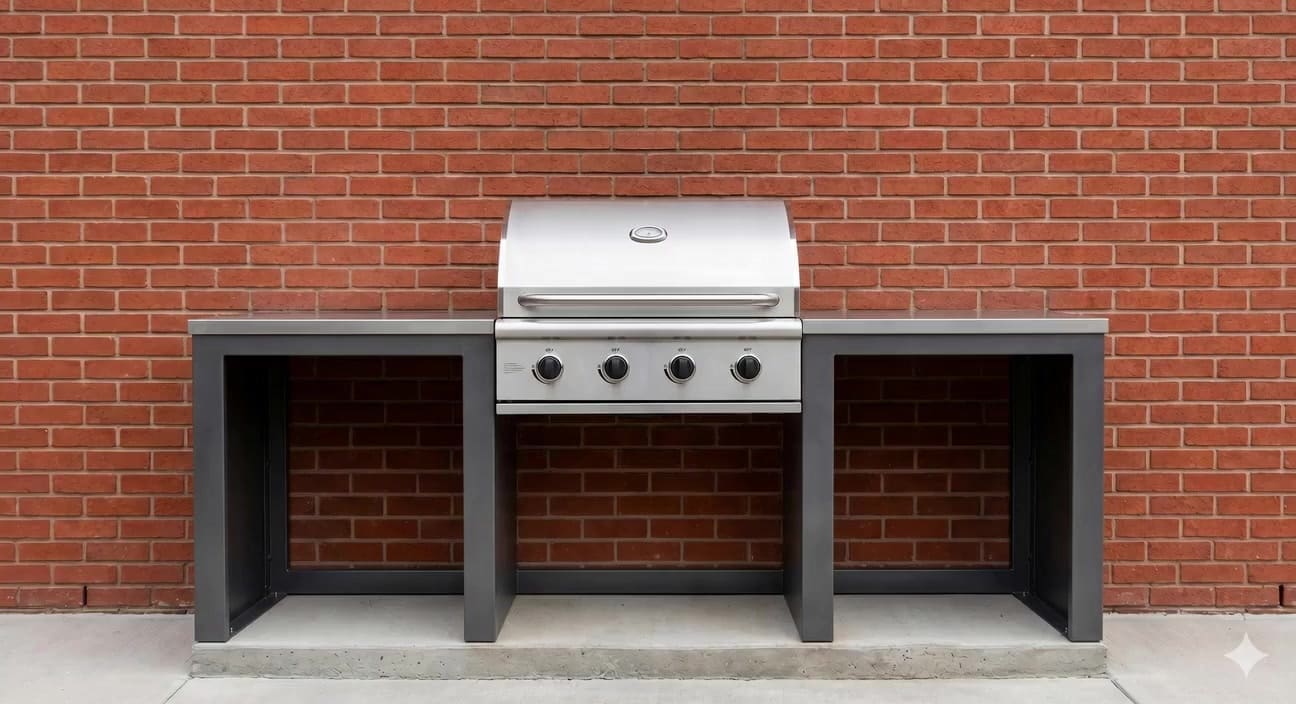
BBQ
Authorized-only grill access for shared barbecues.

Recreational Facilities
Special Event Power
Give performers and event organizers the power they need easily and efficiently.
Recreational Facilities
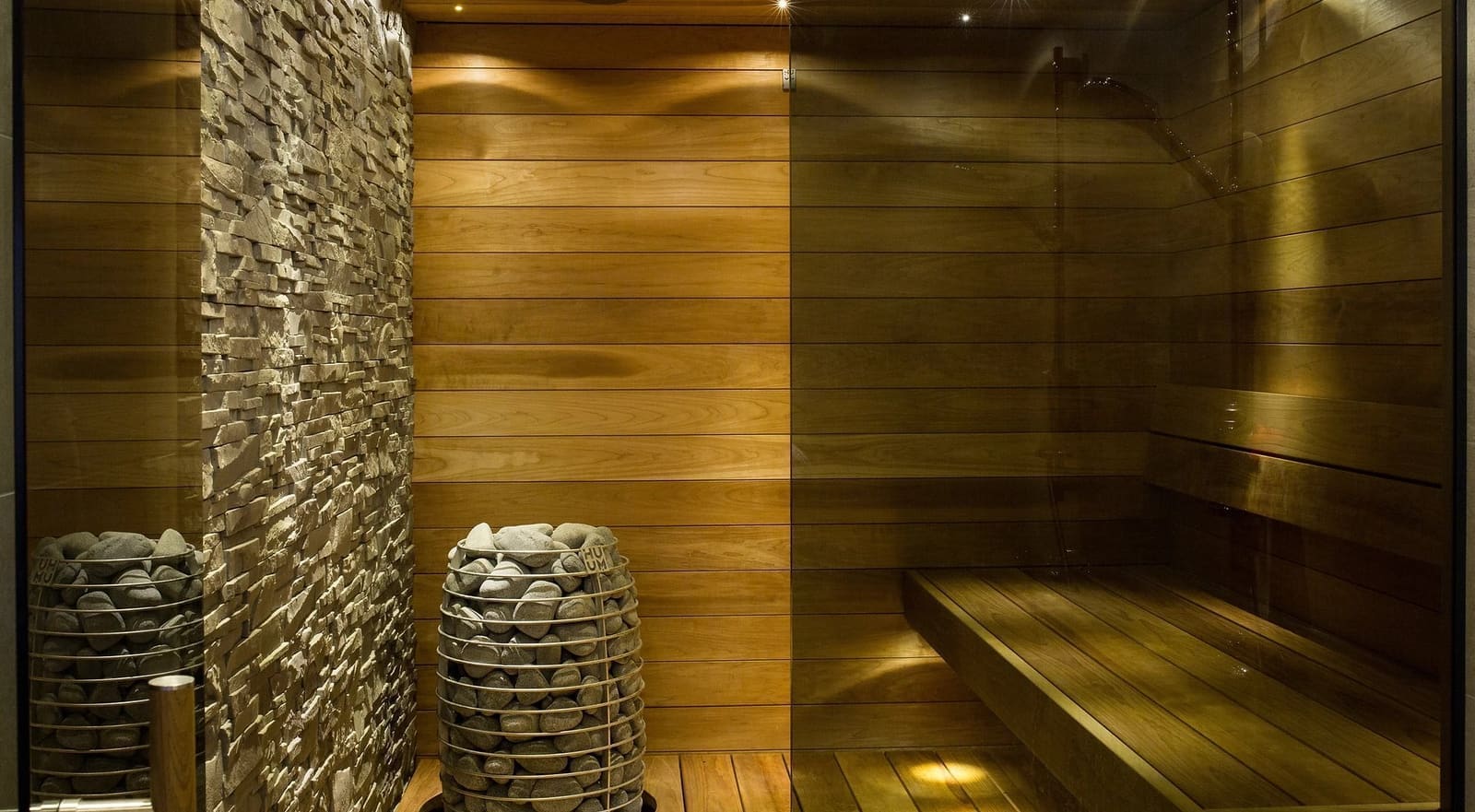
Fitness & Sauna
Restrict equipment to approved users, reducing risks and liabilities.

Recreational Facilities
Workshop & Power Tools
Ensure tools operate only for authorized, qualified workshop users.
Recreational Facilities
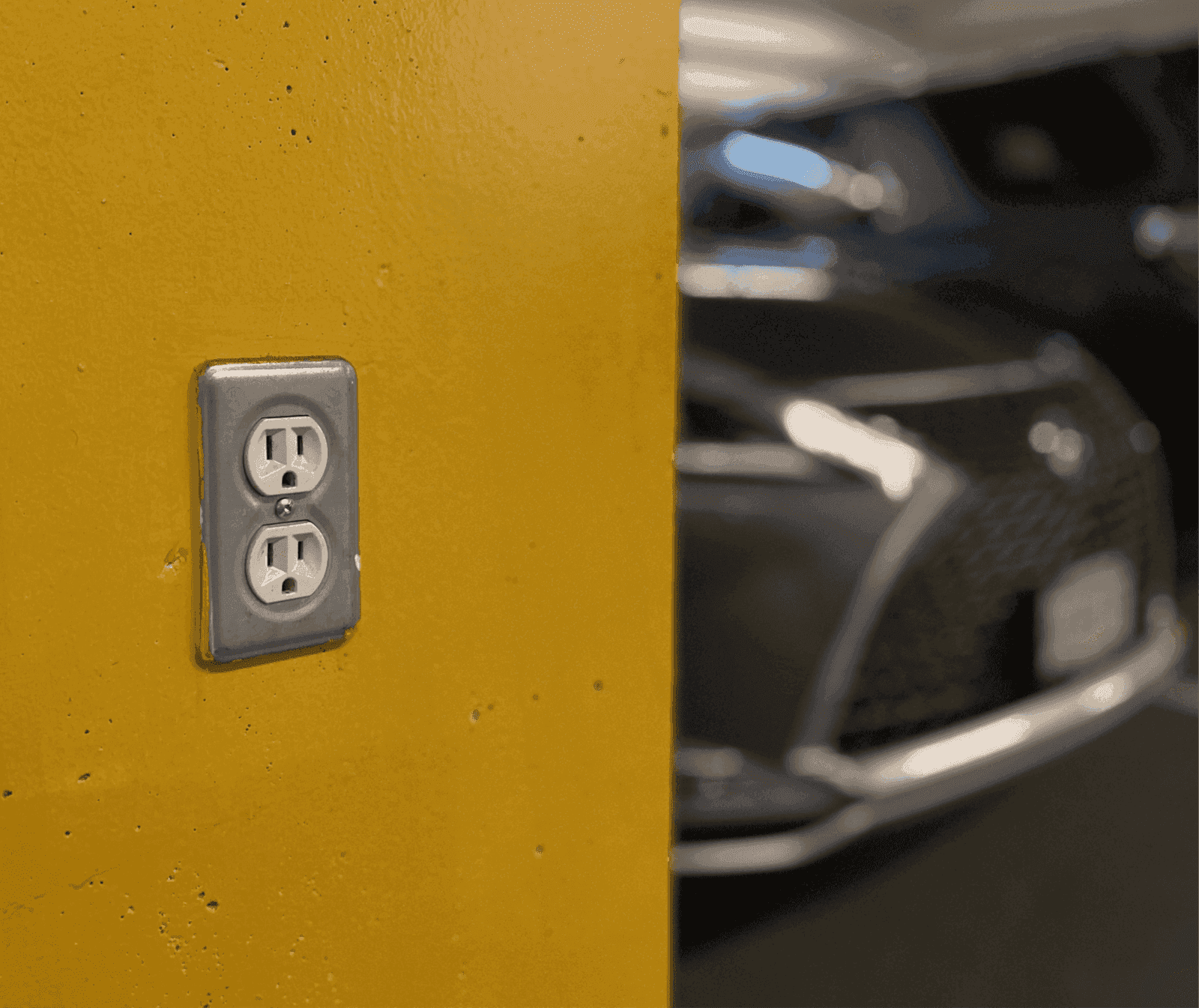
Utility Outlets
Secure outlets for staff, guests and contractors, eliminating keys, waste and misuse.