







Special Event Power
Give performers and event organizers the power they need easily and efficiently.
Grant access freely, stay in control
Grant approved performers and event crews access in a few taps, communicate the rules with forms and waivers, and run it all with zero staff overhead and no IT infrastructure.
Grant access to individual vendors or whole crews — approved people activate the outlet themselves, with no keys to hand out or collect.
Use forms and waivers to communicate the rules and capture agreement before power turns on.
Bring controlled power anywhere — no on-site staff, no network connection, and no IT infrastructure to stand up.
Grant vendor access, no IT required
Aminiti lets you grant access to individual performers or whole groups in a few taps — by email, passcode, or on-the-spot payment — and use forms and waivers to communicate the rules before anyone connects. There's no on-site staff and no IT infrastructure to maintain; you control every outlet from one management portal.
Features
How Aminiti helps
Authorized Use Only
Restrict access to approved users, staff, and community members. Aminiti devices hide away, with no outside keypads or controls to wear out or be vandalized.

Passcode Access
For streamlined access, issue passcodes that provide instant, secured access for casual users without requiring account creation, and no app download (iOS only).
Forms & Waivers
Require users to provide a signed acknowledgement, safety waiver, or custom form before a session can start. Protects you legally and communicates expectations to every user.
No Wi-Fi or IT Infrastructure
Devices communicate directly with users' smartphones using a secure 256-bit encryption protocol. Zero reliance on your network infrastructure, and zero added exposure to IT security risks.
Flexible Pay-per-use
Collect fees per session or by duration with Apple Pay, Google Pay, or most credit cards. Enable free access for staff or registered users.
More features you'll love
- Usage Plan Billing
- Scheduled Operation
- Realtime Oversight
- Time Limits


Hardware
Installation options
Aminiti is flexible — here are just a few ways to integrate our hardware
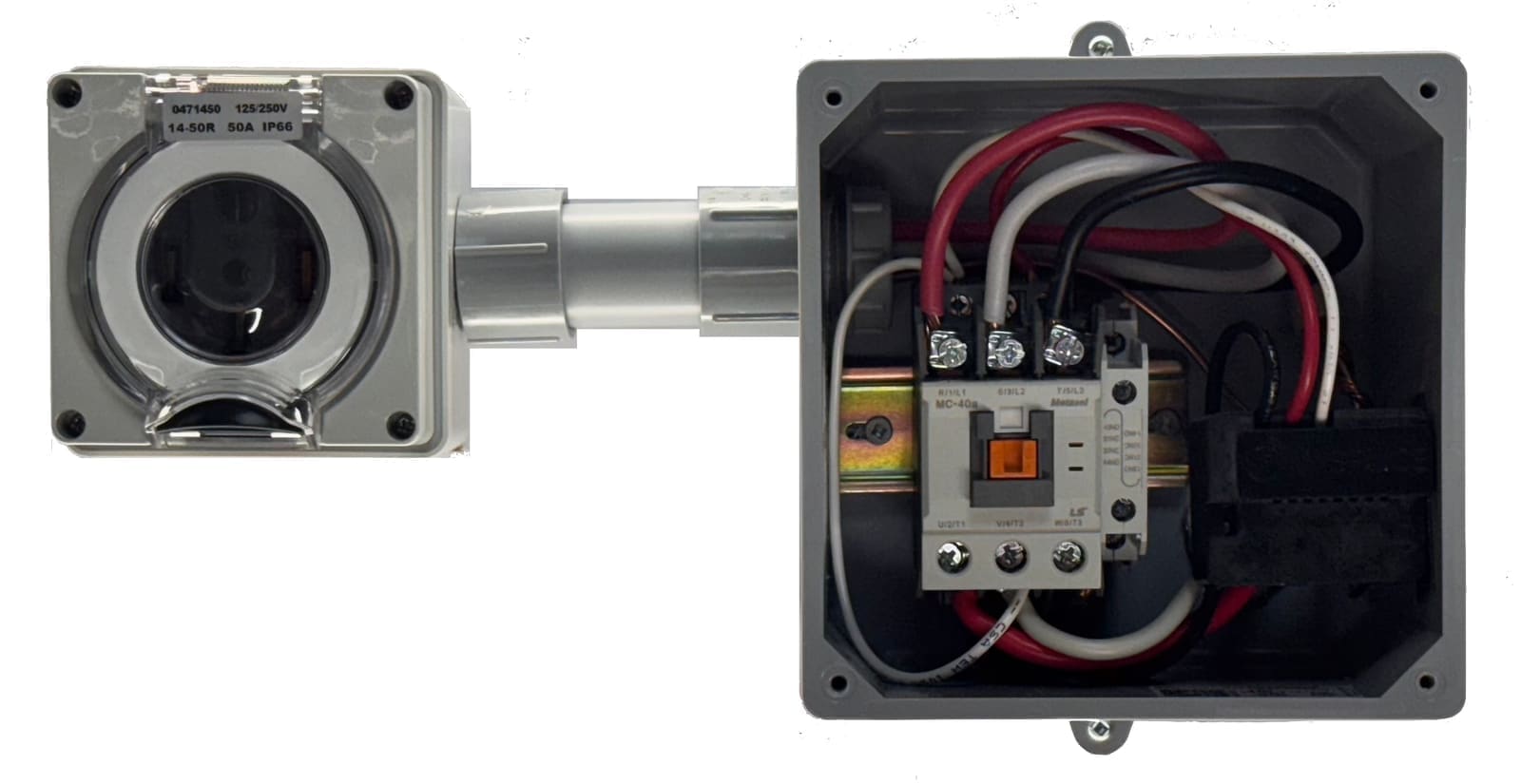
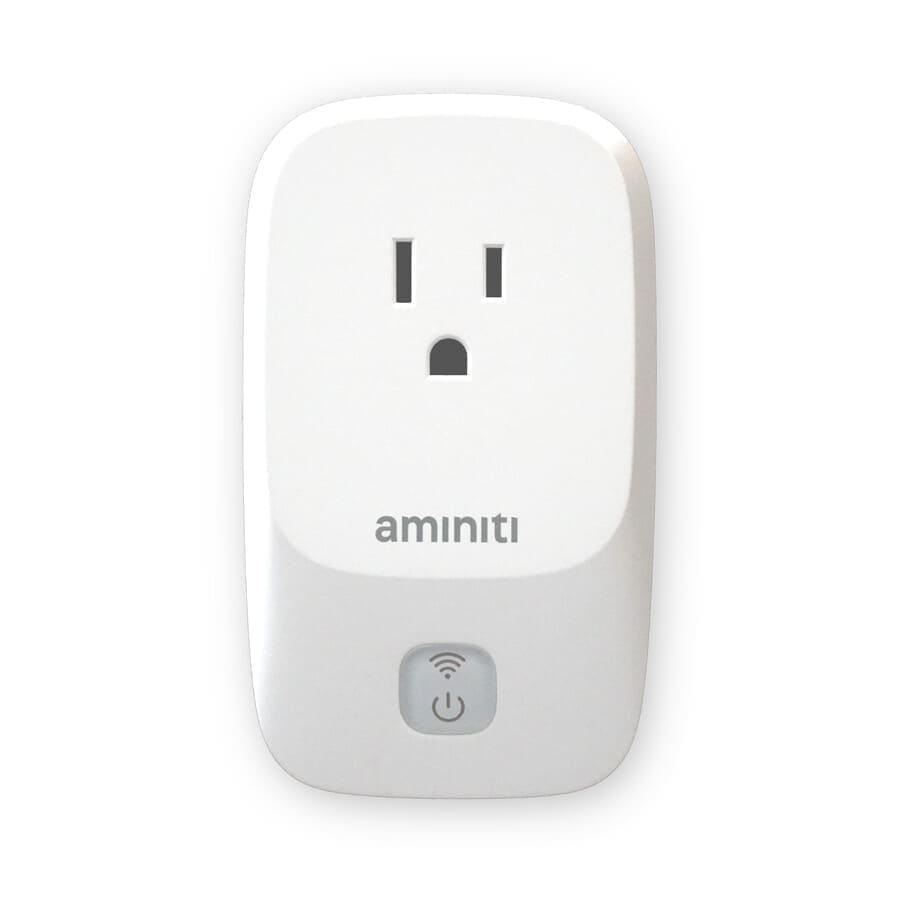
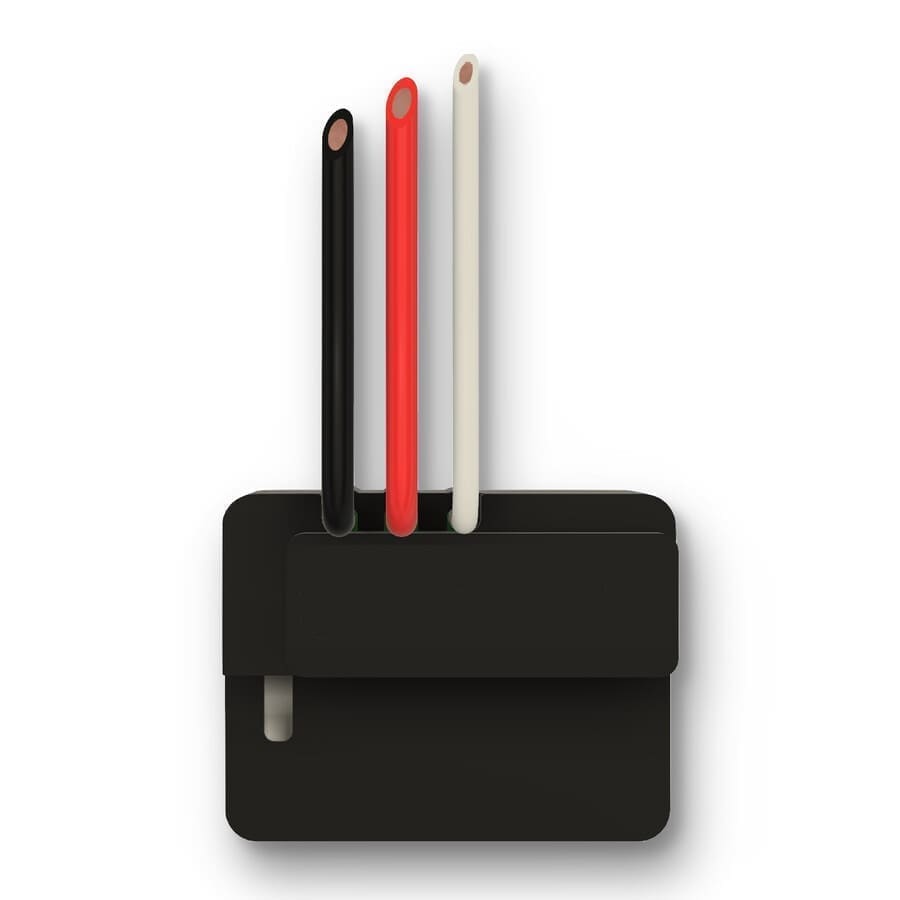
Use the Aminiti S16 inline relay to control power to existing outlets. For high-current split-phase or 3-phase outlets, use the Aminiti S16 to control a contactor relay.
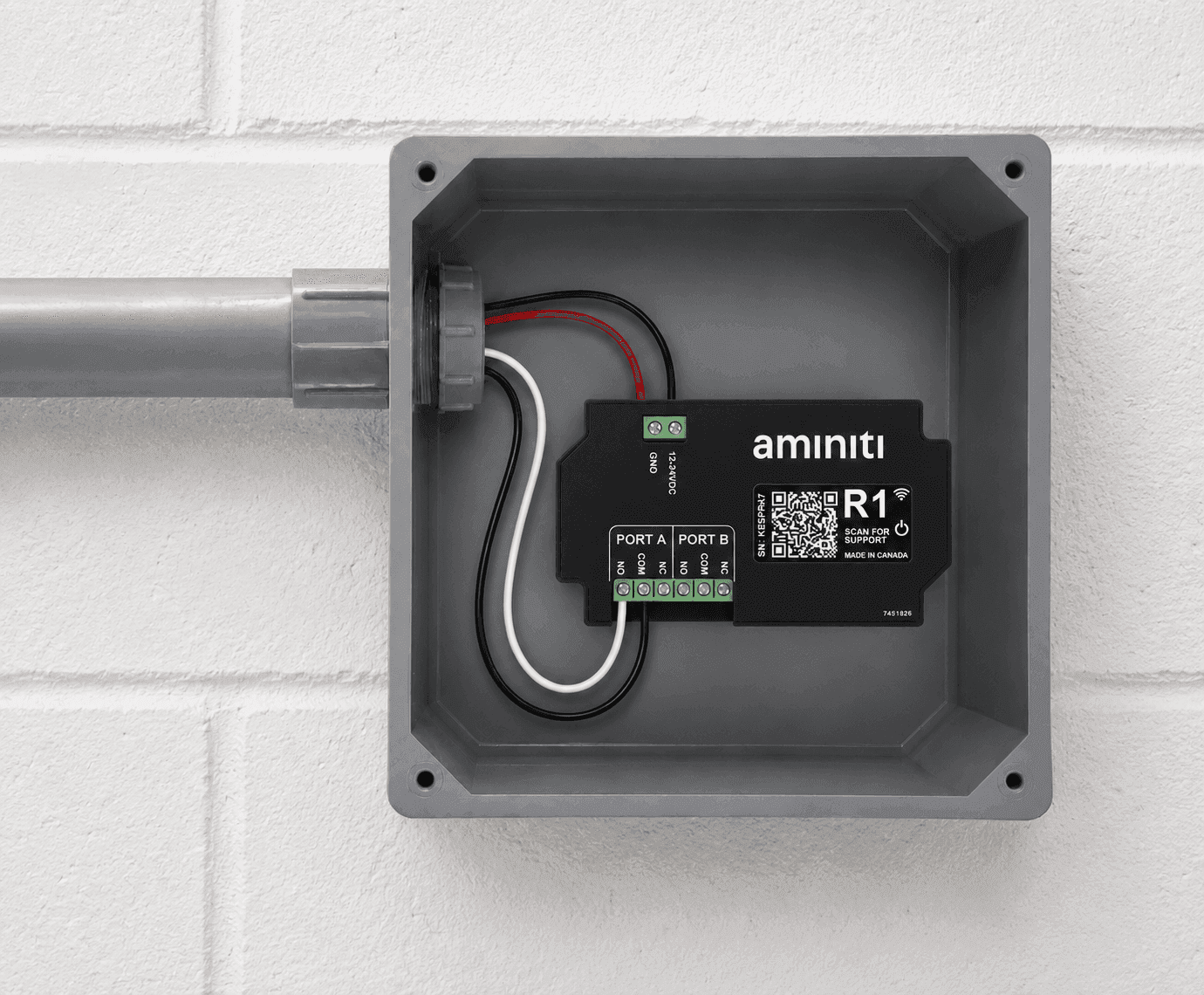
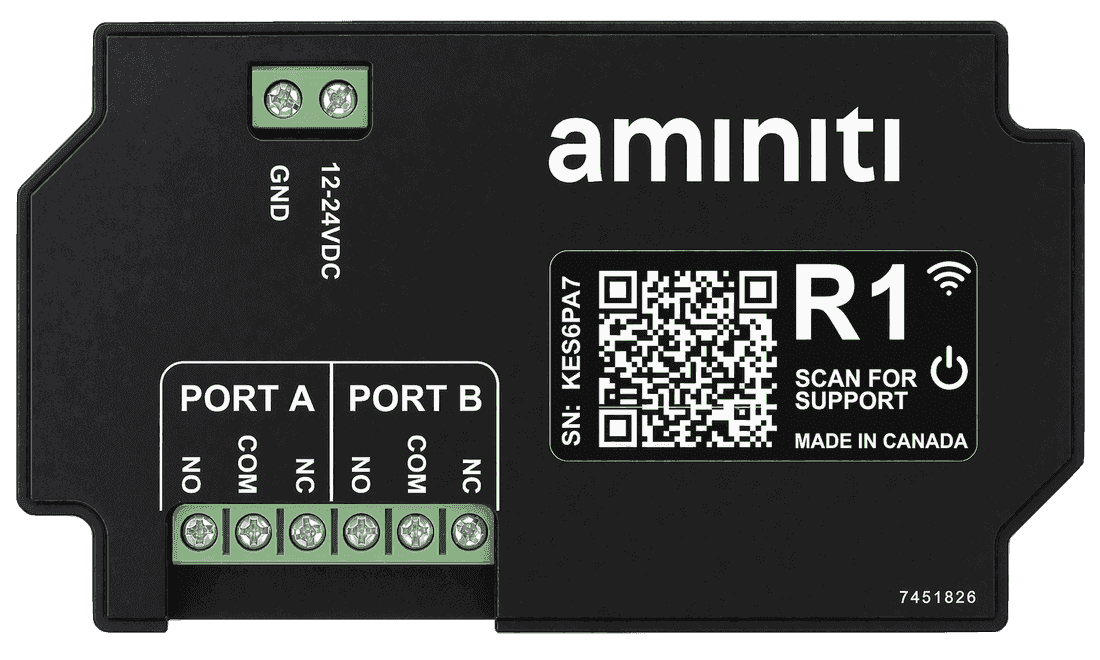
Keep outlets inside a secured enclosure or pedestal and let the R1 low-voltage relay control a solenoid latch on the door. Ideal where you want to protect the outlet itself rather than switch power inline.
Get started
Implementation
- 1
Install an Aminiti device in-line with each outlet you wish to protect.
- 2
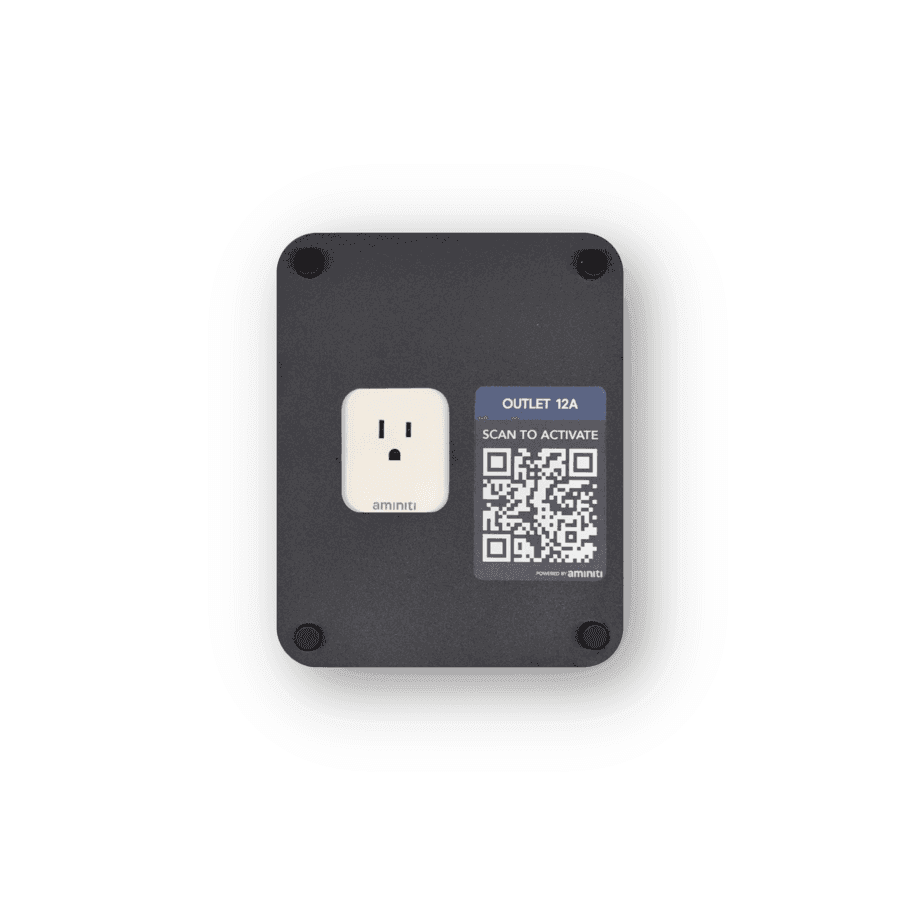
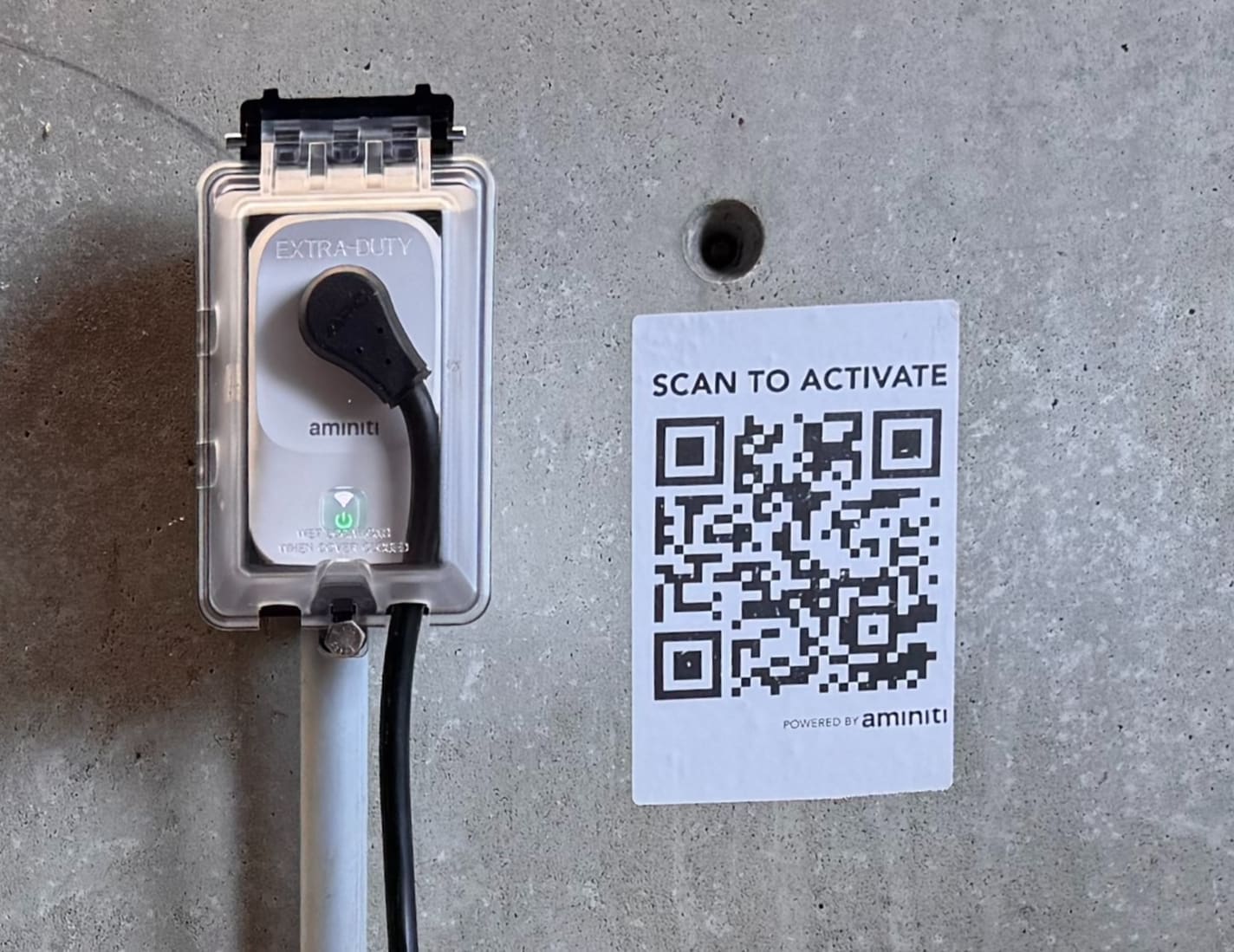
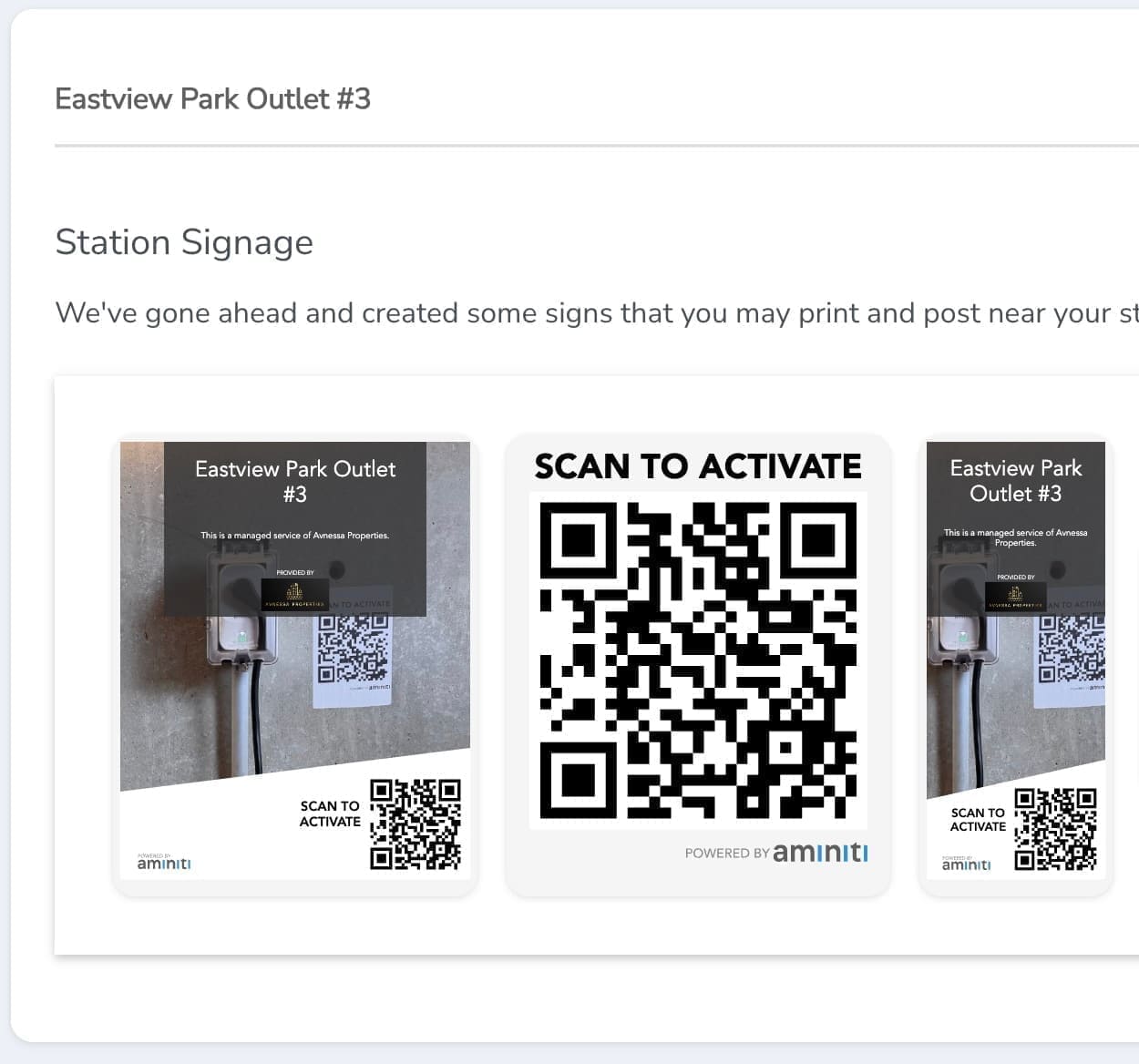
Use the Aminiti web app to create QR signage to enable users to activate the outlet. (Your users can still use the Aminiti app to activate the outlet without a QR code.)
- 3
Configure each outlet for "Allow Only Certain Users". Choose "Setup Groups" to add user email addresses. Added users will receive an invitation to create an Aminiti account, and from then on will have access to the outlet until you revoke it.
One app, many solutions
Manage access to all your amenities, with one app for your users and one portal for you. Explore more ways to use Aminiti on your property.
Recreational Facilities
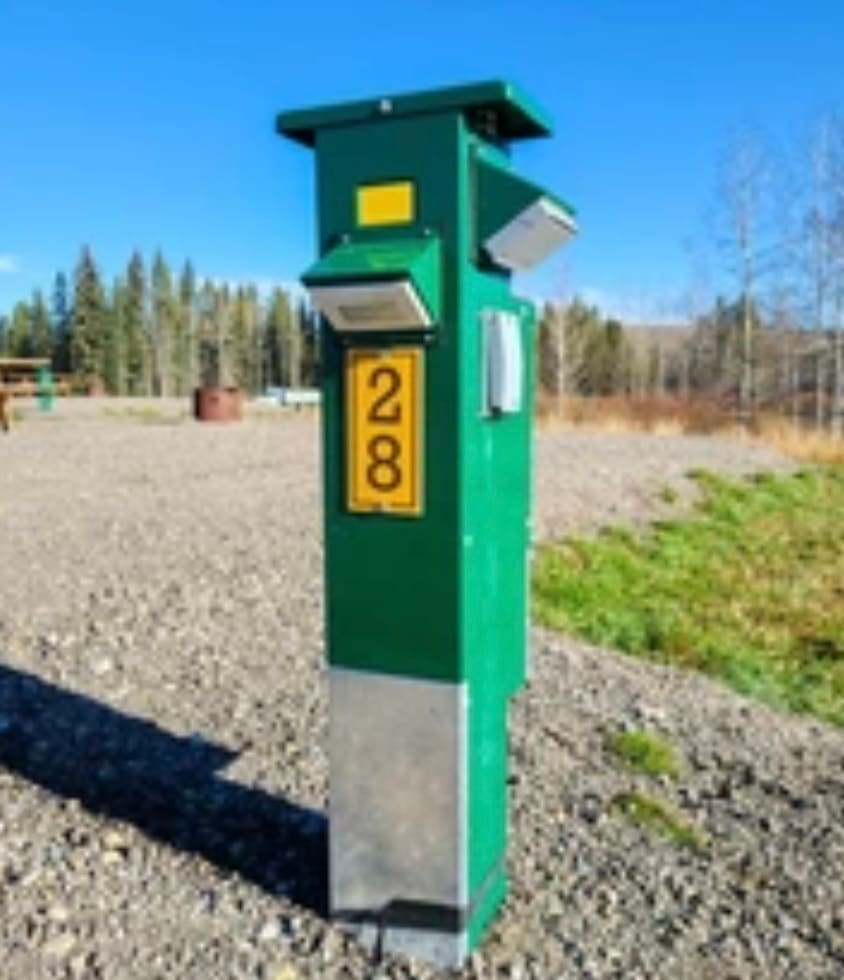
Campsite Power & Water
Convenient, secure campsite power and water available only to registered guests.

Recreational Facilities
EV Charging
Provide secure resident EV charging with full access control.

Recreational Facilities
E-Bike Charging
Safe charging for bikes only, preventing misuse of outlets everywhere.
Recreational Facilities
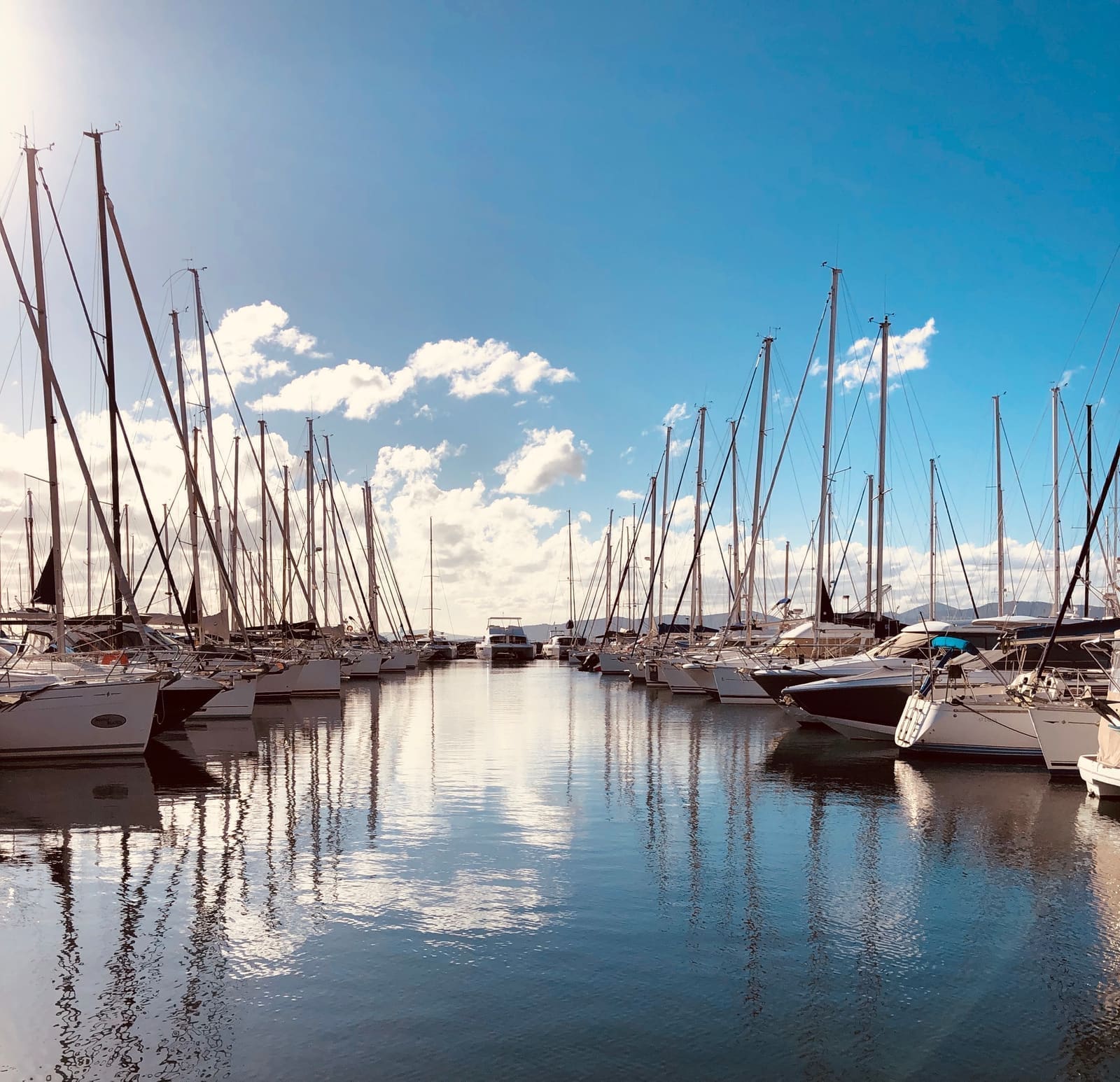
Marina Shore Power
Authorize dockside power access, protecting slips and operator resources.

Recreational Facilities
Firebowl
Authorized-only access to outdoor fire bowls and fire pits.

Recreational Facilities
Heat Lamp
Manage shared patio heating amenities for safety, energy savings, and accountability.

Recreational Facilities
BBQ
Authorized-only grill access for shared barbecues.
Recreational Facilities
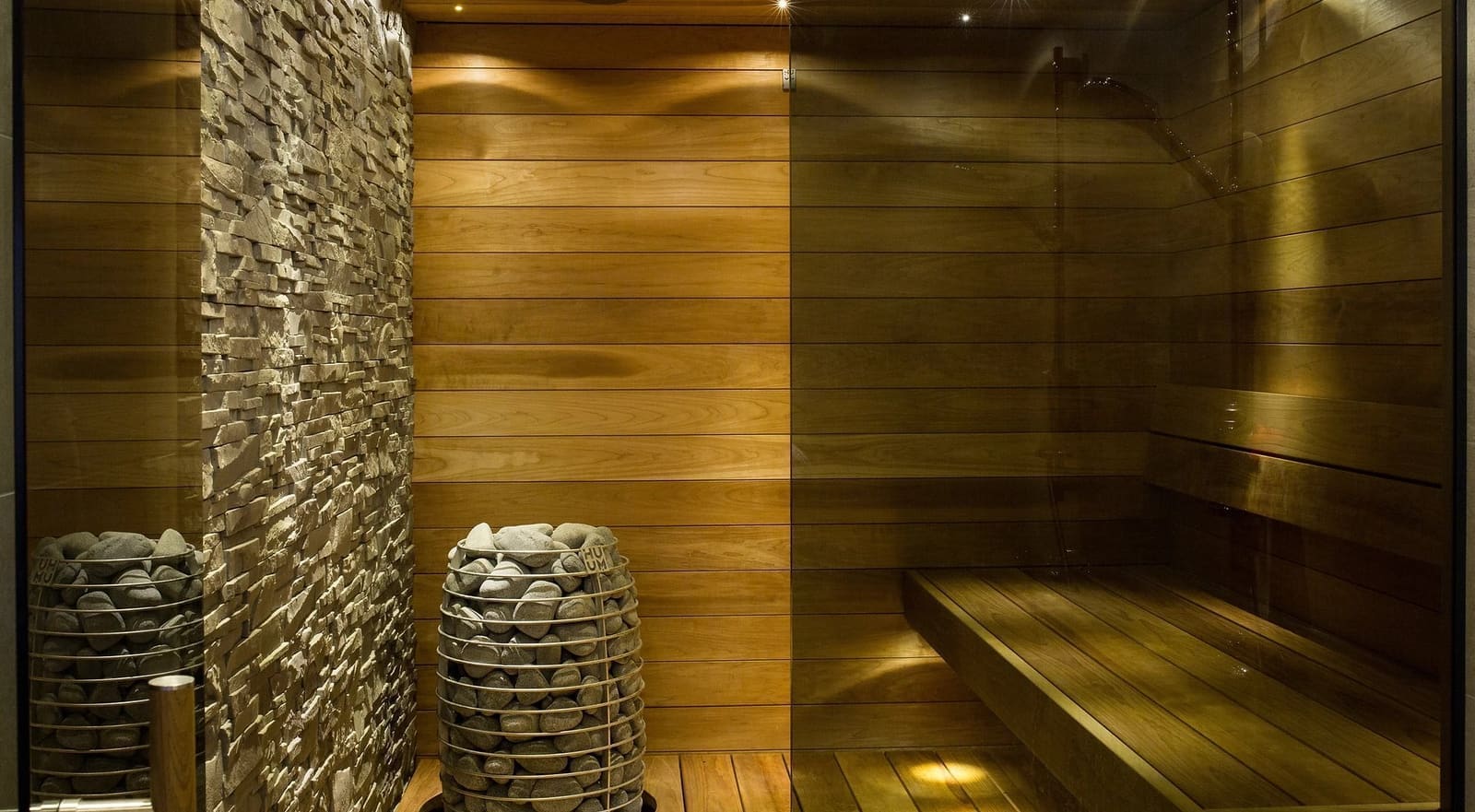
Fitness & Sauna
Restrict equipment to approved users, reducing risks and liabilities.

Recreational Facilities
Workshop & Power Tools
Ensure tools operate only for authorized, qualified workshop users.
Recreational Facilities
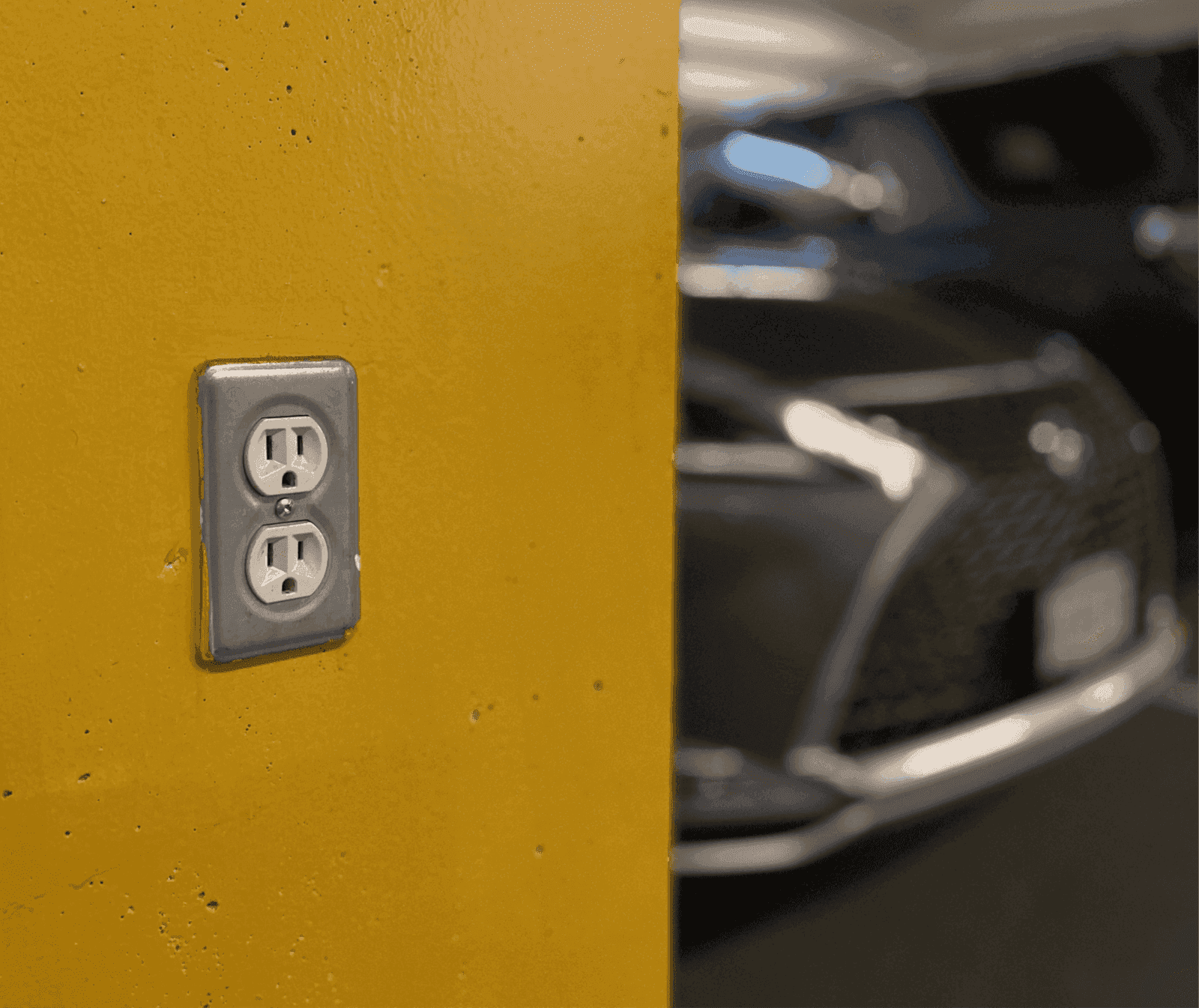
Utility Outlets
Secure outlets for staff, guests and contractors, eliminating keys, waste and misuse.