






Municipal
Create forms that tame fire.
Authorized-only access to outdoor fire bowls and fire pits.
Provide fire. With guardrails.
Outdoor fire pits are an experience guests remember. Aminiti makes sure the experience is safe, supervised, and only for the right people.
Restrict access to tenants, members, or registered guests.
Require a signed waiver on safe use before activation.
Impose time limits and operating hours so fires don't run unattended.
Flame, gated by Aminiti
Aminiti can activate and deactivate an approved flame controller at the firebowl — either by switching 120VAC to a plug-in or wire-in unit, or by providing a low-voltage enable signal (dry contact or 12/24VDC) to typical commercial firebowl appliances. This allows you to add Aminiti's rich suite of user access control, billing, and other management features to your existing and planned fire amenities.
Features
How Aminiti helps
Flexible Pay-per-use
Collect fees per session or by duration with Apple Pay, Google Pay, or most credit cards. Enable free access for staff or registered users.
Authorized Use Only
Restrict access to approved users, staff, and community members. Aminiti devices hide away, with no outside keypads or controls to wear out or be vandalized.
Forms & Waivers
Require users to provide a signed acknowledgement, safety waiver, or custom form before a session can start. Protects you legally and communicates expectations to every user.

Passcode Access
For streamlined access, issue passcodes that provide instant, secured access for casual users without requiring account creation, and no app download (iOS only).

Time Limits
Cap session duration so equipment doesn't get left on, reducing waste and unauthorized use.
Scheduled Operation
Make equipment available during approved hours only. Reduce noise complaints, misuse, and liability.
Hardware
Installation options
Aminiti is flexible — here are just a few ways to integrate our hardware
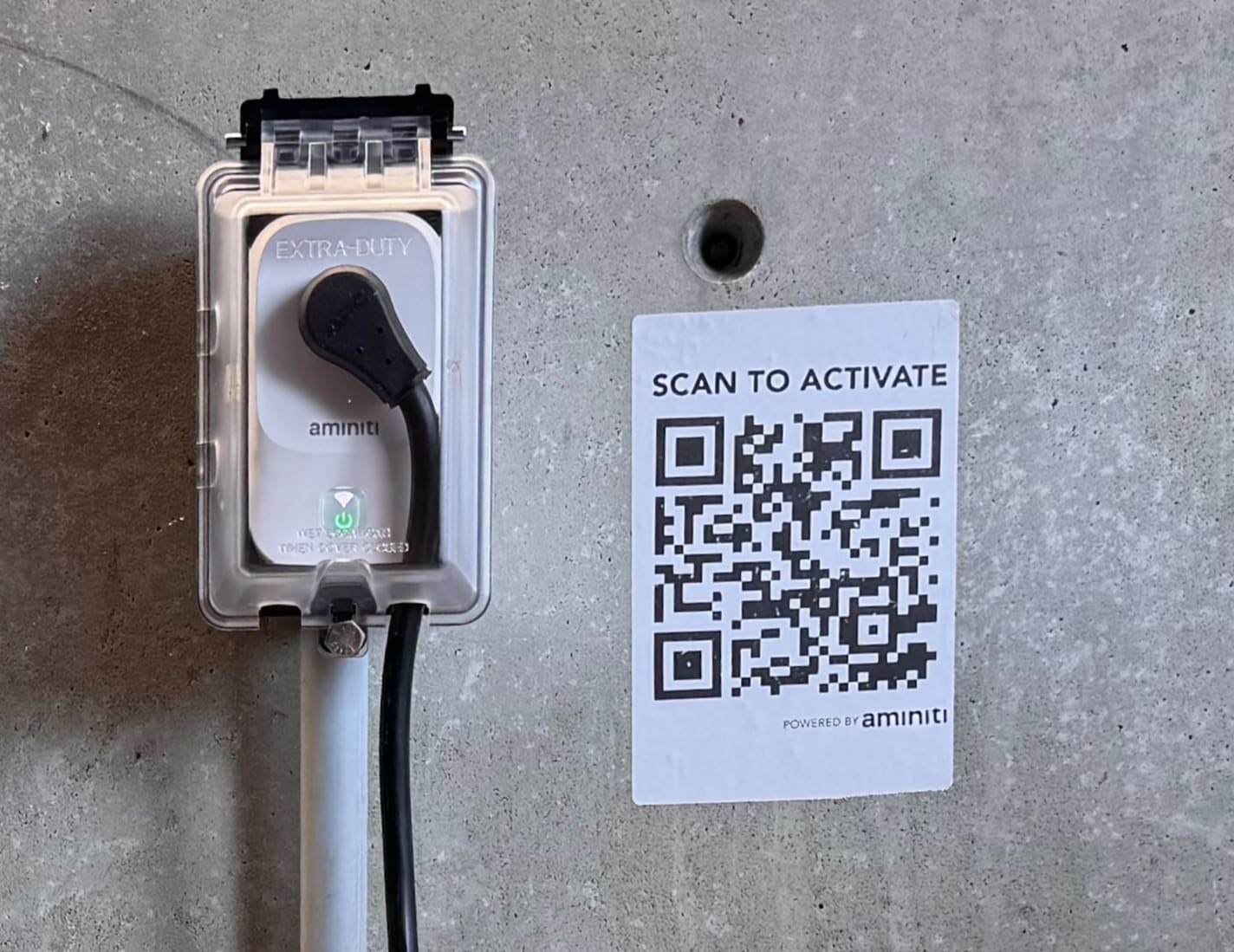
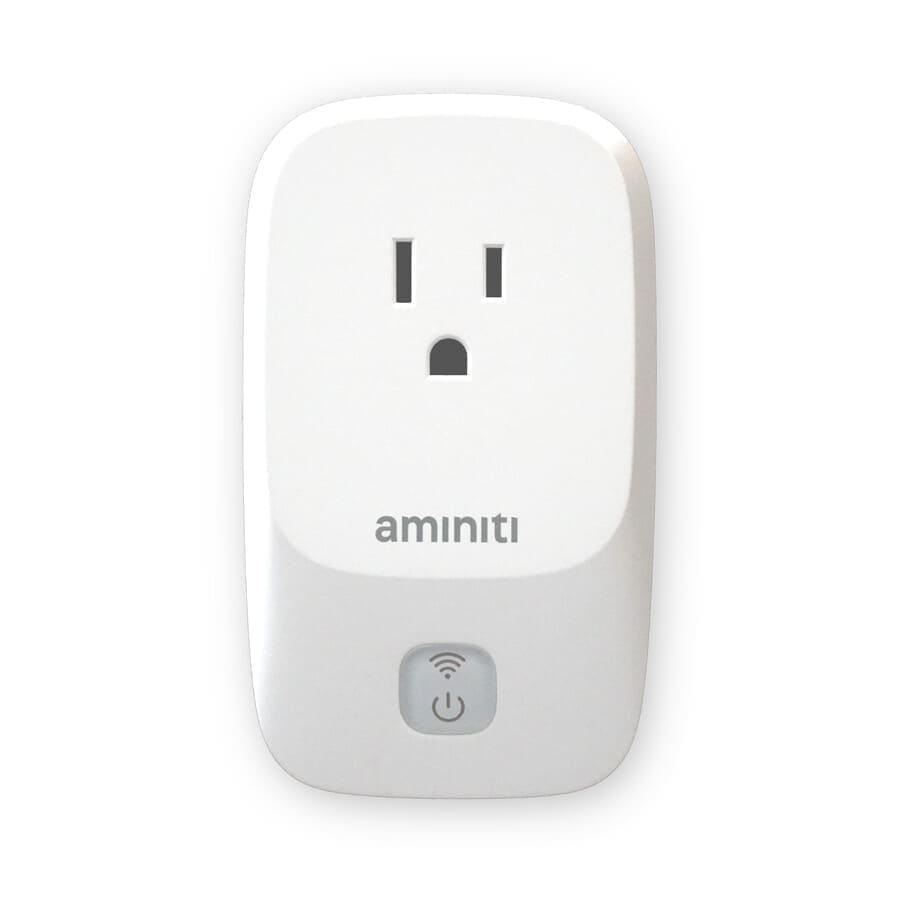
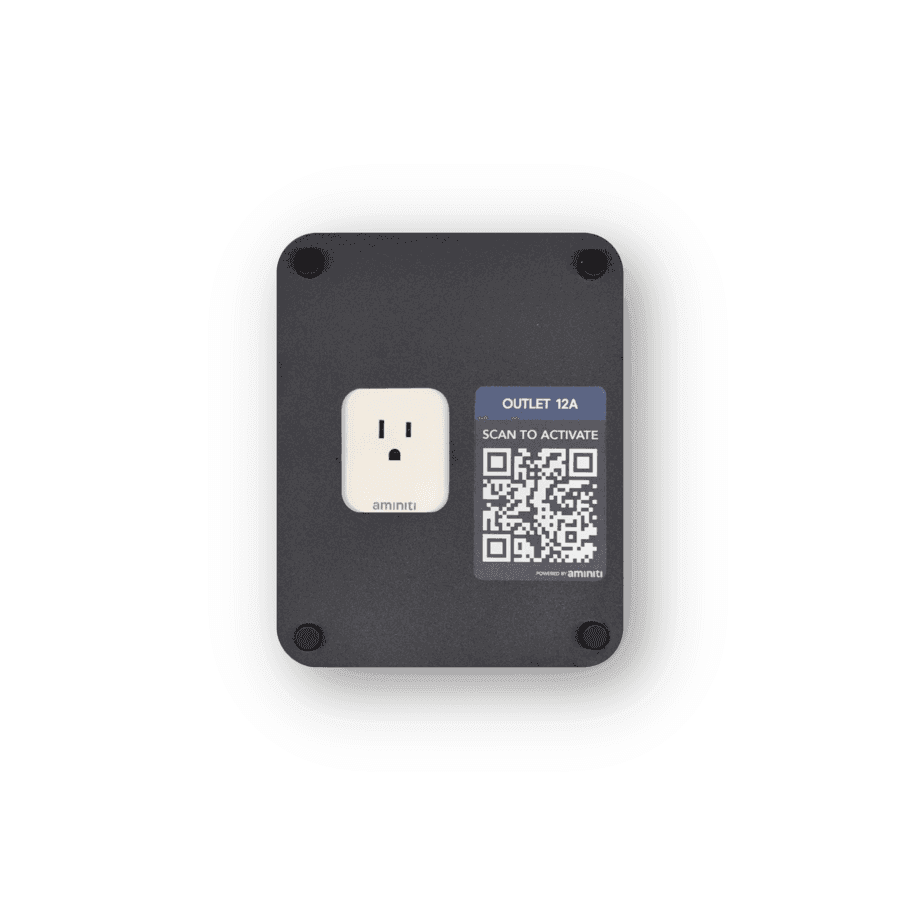
For plug-in flame controllers, plug the controller into a Q16 module housed in a secure enclosure near the firebowl. The Q16 switches 120VAC to arm or disable the controller per session.
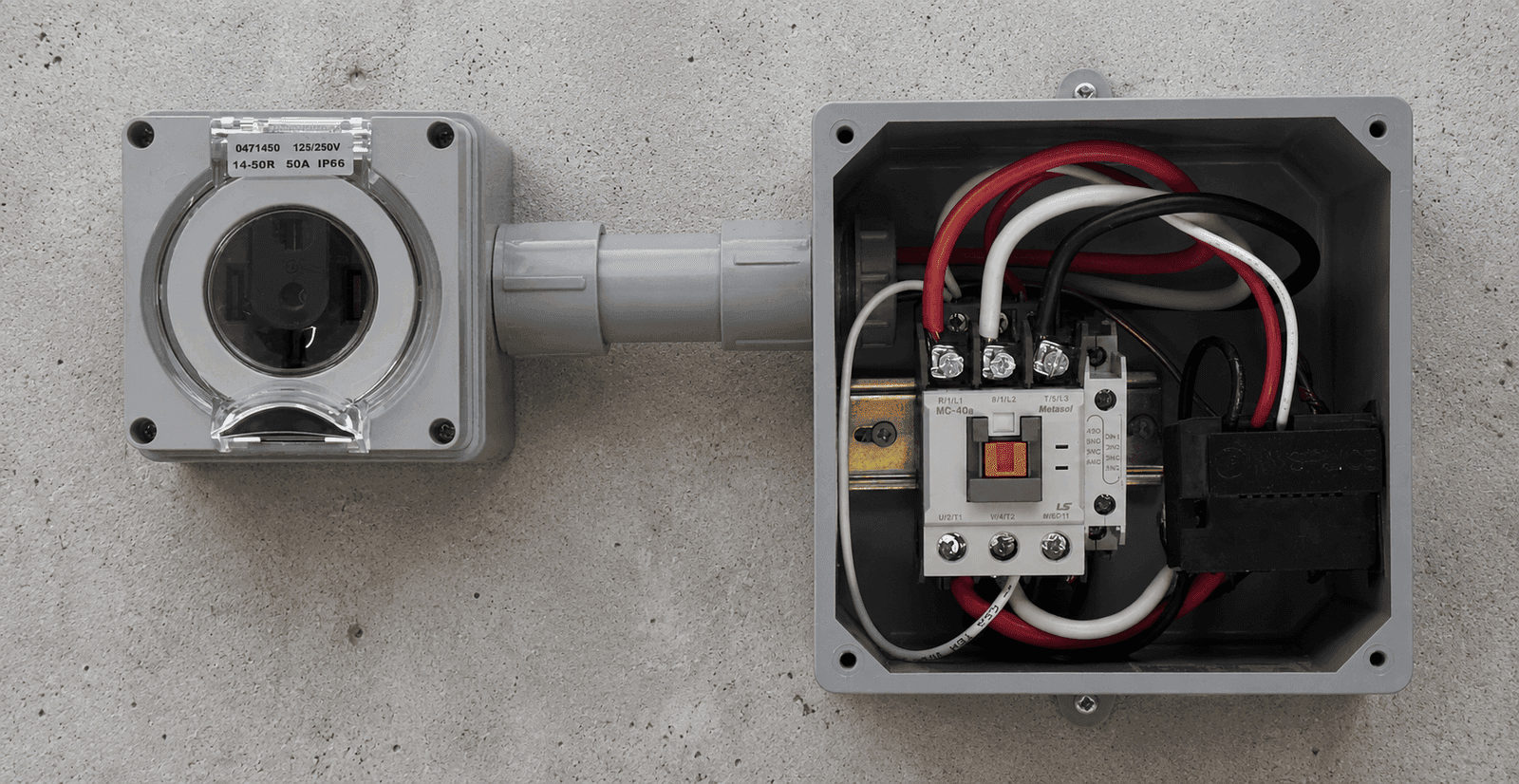
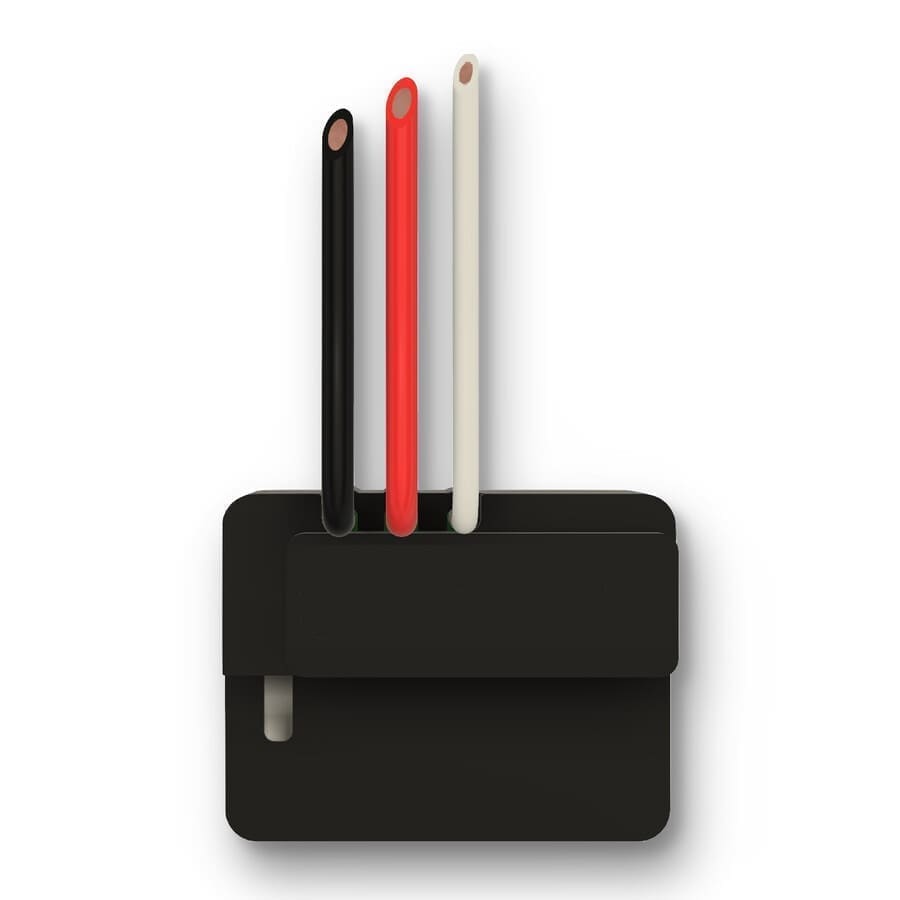
For hardwired flame controllers, use an S16 wire-in module to switch 120VAC line power to the controller. A licensed electrician performs the wiring.
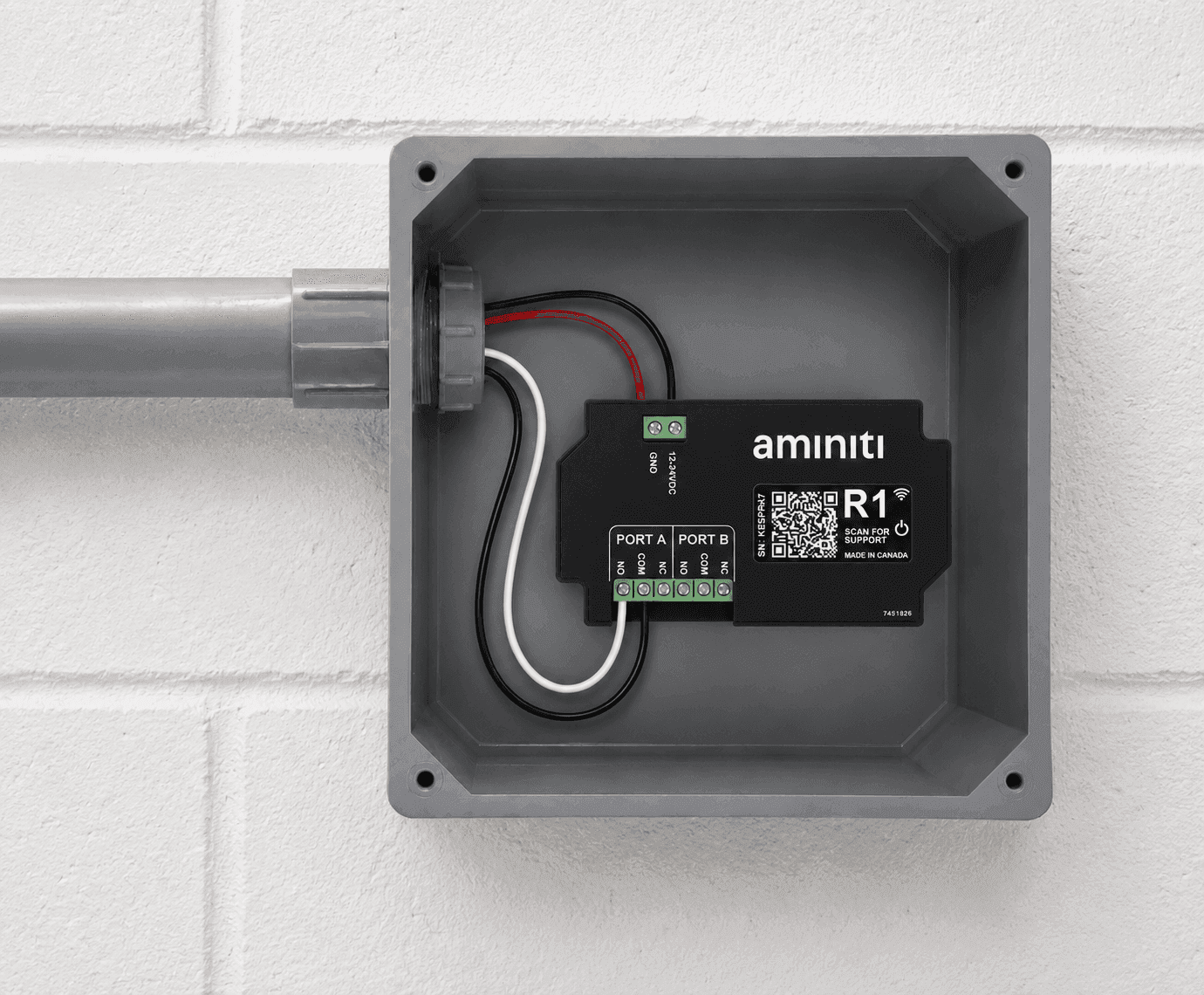
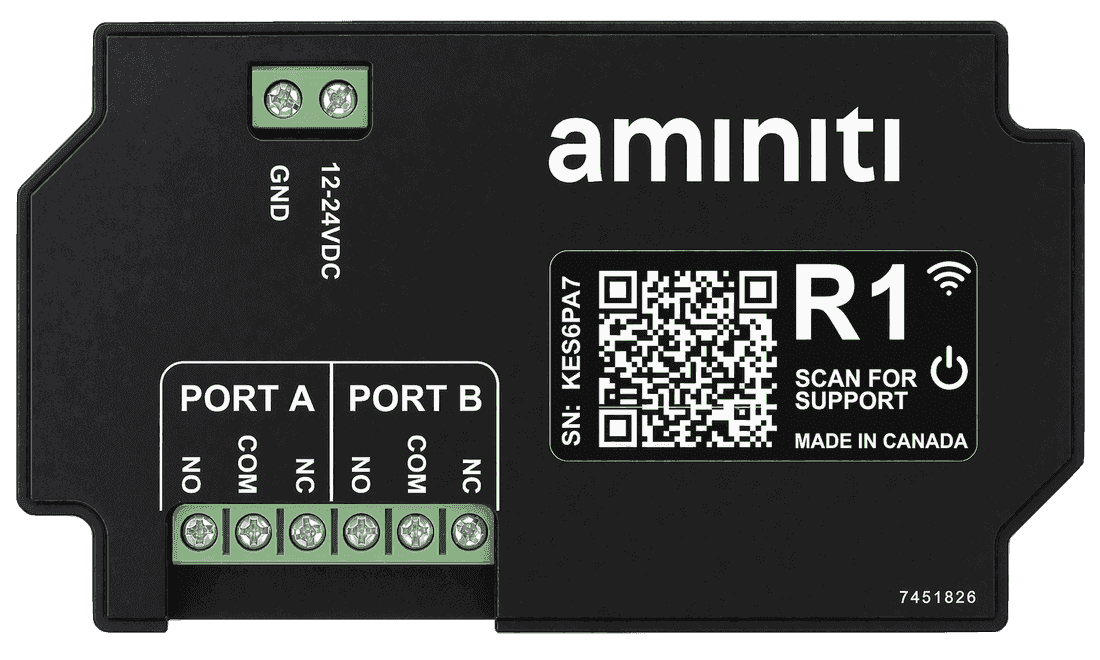
For controllers with an external enable input, an R1 provides a dry contact or 12/24VDC signal to arm or disable the controller — no changes to the gas-side plumbing.
Any installation or modification of gas valves or equipment must be performed by a licensed contractor using equipment certified for your jurisdiction. Contact us and we'll help connect you to a professional who can help.
Get started
Implementation
- 1
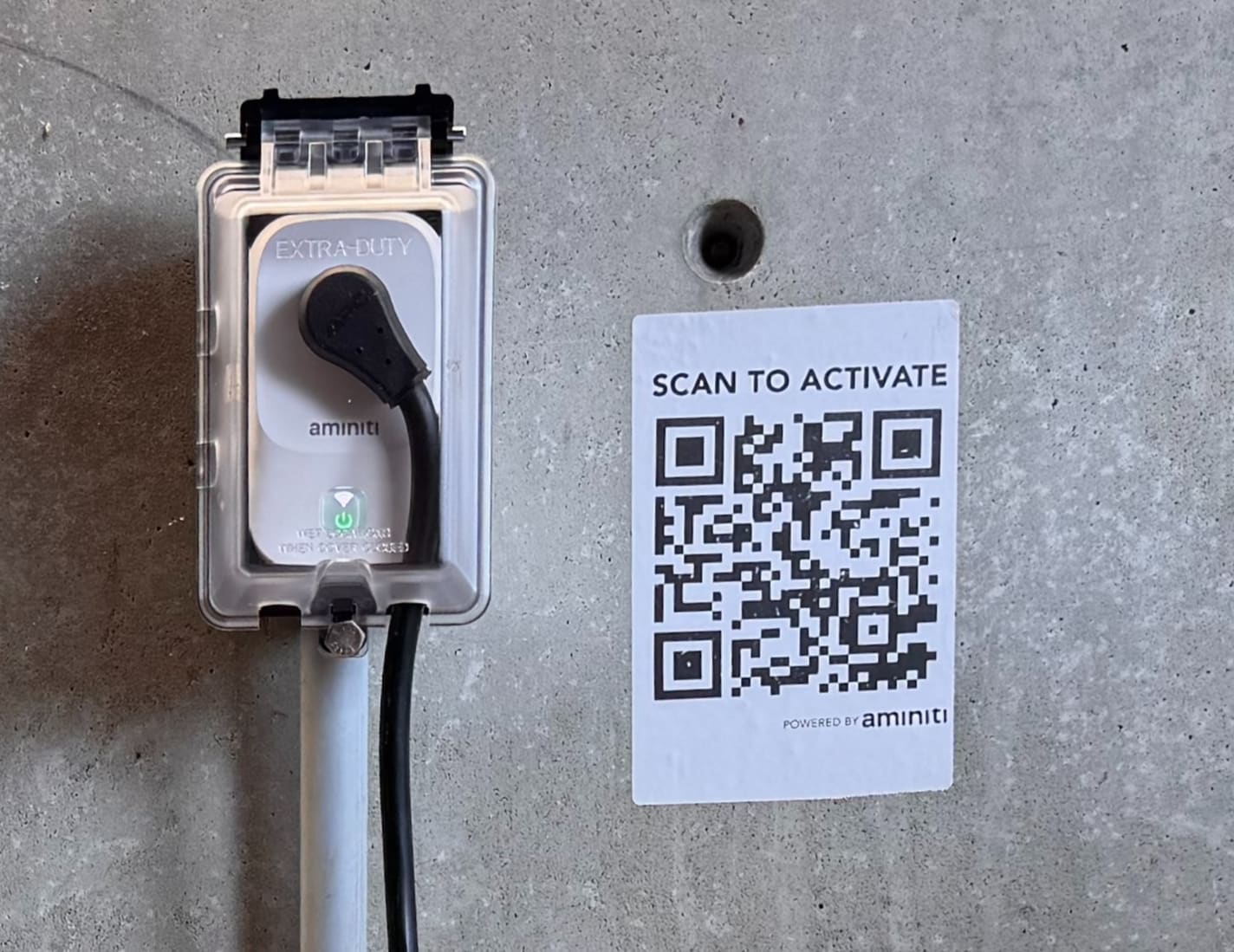
Install an Aminiti device to control gas to your firebowl. A licensed contractor must perform gas-side work.
- 2
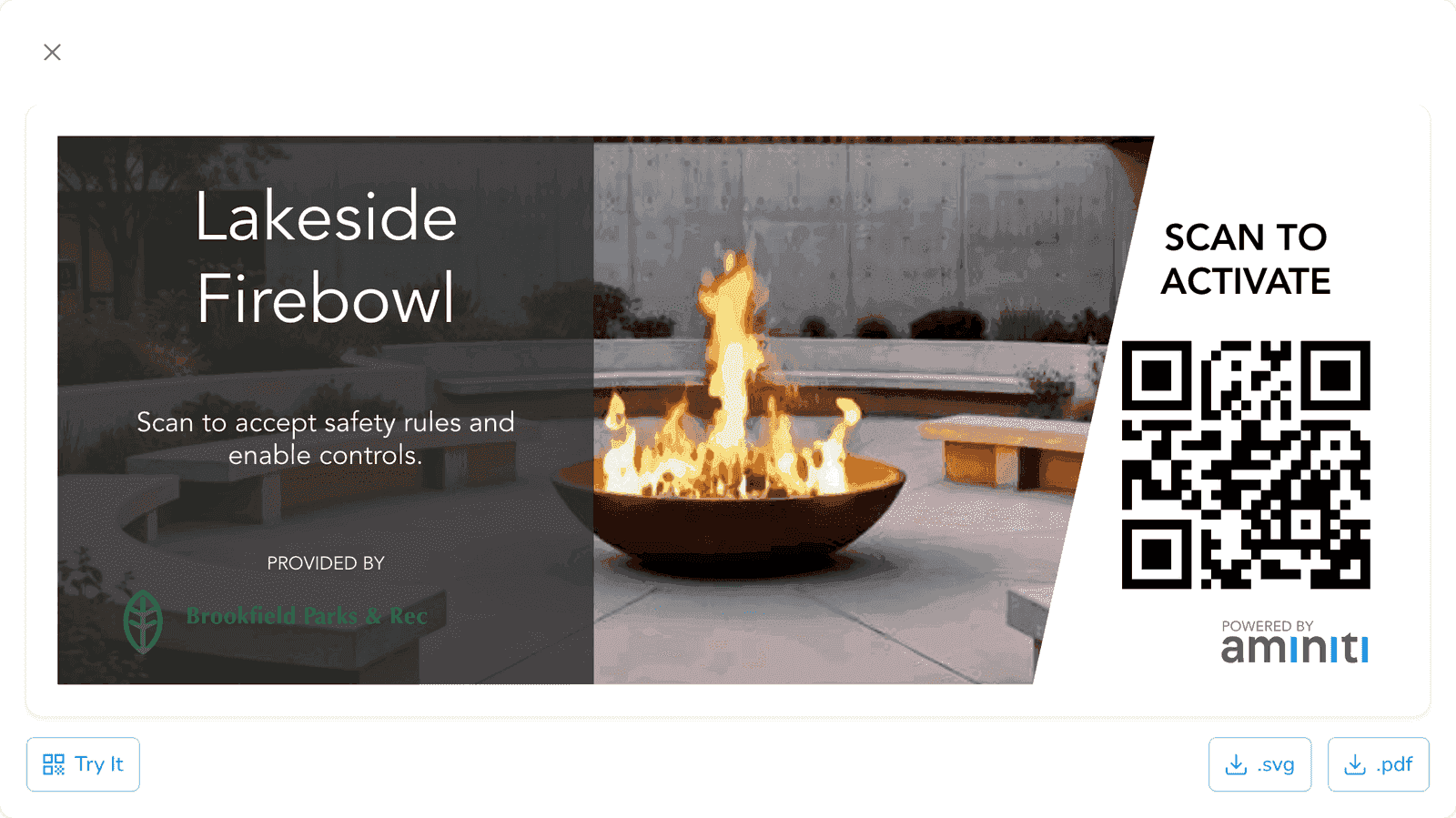
Use the Aminiti web app to create QR signage to enable users to activate the firebowl. (Your users can also activate from the Aminiti app without a QR code.)
- 3
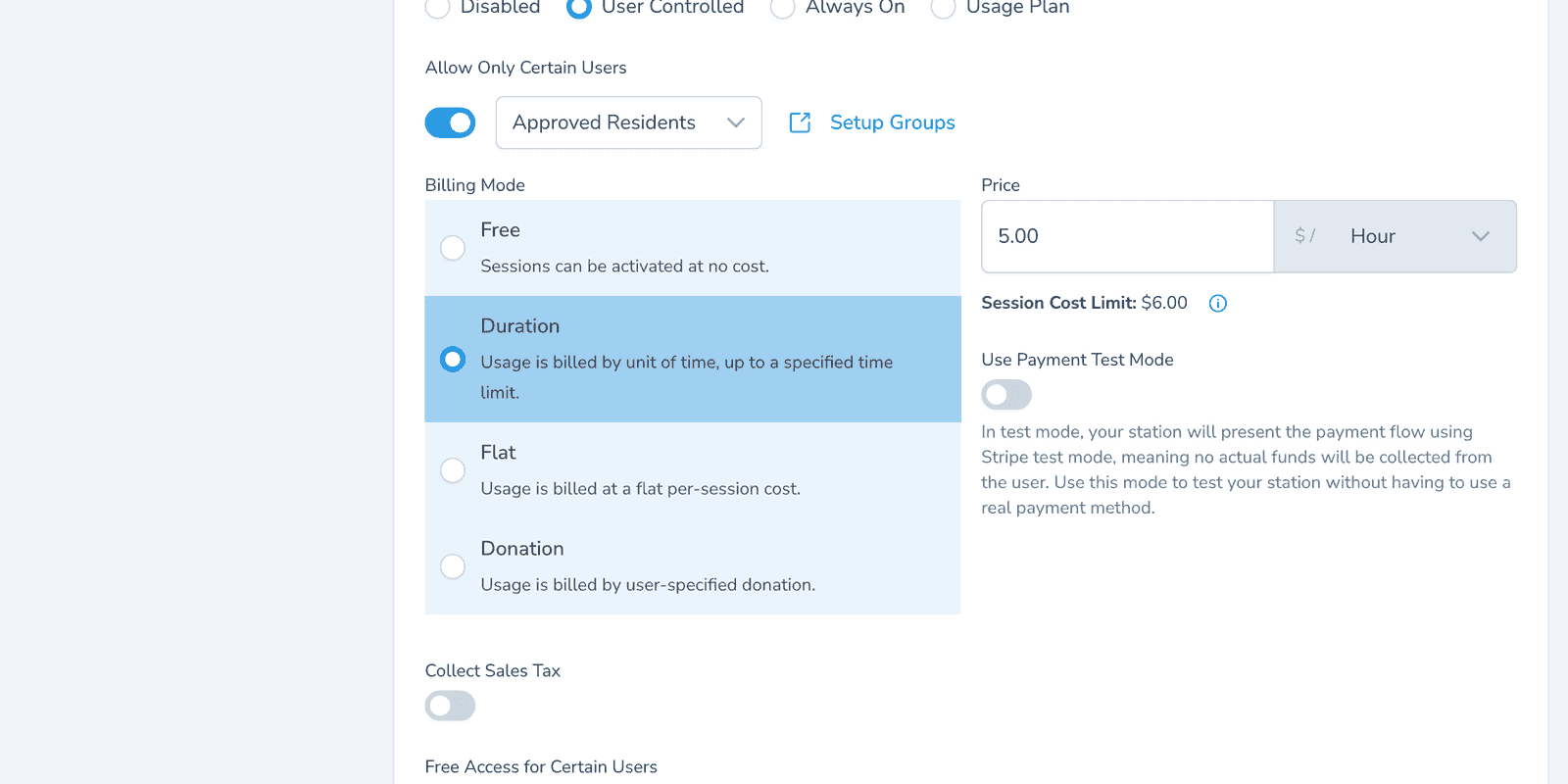
Configure your station using the Aminiti app on the web or on your mobile device.
Flexible Pay-per-use
Charge per session or per minute so guests cover the gas cost. Pay with Apple Pay, Google Pay, or credit card. Keep the firebowl free for registered members by toggling Free Access for Certain Users.
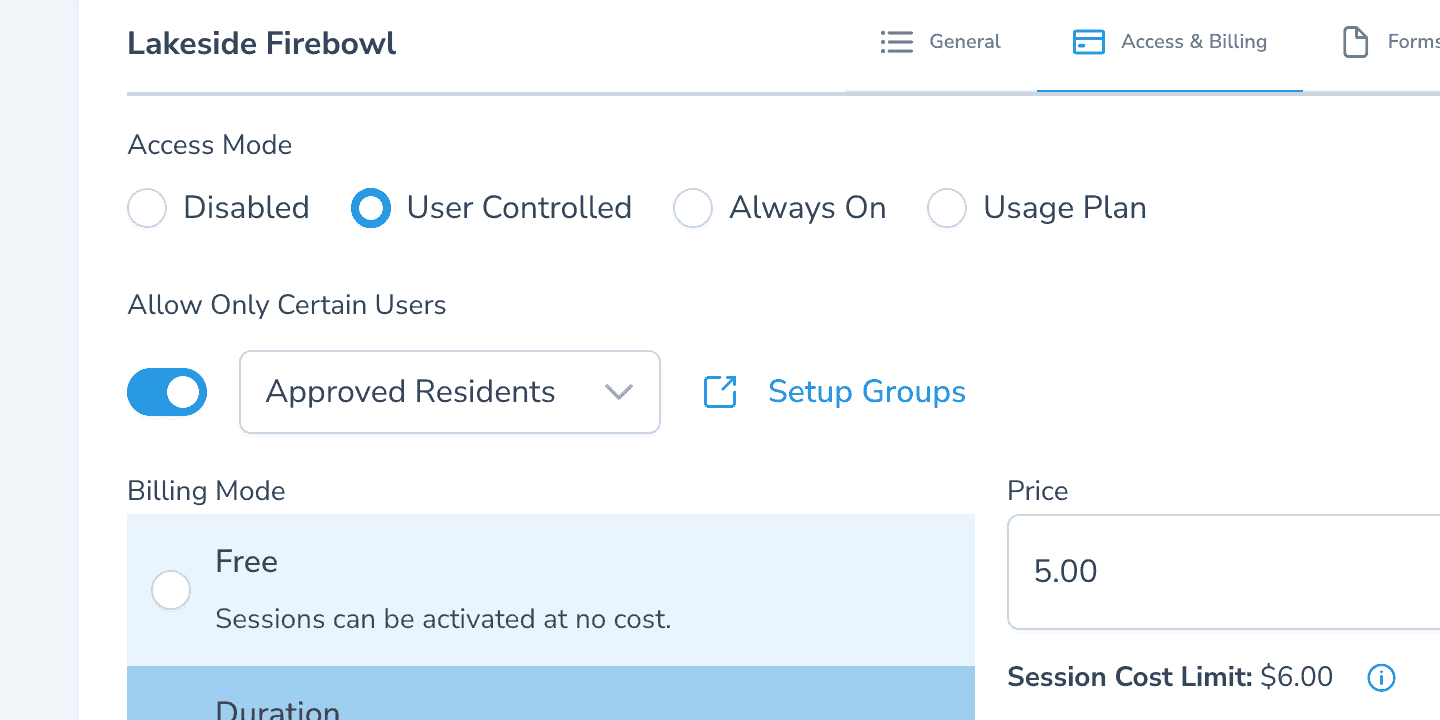
Authorized Use Only
Restrict ignition to oriented guests — add them by email and they get instant access via the Aminiti app. New campers walk in, get added, and can light a fire within seconds.
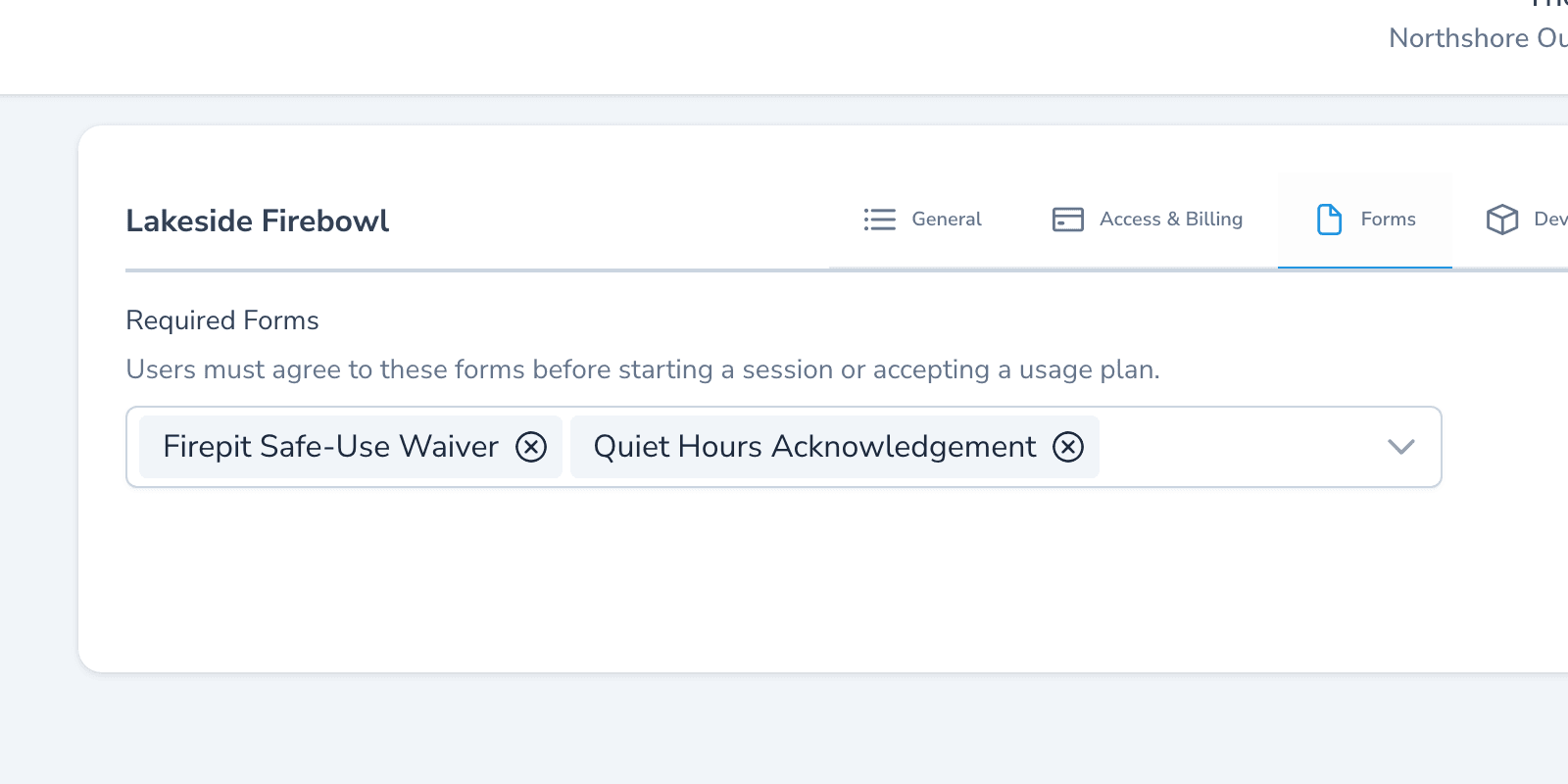
Forms & Waivers
Require a fire-safety waiver — clearance, supervision, extinguisher location — before activation. The signed record sits in your activity log if a claim ever surfaces.
One app, many solutions
Manage access to all your amenities, with one app for your users and one portal for you. Explore more ways to use Aminiti on your property.
Municipal
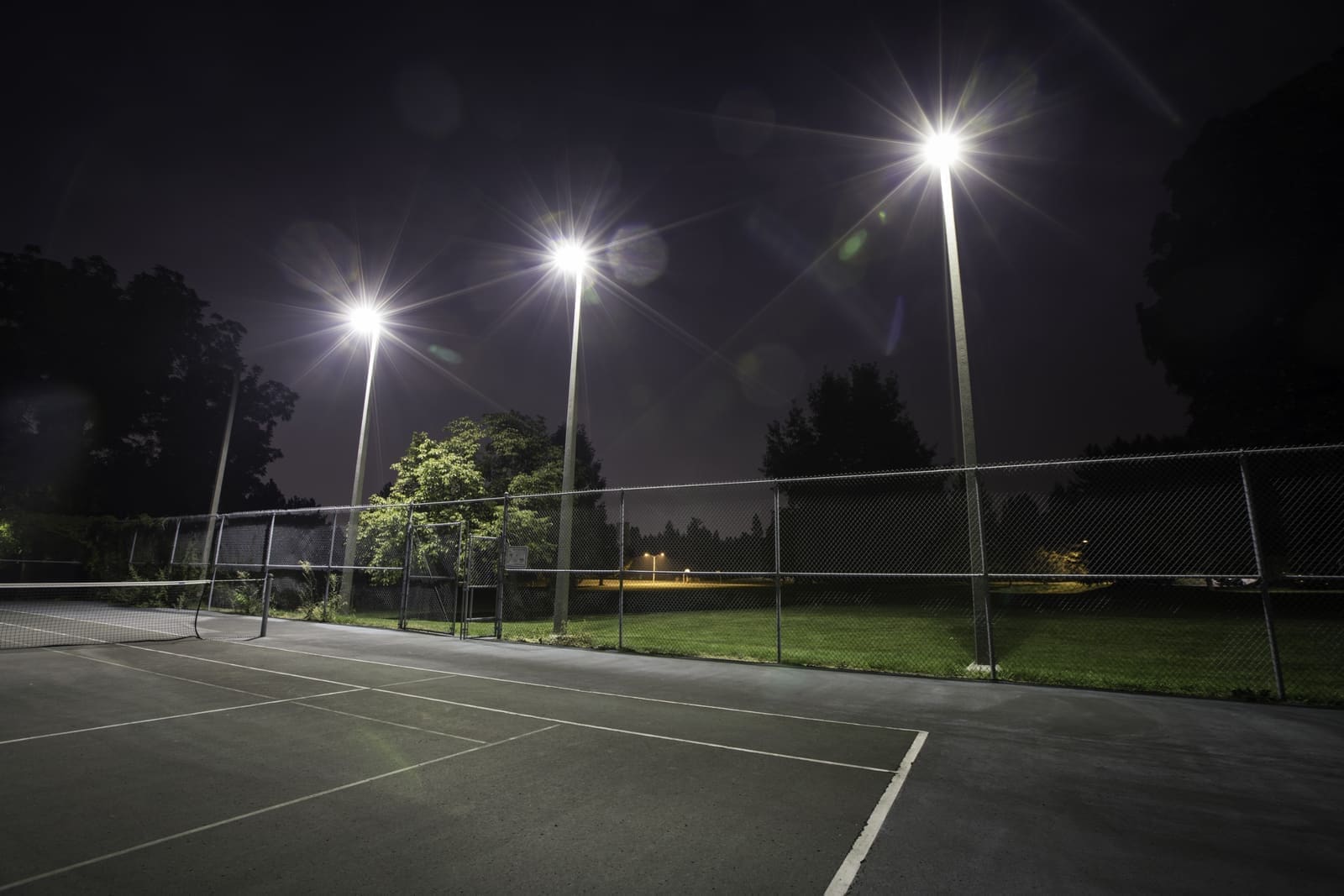
Public Lighting
Prevent waste and secure lighting access for approved teams only.
Municipal
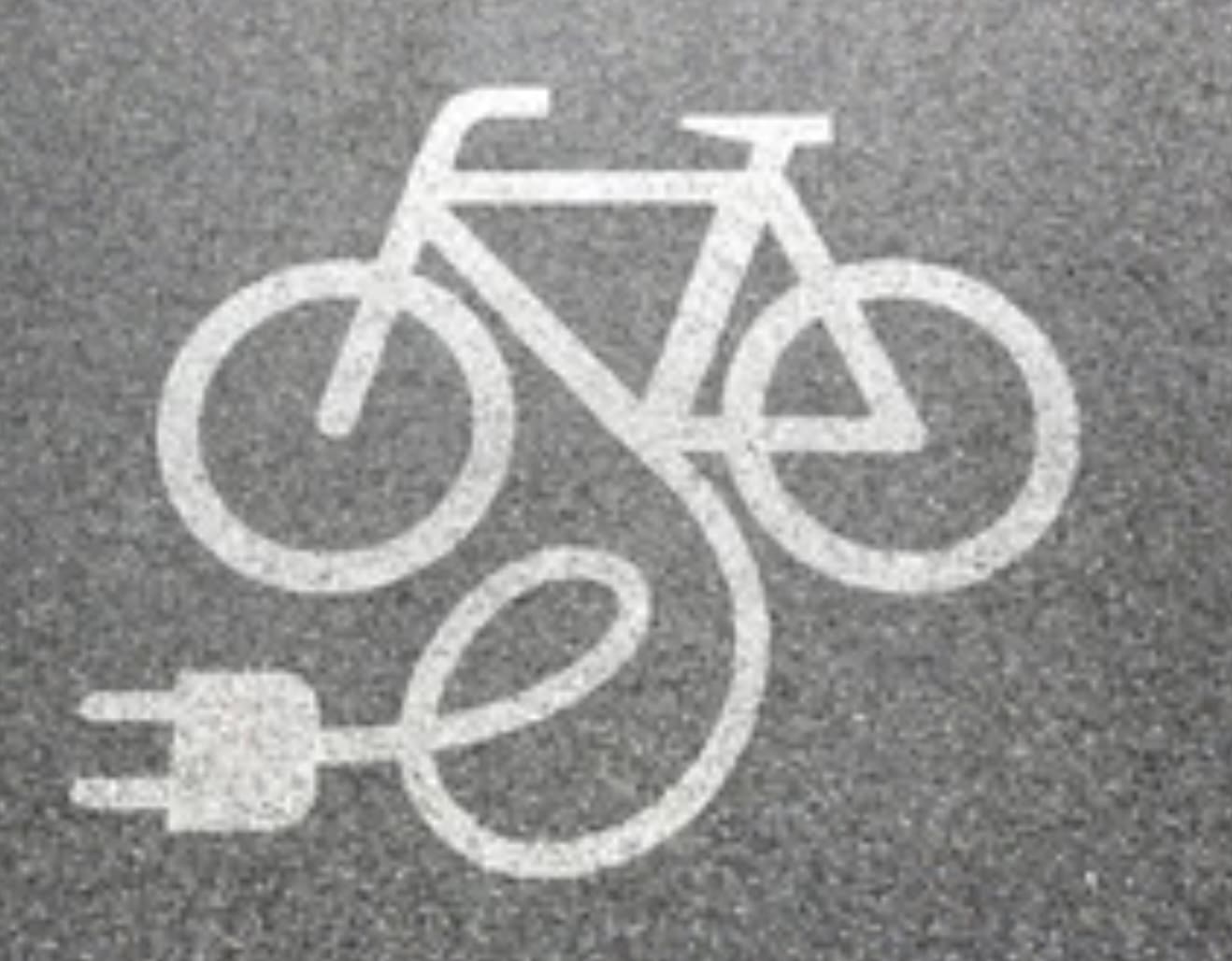
E-Bike Charging
Safe charging for bikes only, preventing misuse of outlets everywhere.
Municipal
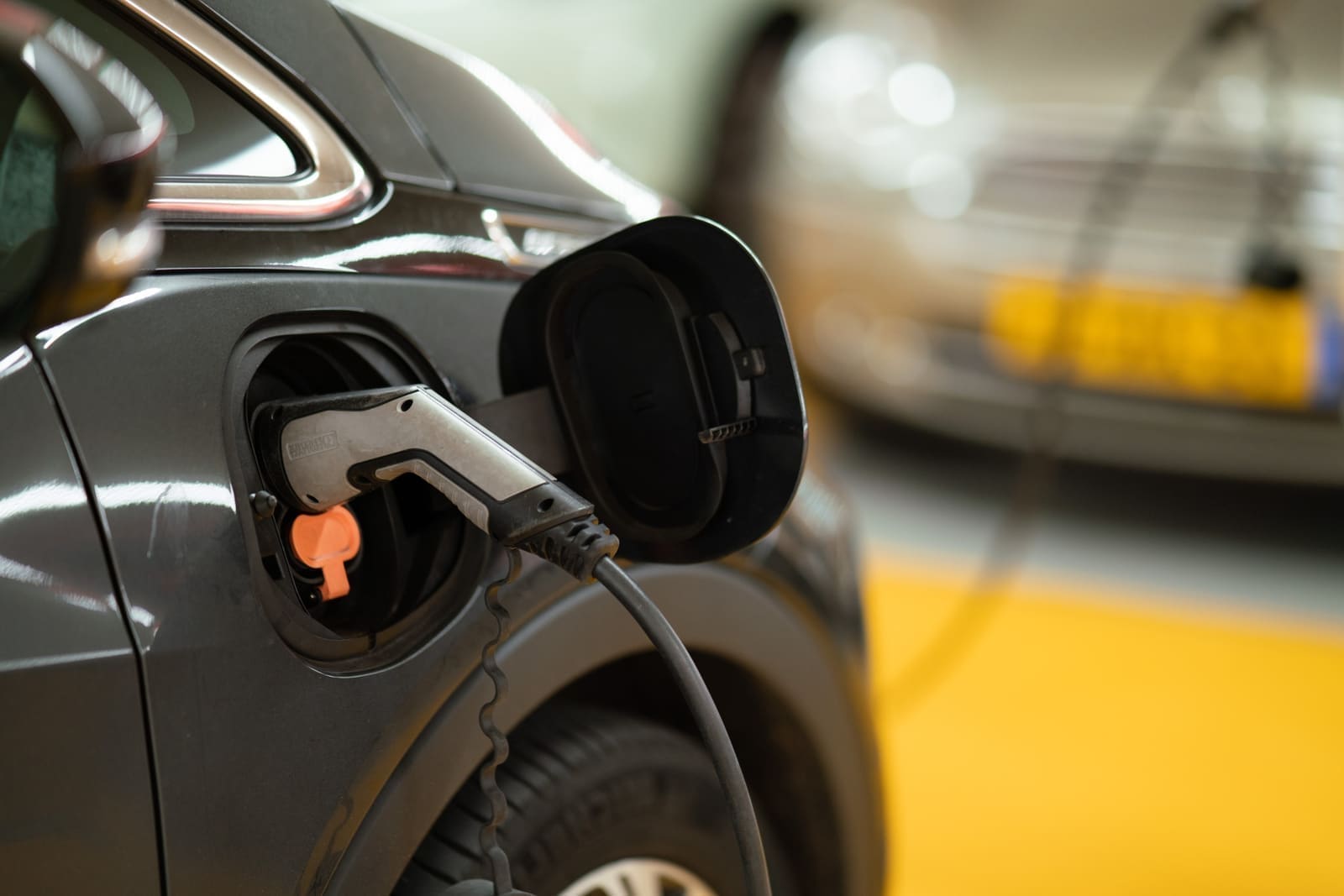
EV Charging
Provide secure resident EV charging with full access control.
Municipal
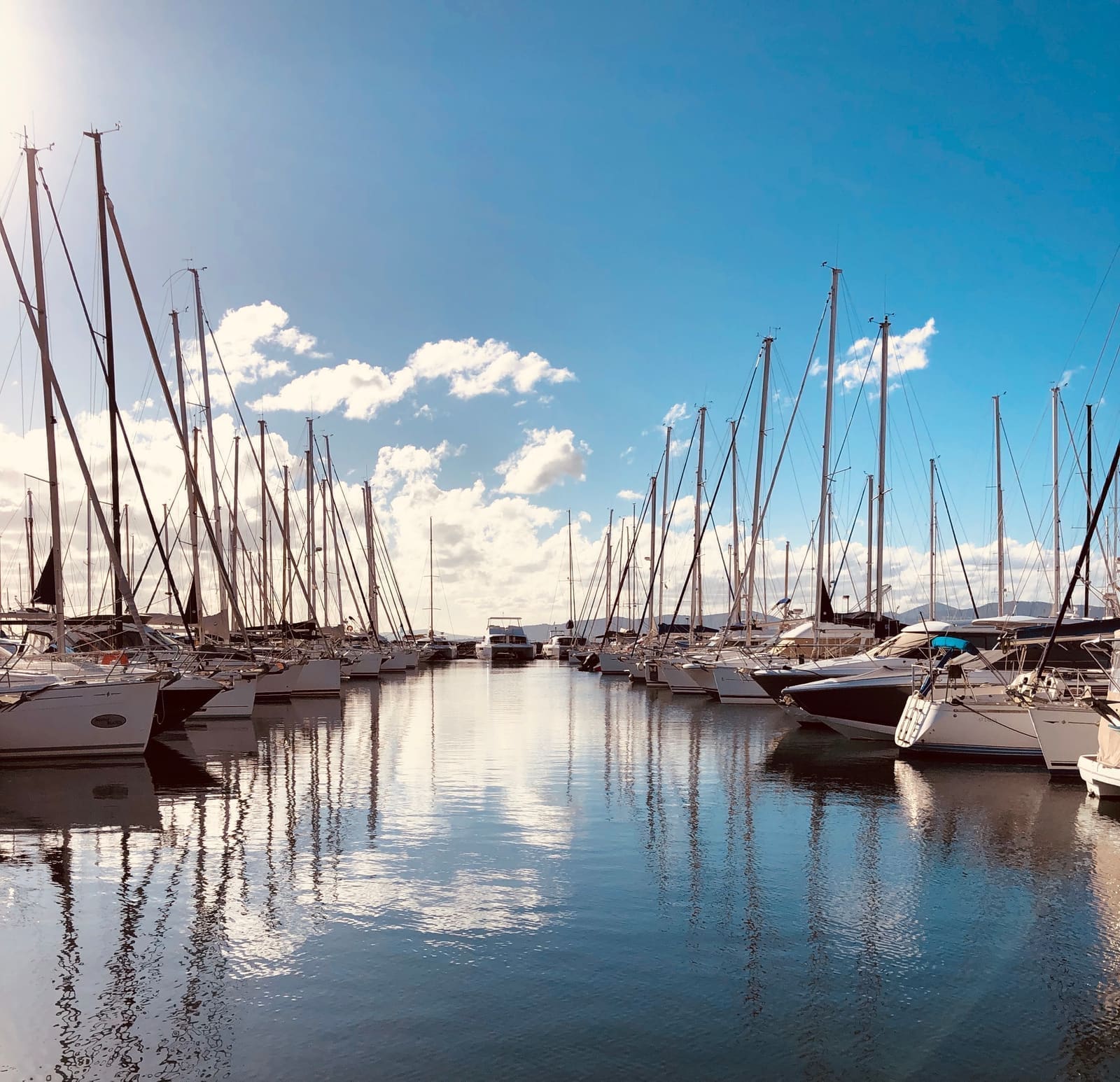
Marina Shore Power
Authorize dockside power access, protecting slips and operator resources.
Municipal
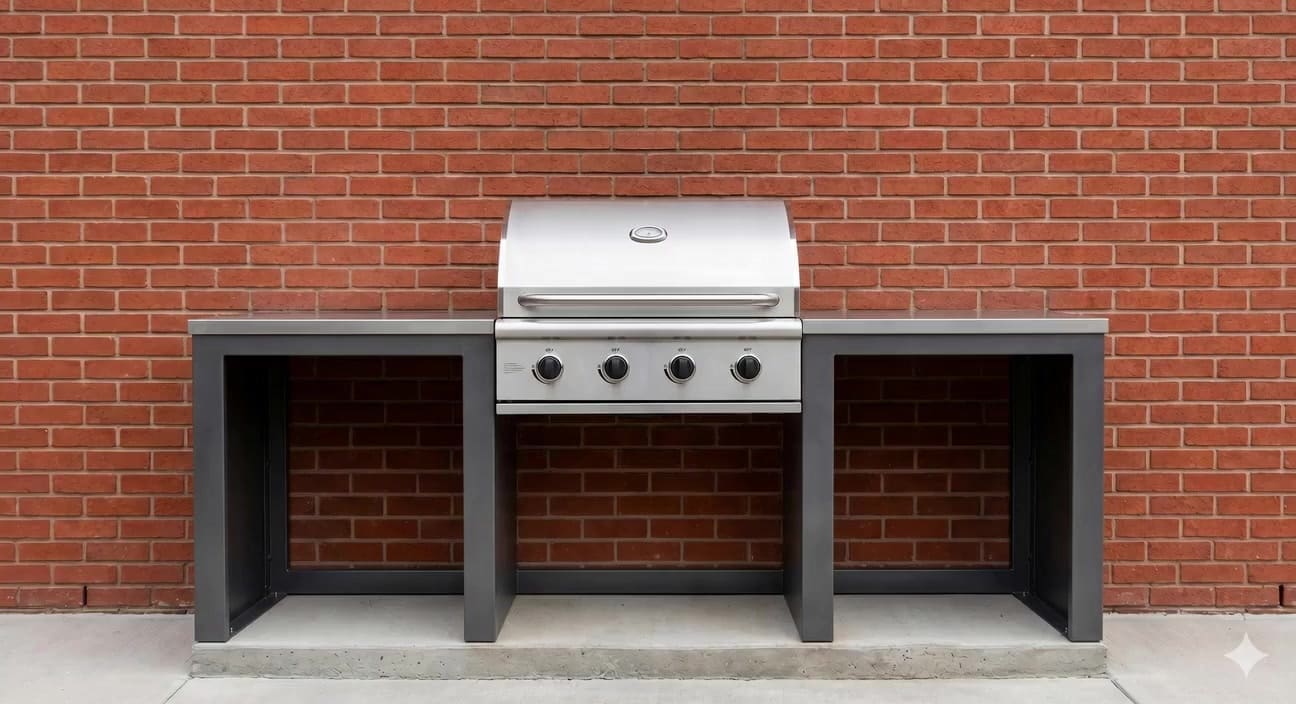
BBQ
Authorized-only grill access for shared barbecues.

Municipal
Special Event Power
Give performers and event organizers the power they need easily and efficiently.

Municipal
Street Vendor Power
Say Yes to clean, quiet street power. Say no to misuse, waste, and gas generators.
Municipal
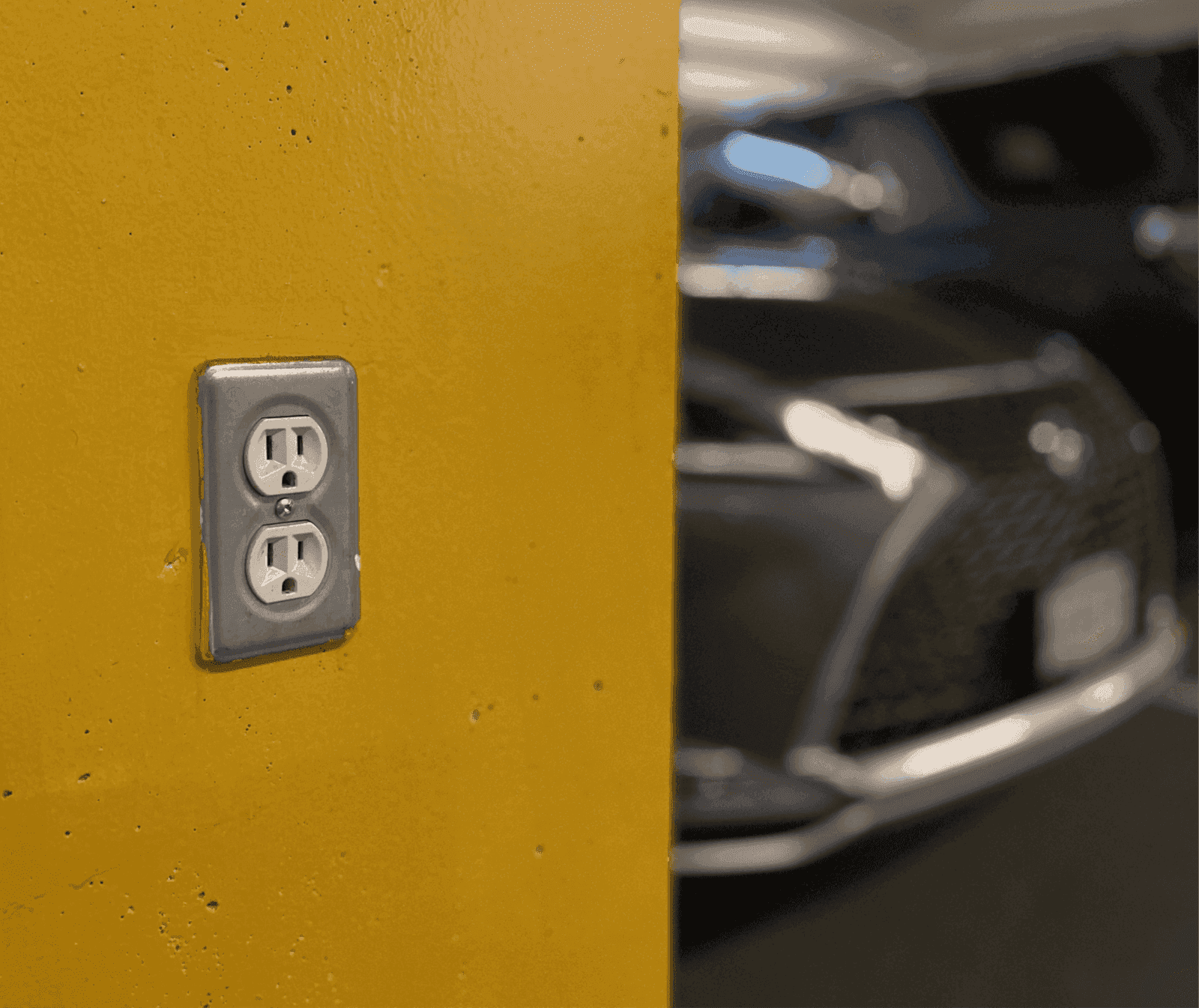
Utility Outlets
Secure outlets for staff, guests and contractors, eliminating keys, waste and misuse.