







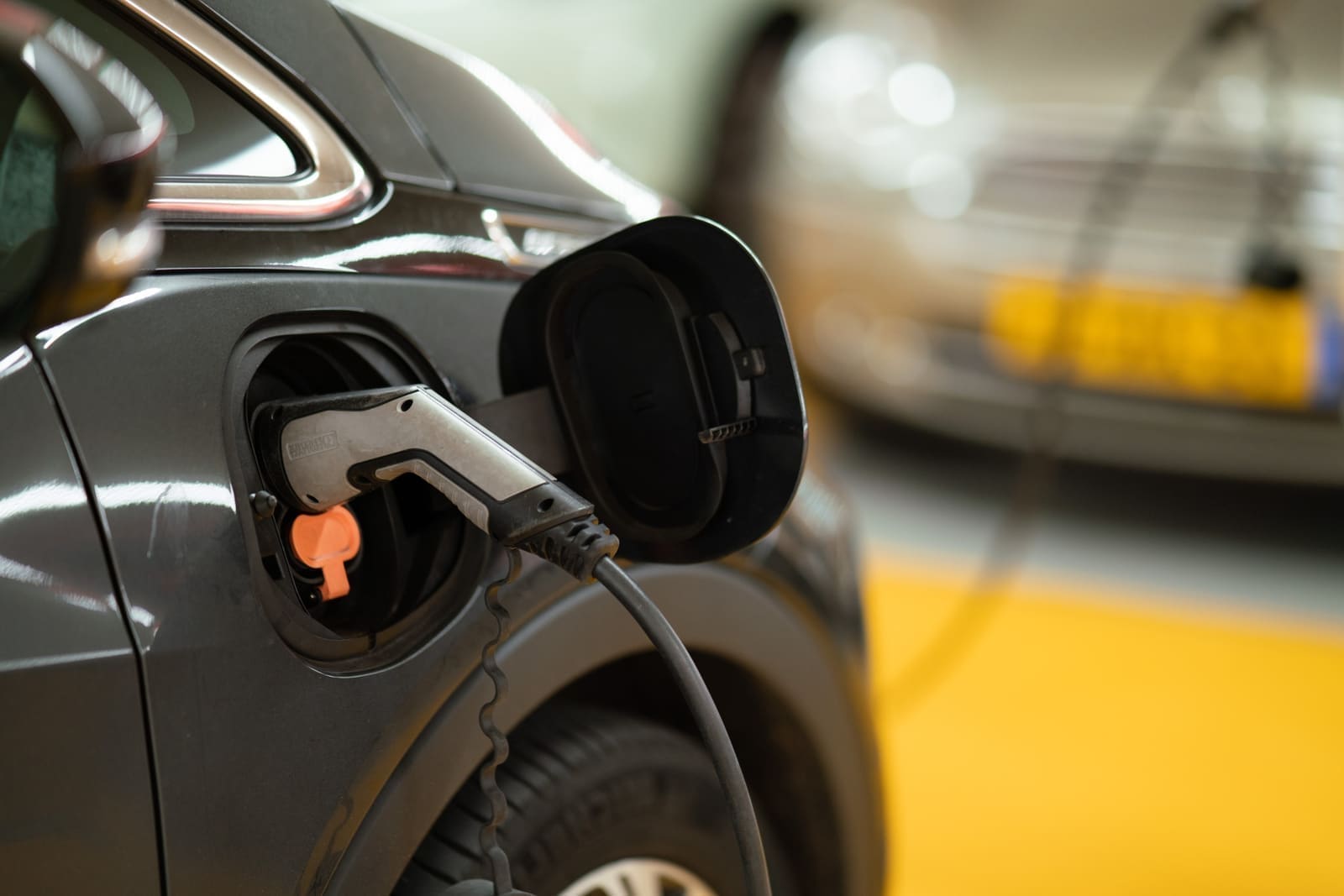
EV charging for staff and tenants. No new wiring.
Standard outlets can go a long way to keeping your staff and tenant EVs on the road. Aminiti lets you give them the charge they need, while keeping control, recovering costs, and without an expensive EVSE install.
Restrict access to staff, tenants, and registered guests.
Recover costs, per-session or billed monthly by charging duration.
Set current limits, time limits, and operating hours.
Standard outlets, managed
Shared parking areas increasingly have EV drivers plugging into whatever outlet they can find. Aminiti turns suitable existing receptacles into managed, pay-per-use charging points — access can be limited by schedule or user group, and duration-based charges can be collected by Apple Pay, Google Pay, or credit card.
No dedicated EV charger hardware is required: an Aminiti Outlet Manager on a standard receptacle is all you need to manage and bill Level 1 charging.
Features
How Aminiti helps
Flexible Pay-per-use
Collect fees per session or by duration with Apple Pay, Google Pay, or most credit cards. Enable free access for staff or registered users.
Authorized Use Only
Restrict access to approved users, staff, and community members. Aminiti devices hide away, with no outside keypads or controls to wear out or be vandalized.
Scheduled Operation
Make equipment available during approved hours only. Reduce noise complaints, misuse, and liability.

Time Limits
Cap session duration so equipment doesn't get left on, reducing waste and unauthorized use.
Usage Plan Billing
Bill a single user monthly for exclusive use of an amenity, automatically charged to a stored credit card.
Forms & Waivers
Require users to provide a signed acknowledgement, safety waiver, or custom form before a session can start. Protects you legally and communicates expectations to every user.
More features you'll love
- Current Limits
- Realtime Oversight


Hardware
Installation options
Aminiti is flexible — here are just a few ways to integrate our hardware
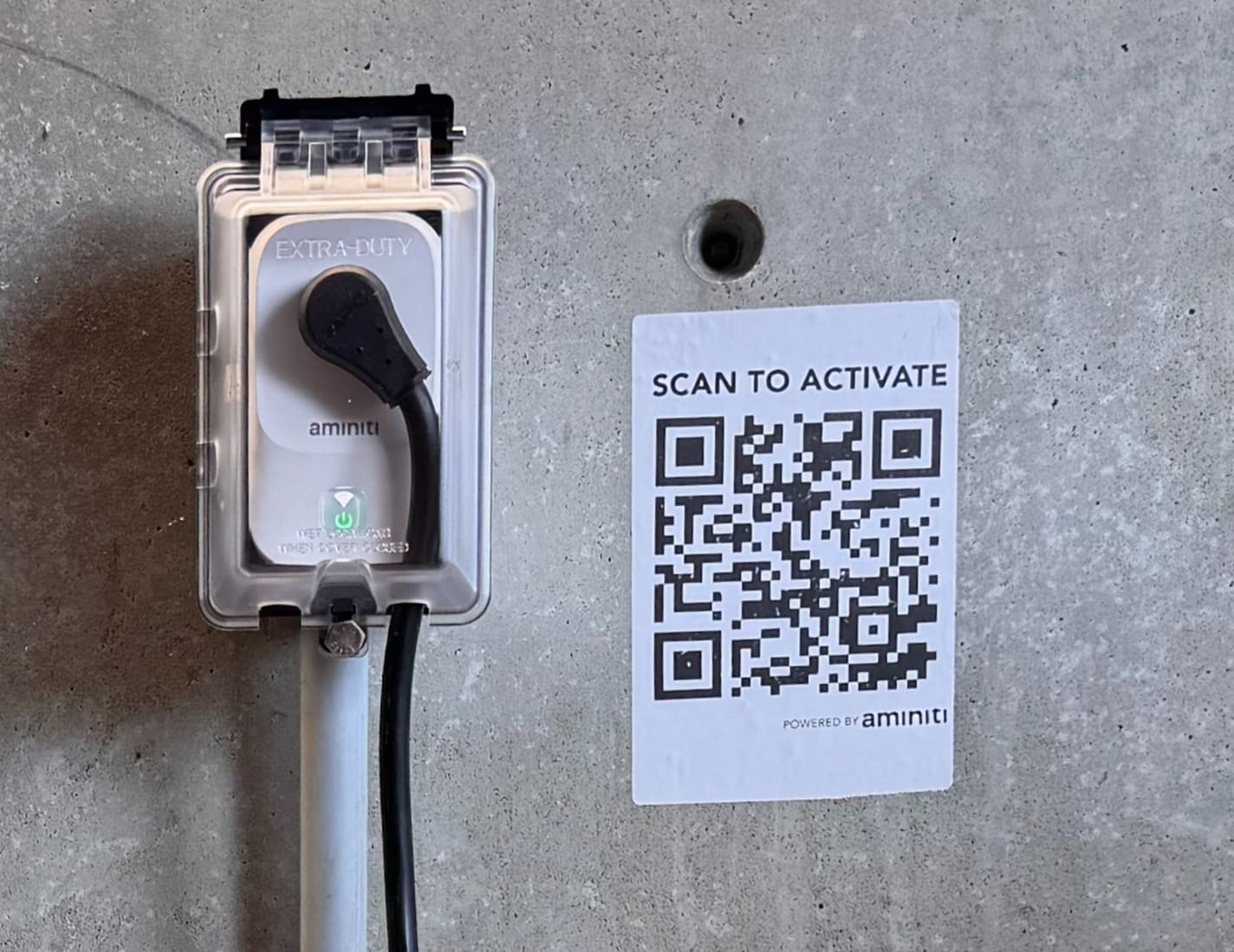
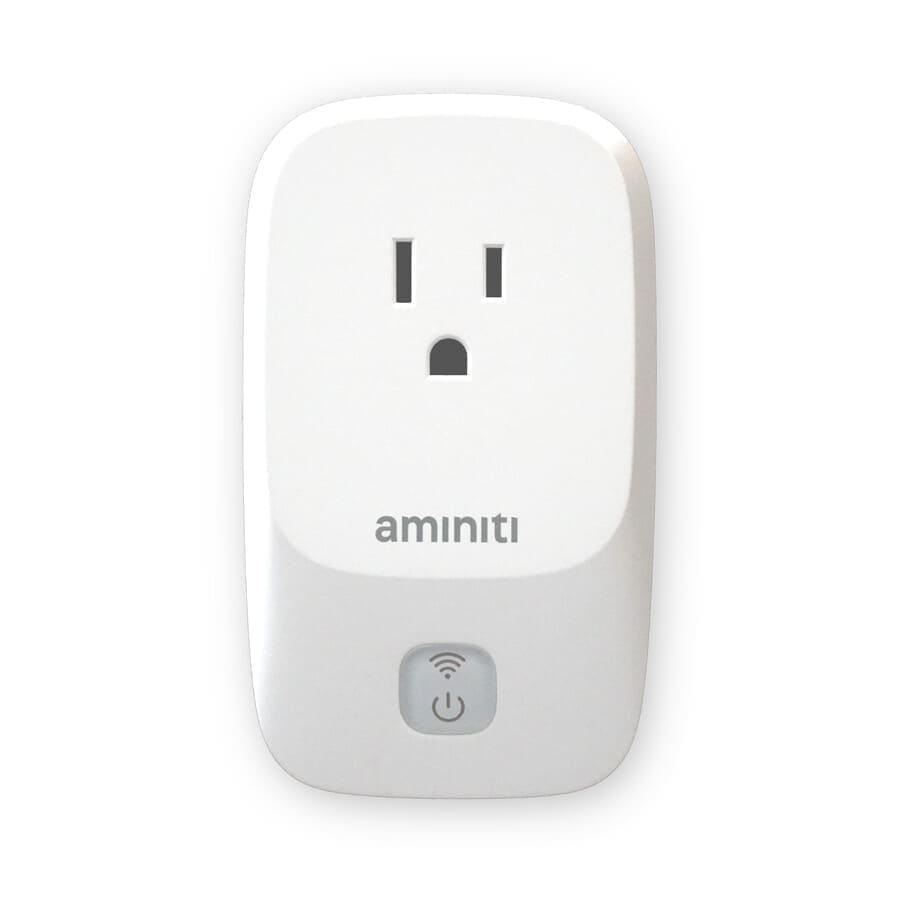
For suitable existing receptacles in indoor or sheltered locations, add an Aminiti Q16 inline outlet manager. For tamper resistance, use a code-compliant lockable in-use cover or Aminiti-approved enclosure suitable for the installation environment.
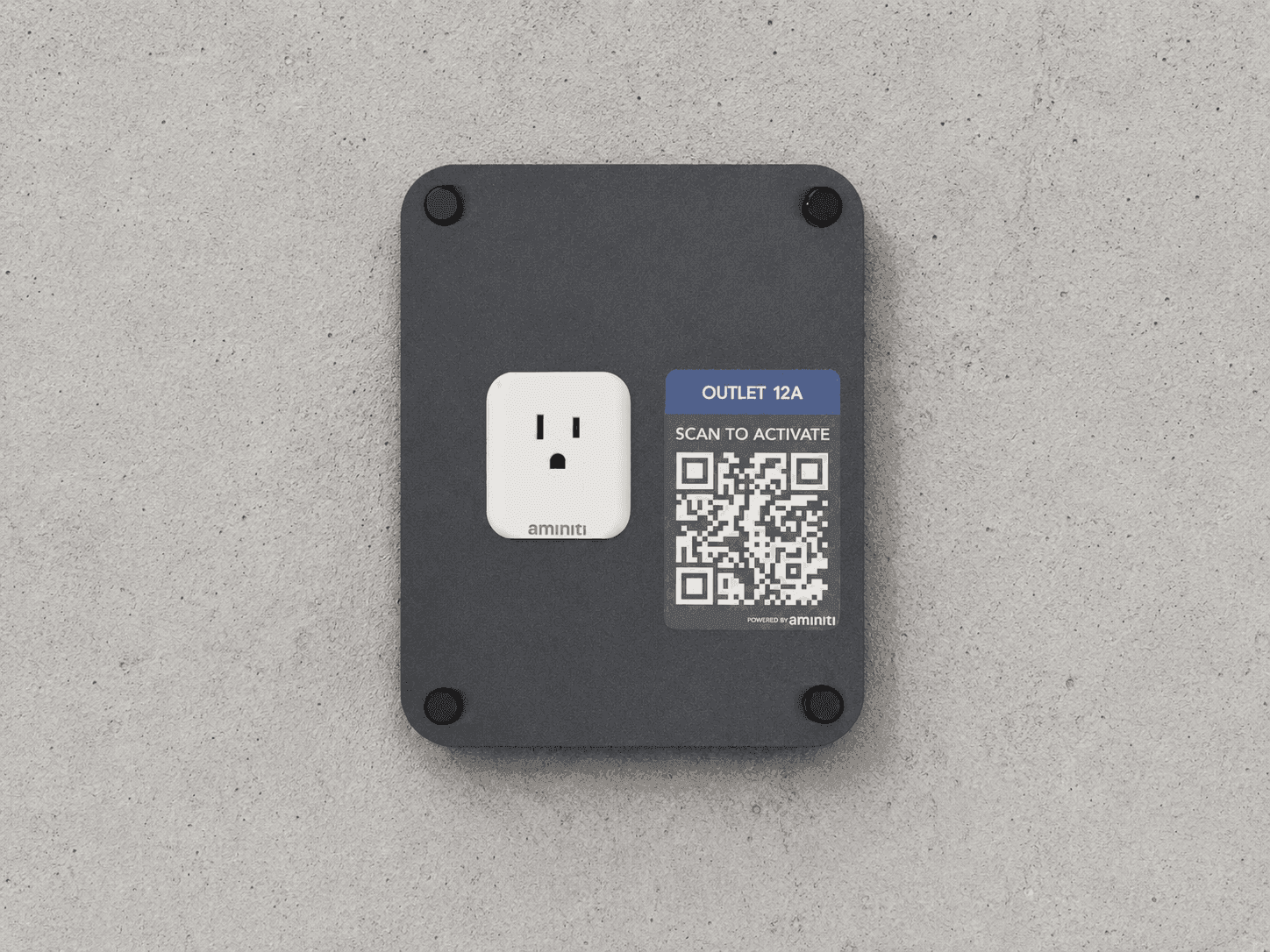
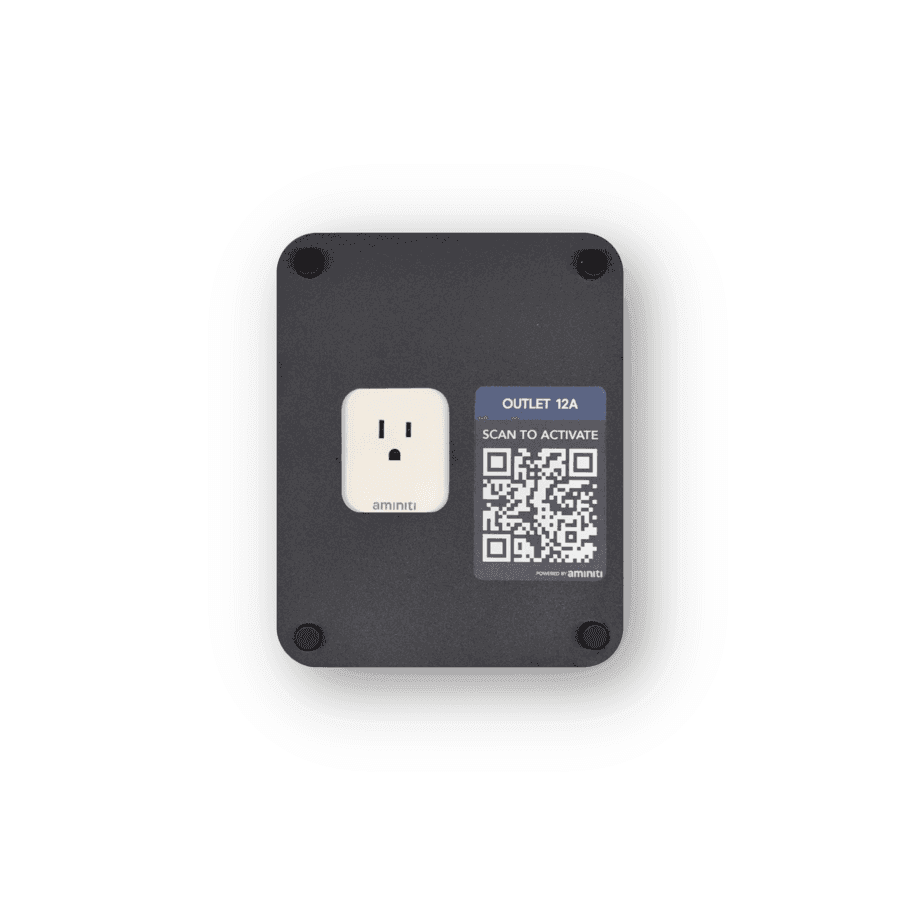
In conjunction with an Aminiti Q16 inline outlet manager, add an Aminiti Keepout Panel for easy access and tamper resistance.
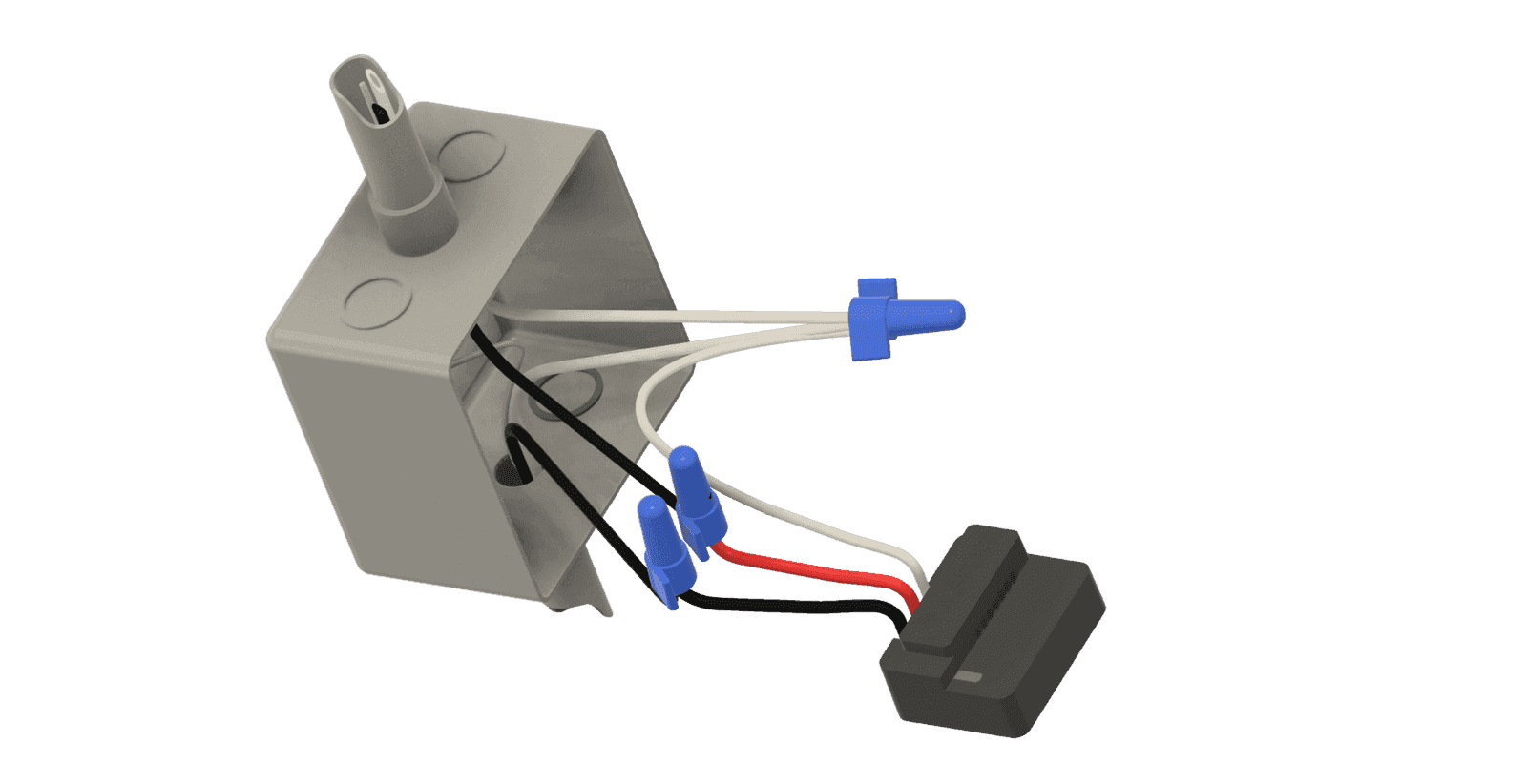
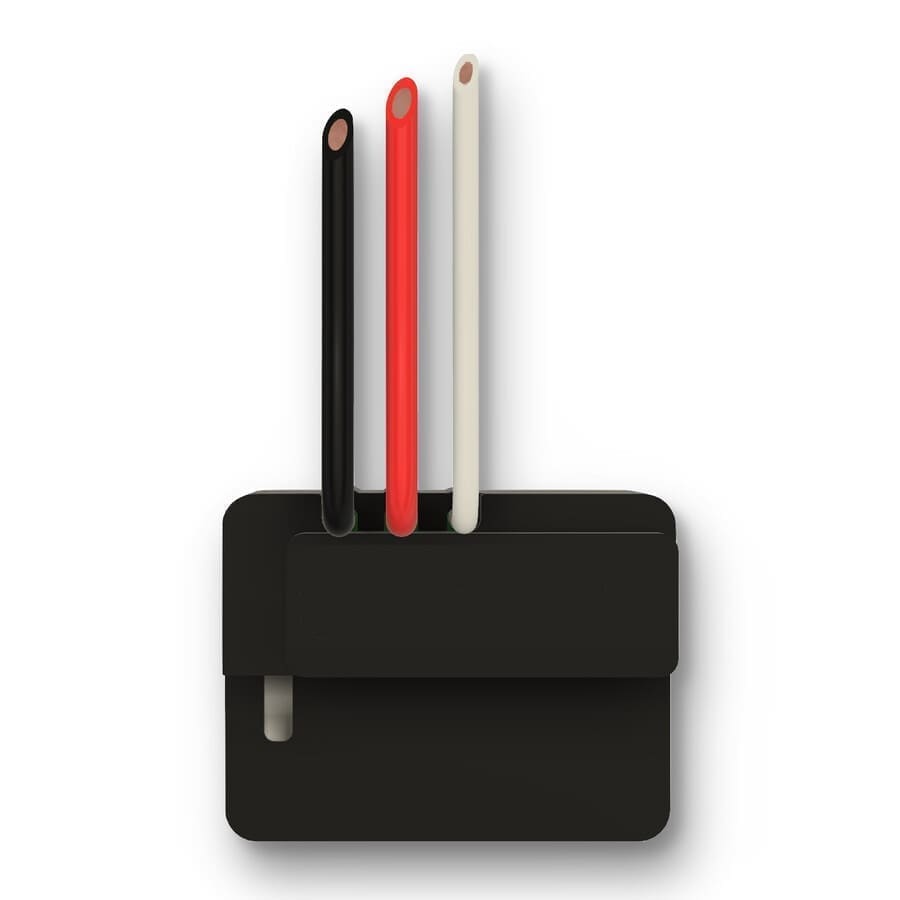
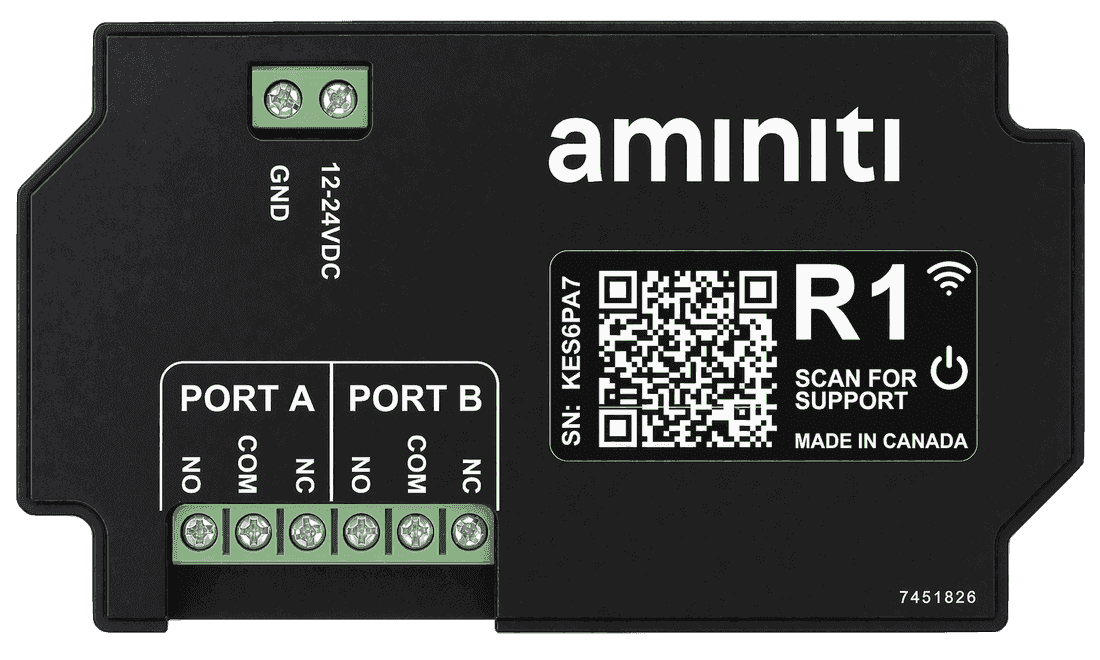
Use the Aminiti S16 wire-in relay for permanent installations. Add a junction box to enclose the S16 device if existing boxes are not suitable. For higher-power outlets and compatible EV charging equipment, use the Aminiti S16 to control a suitably rated contactor relay.
Get started
Implementation
- 1
Install an Aminiti device in-line with each outlet you wish to manage.
- 2
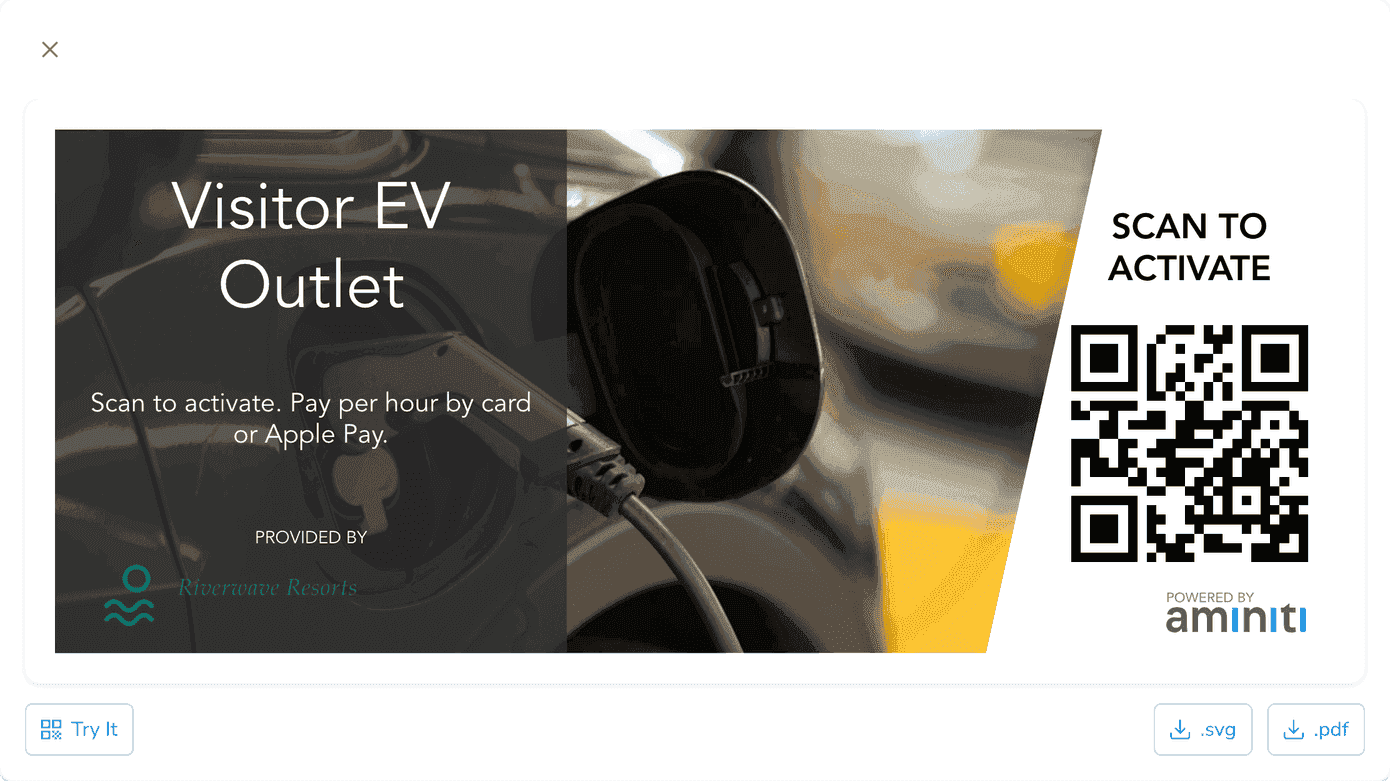
Use the Aminiti web app to create QR signage so users can activate the outlet. Users can also activate the outlet through the Aminiti app without scanning a QR code.
- 3
Configure your station using the Aminiti web or mobile app.
Flexible Pay-per-use
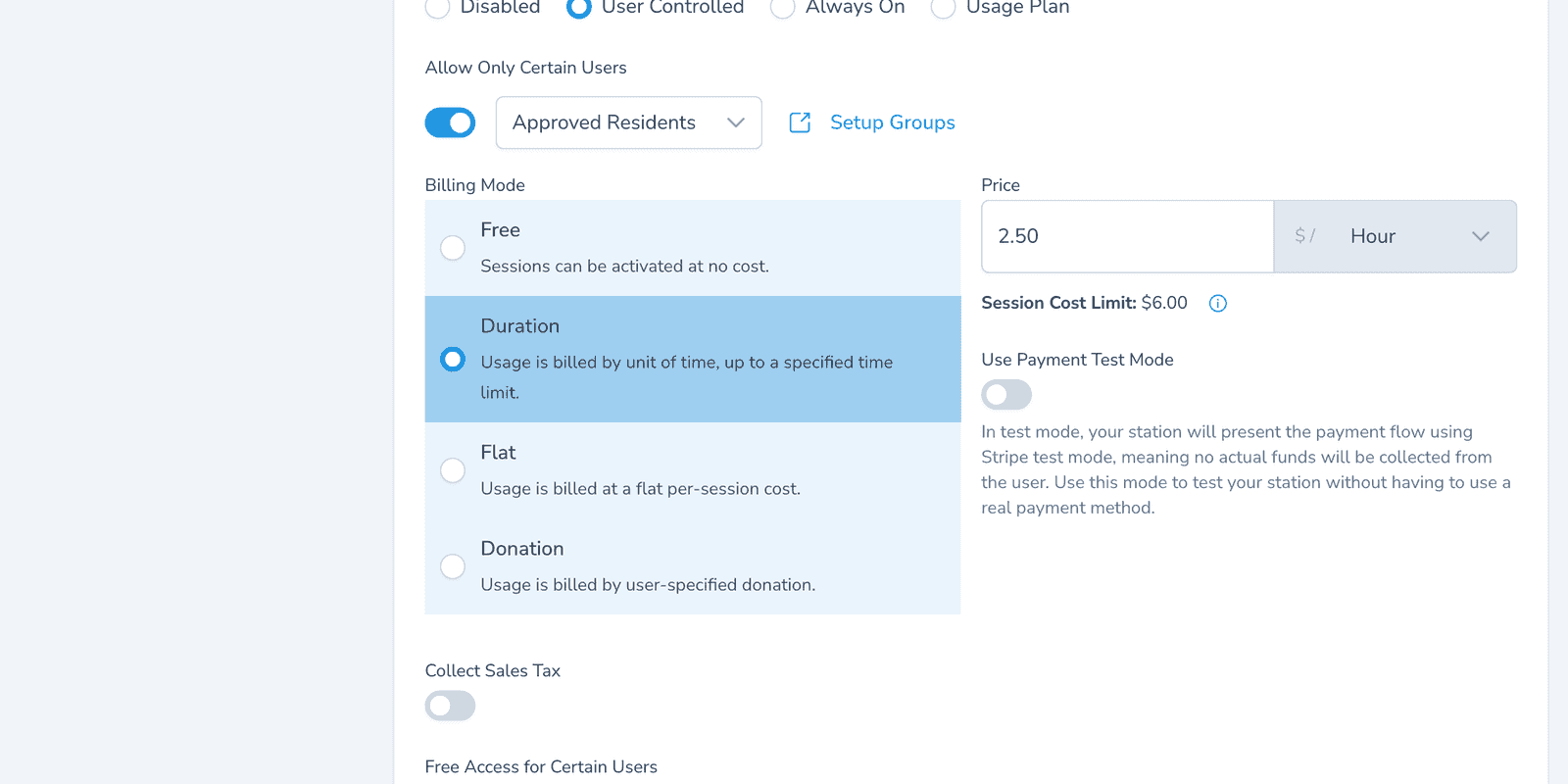
Set a per-hour rate to help recover electricity and operating costs, or charge a flat per-session price. Drivers pay with Apple Pay, Google Pay, or credit card. Toggle Free Access for Certain Users for easy staff access.
Authorized Use Only
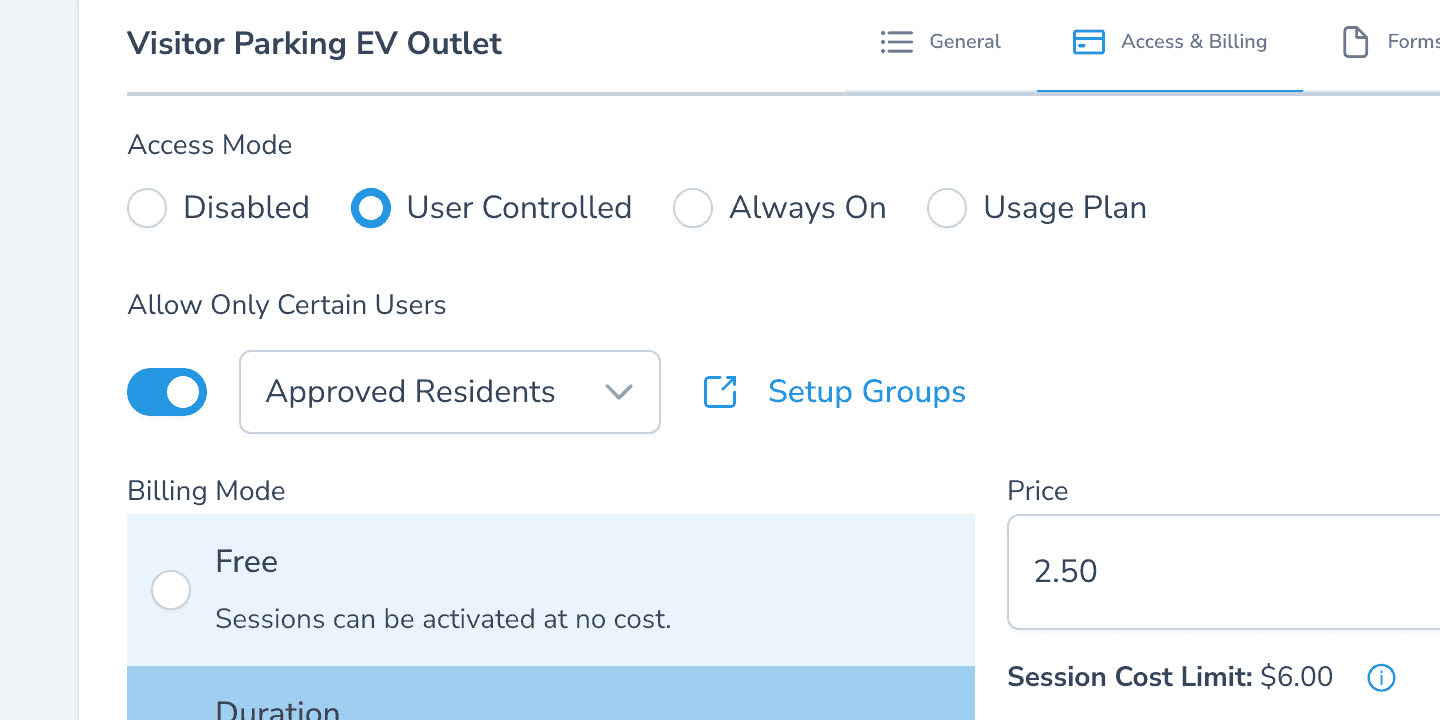
Restrict outlet activation to a user group — staff, tenants, or pre-approved guests. Add users by email and they receive an Aminiti account invitation; access lasts until you revoke it.
Scheduled Operation
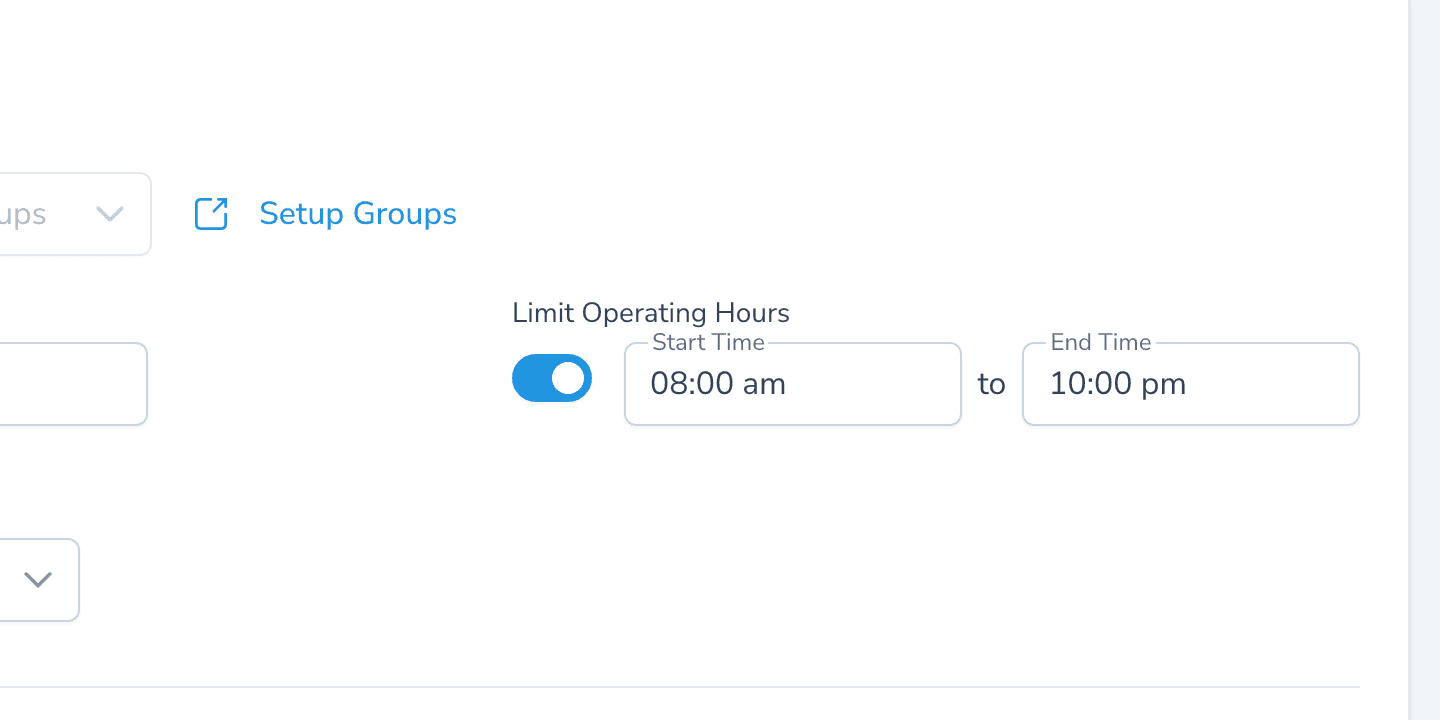
Pick the hours when charging is allowed. Restrict to daytime hours to discourage overnight parking.
One app, many solutions
Manage access to all your amenities, with one app for your users and one portal for you. Explore more ways to use Aminiti on your property.
Hospitality
E-Bike Charging
Safe charging for bikes only, preventing misuse of outlets everywhere.
Hospitality
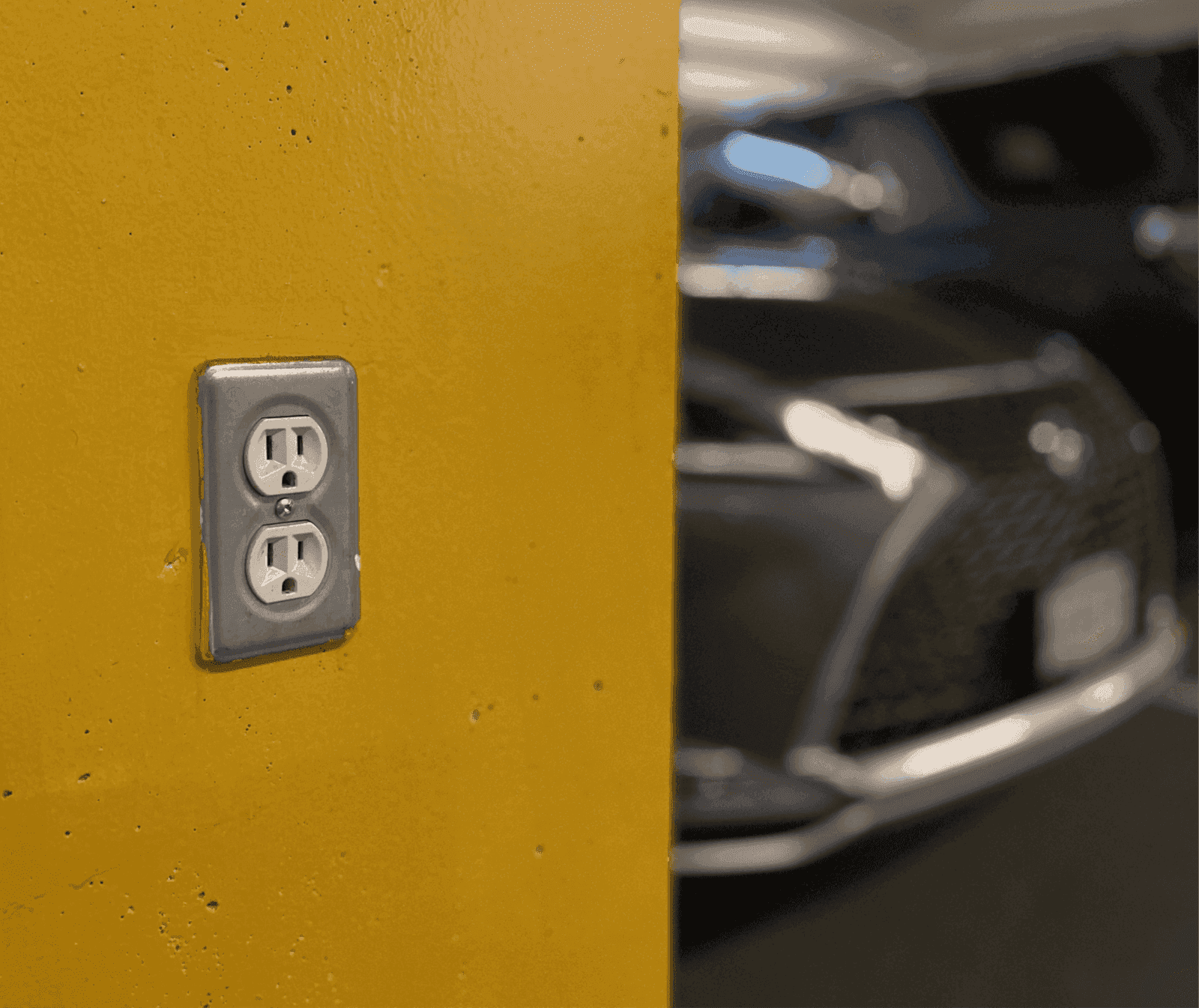
Utility Outlets
Secure outlets for staff, guests and contractors, eliminating keys, waste and misuse.
Hospitality
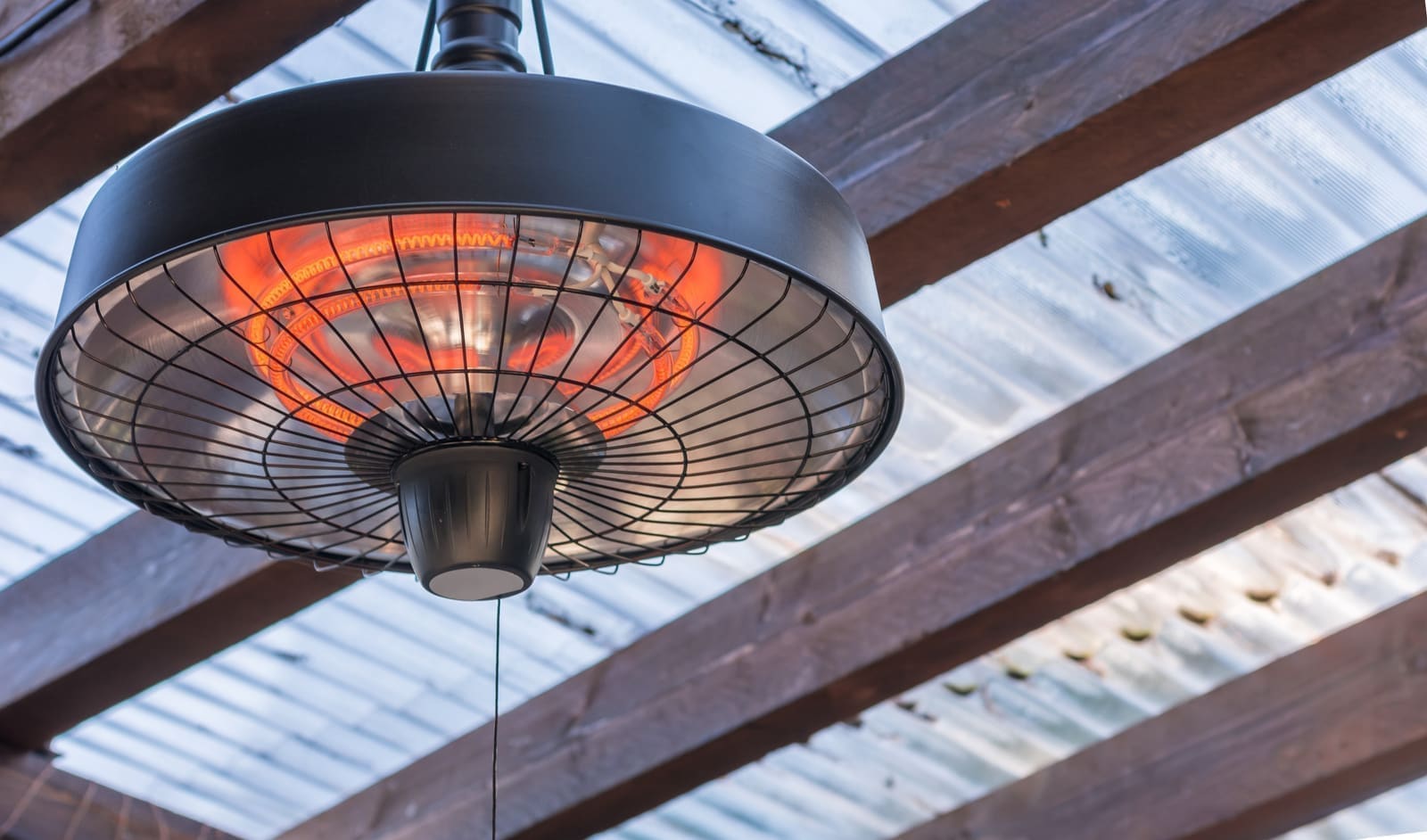
Heat Lamp
Manage shared patio heating amenities for safety, energy savings, and accountability.

Hospitality
Firebowl
Authorized-only access to outdoor fire bowls and fire pits.
Hospitality
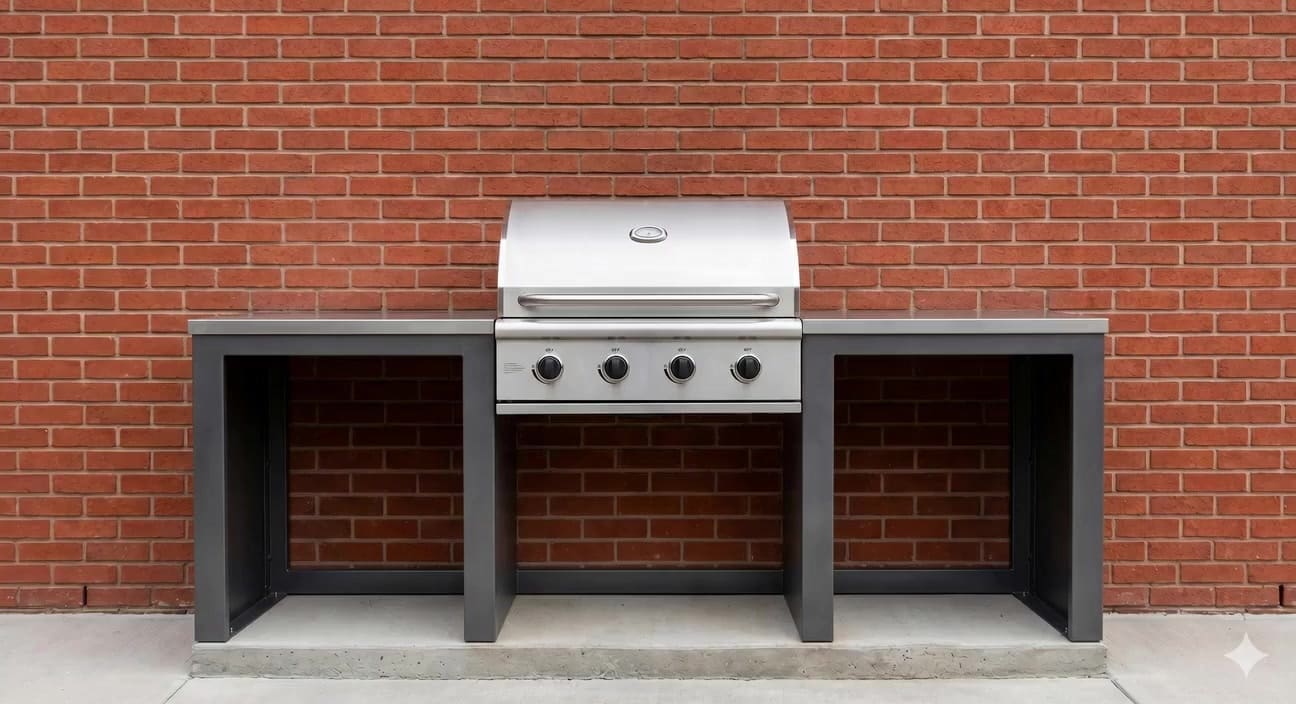
BBQ
Authorized-only grill access for shared barbecues.
Hospitality
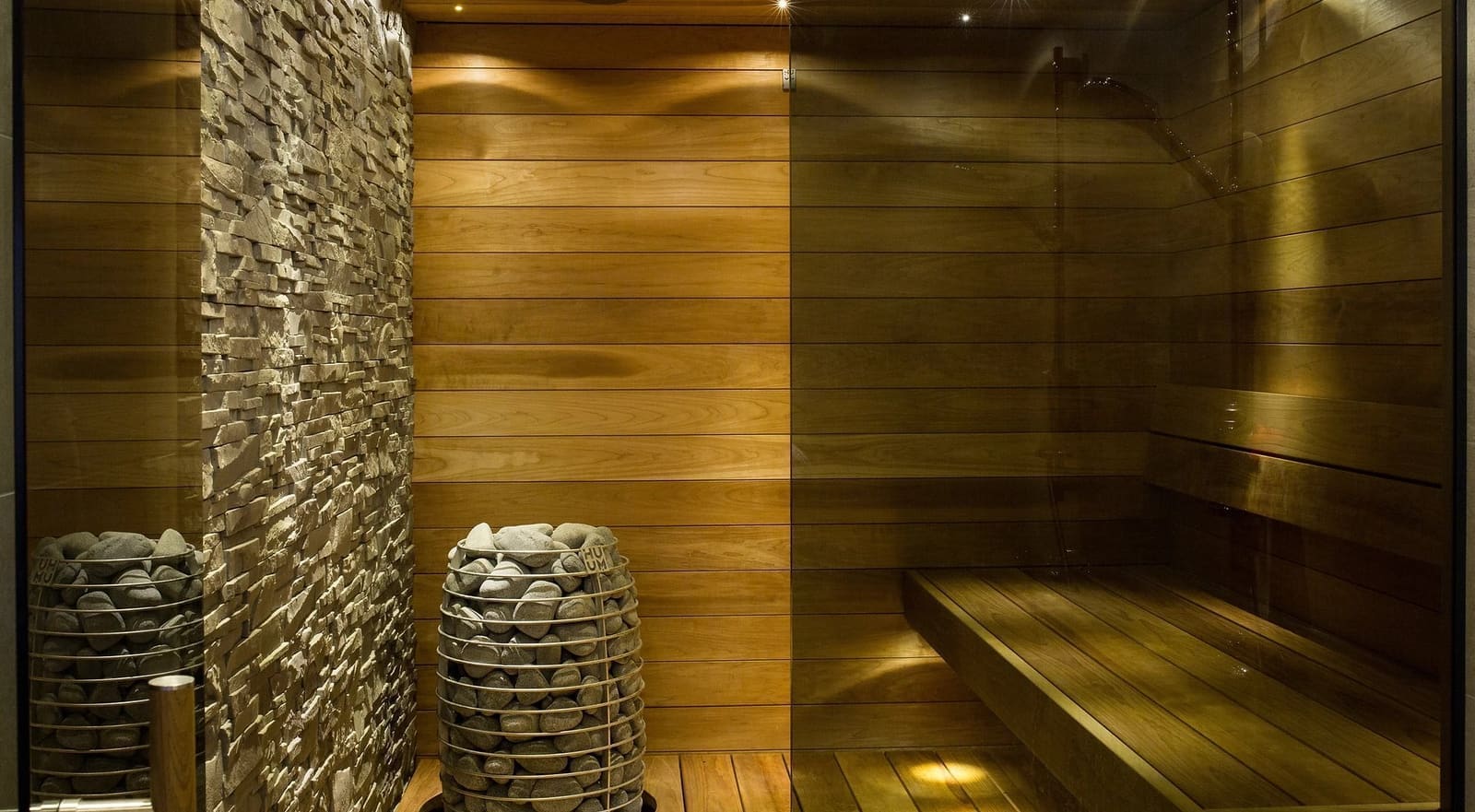
Fitness & Sauna
Restrict equipment to approved users, reducing risks and liabilities.