







Create forms that save fingers.
Ensure tools operate only for authorized, qualified workshop users.
Tools for the responsible, not the randos
Open the workshop to qualified users — keep hazardous tools out of untrained hands.
Restrict tool activation to trained, oriented, and authorized users.
Require form signing before activation — communicate safety rules and capture acknowledgement.
Auto shut-off on idle so equipment doesn’t get used by the wrong hands.
Keep work spaces open, and hazards managed
Use secure, digital access control to ensure hazardous tools are operated only by people who have been trained to use them safely. Install Aminiti hardware inline with the equipment, then use the management portal to define who can activate it, when, and for how long.
Features
How Aminiti helps
Forms & Waivers
Require users to provide a signed acknowledgement, safety waiver, or custom form before a session can start. Protects you legally and communicates expectations to every user.

Time Limits
Cap session duration so equipment doesn't get left on, reducing waste and unauthorized use.

Auto Shut-Off
Sessions end automatically when consumption drops below a threshold. Give your users the freedom to use amenities as needed, while cutting waste and unauthorized use.
Authorized Use Only
Restrict access to approved users, staff, and community members. Aminiti devices hide away, with no outside keypads or controls to wear out or be vandalized.

Passcode Access
For streamlined access, issue passcodes that provide instant, secured access for casual users without requiring account creation, and no app download (iOS only).
Hardware
Installation options
Aminiti is flexible — here are just a few ways to integrate our hardware
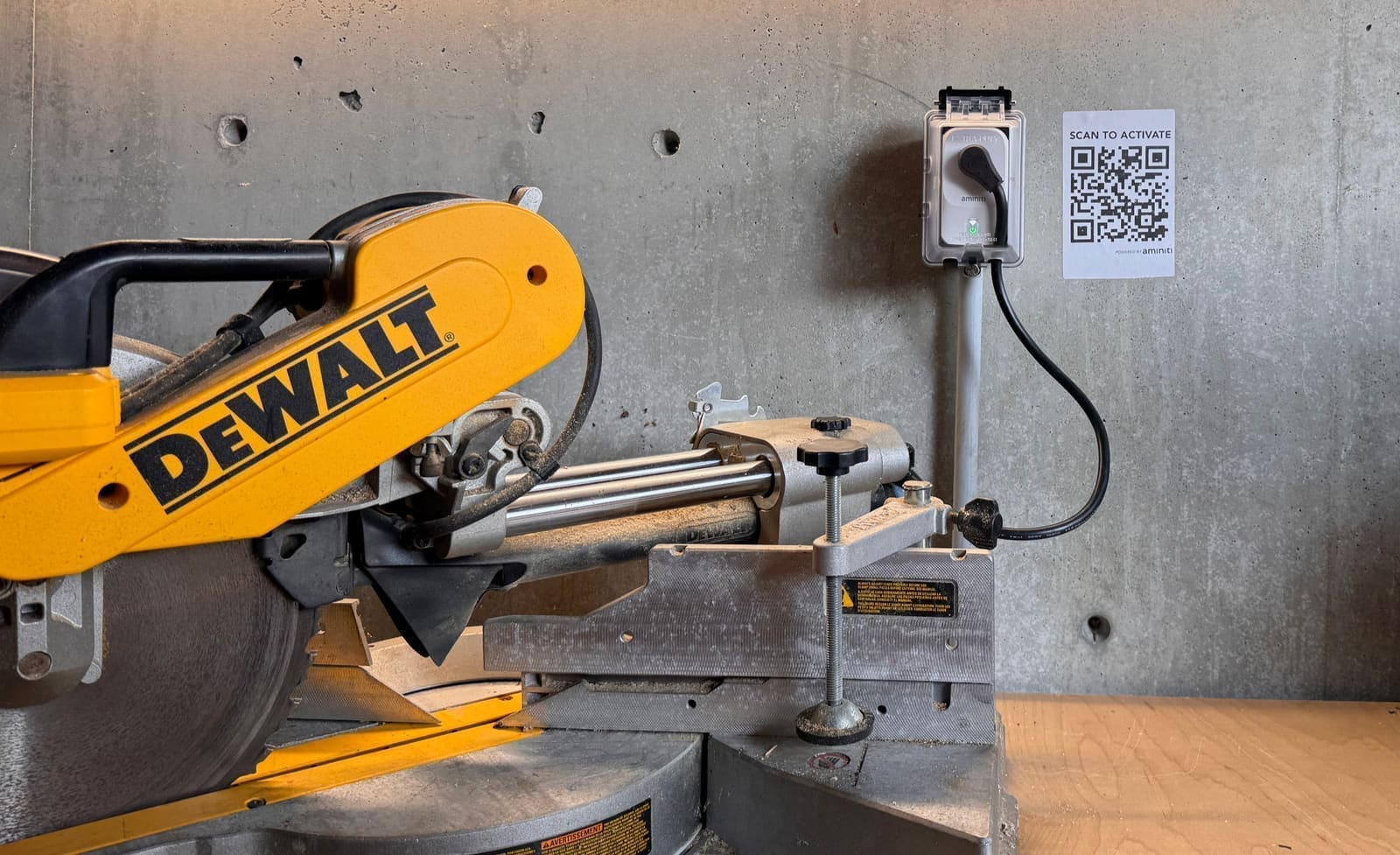
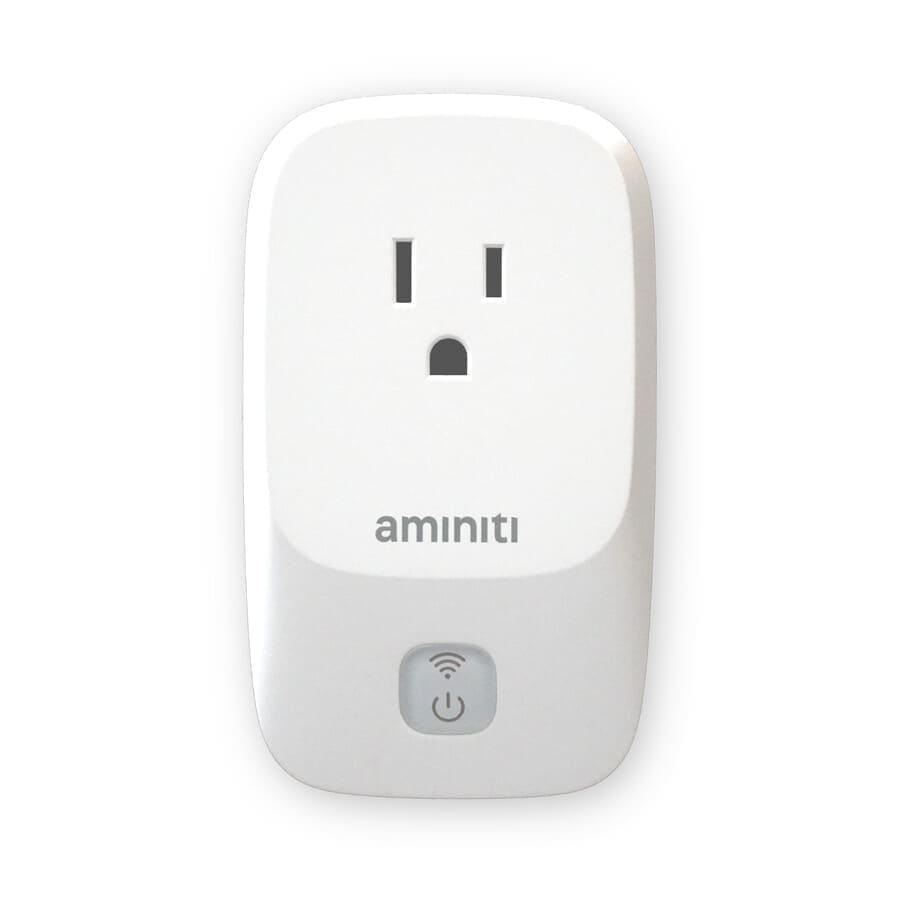
Add an Aminiti Q16 inline relay. For tamper-resistance, use a safety-certified, lockable in-use cover to fully enclose the Q16 and a short, right-angle extension cord to the exterior of the cover. The outlet remains accessible but protected, requiring no rewiring.
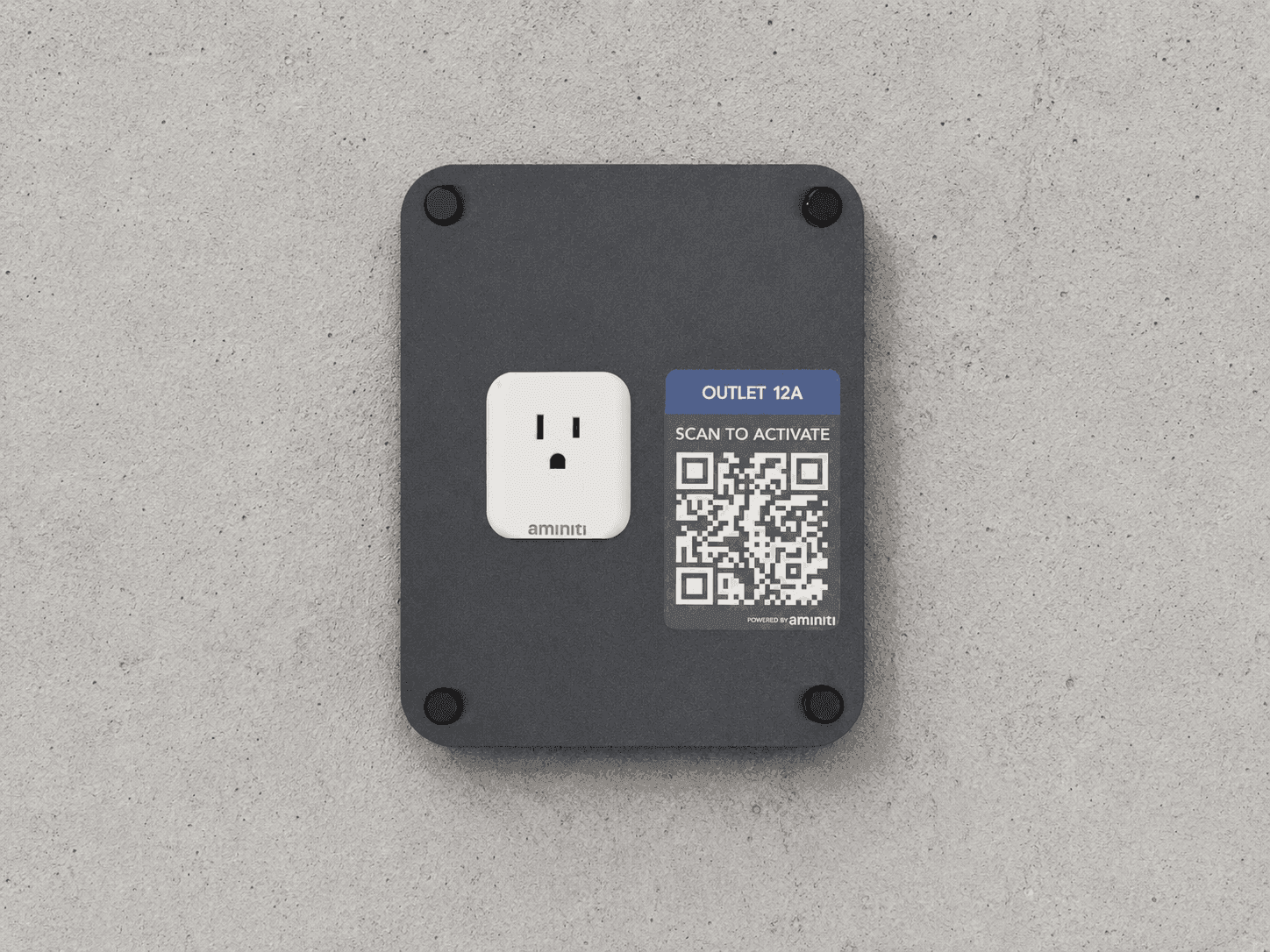
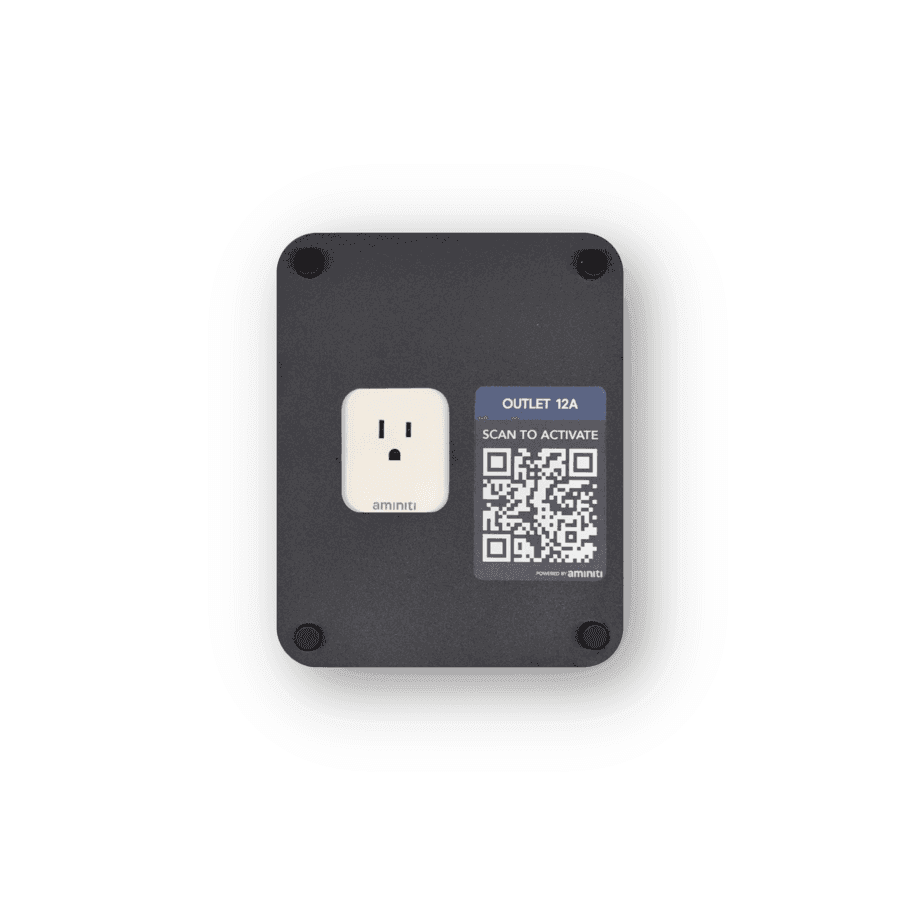
Add an Aminiti Q16 inline relay to an existing outlet, and add an Aminiti Keepout Panel, securing the device and providing plug-in access.
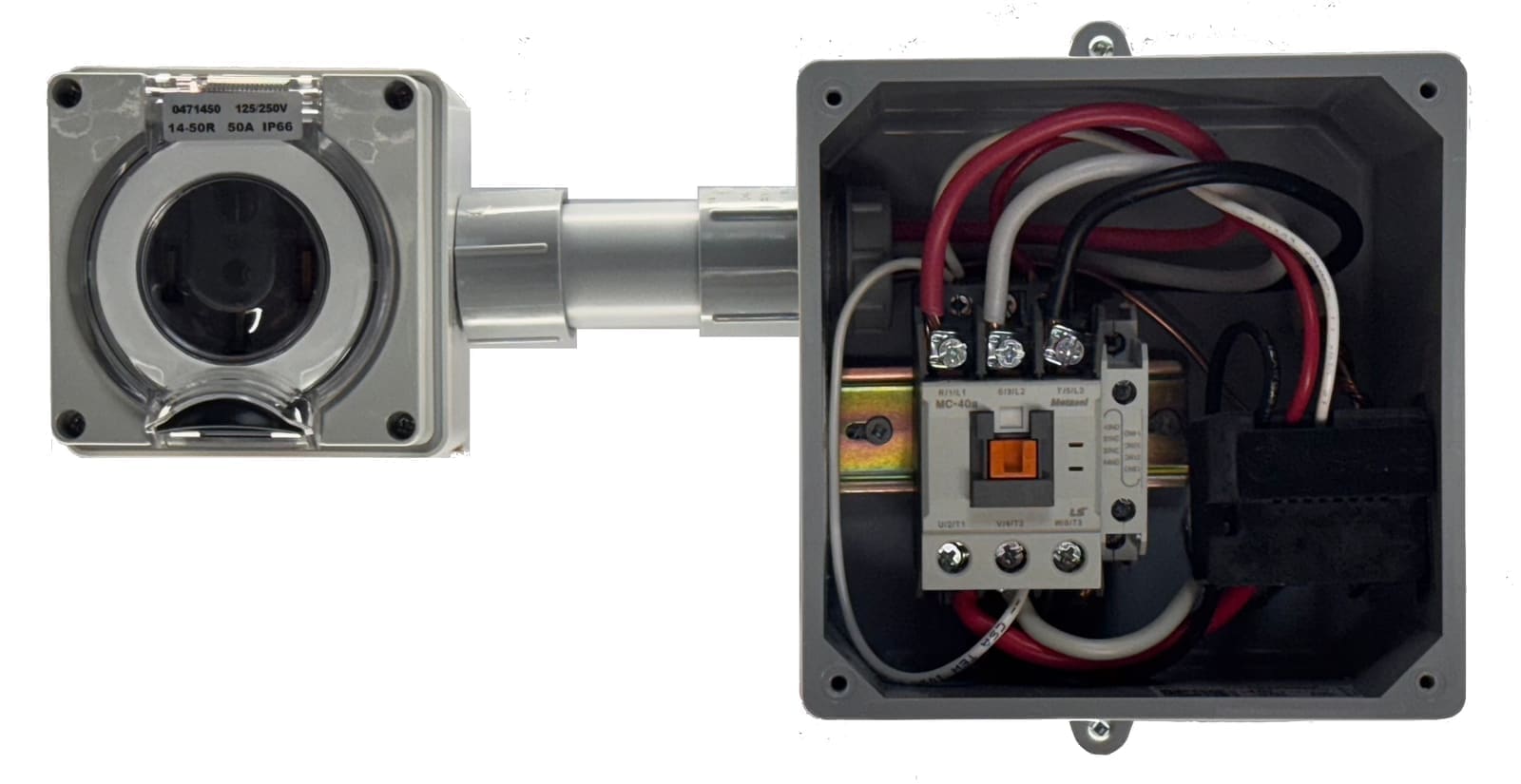
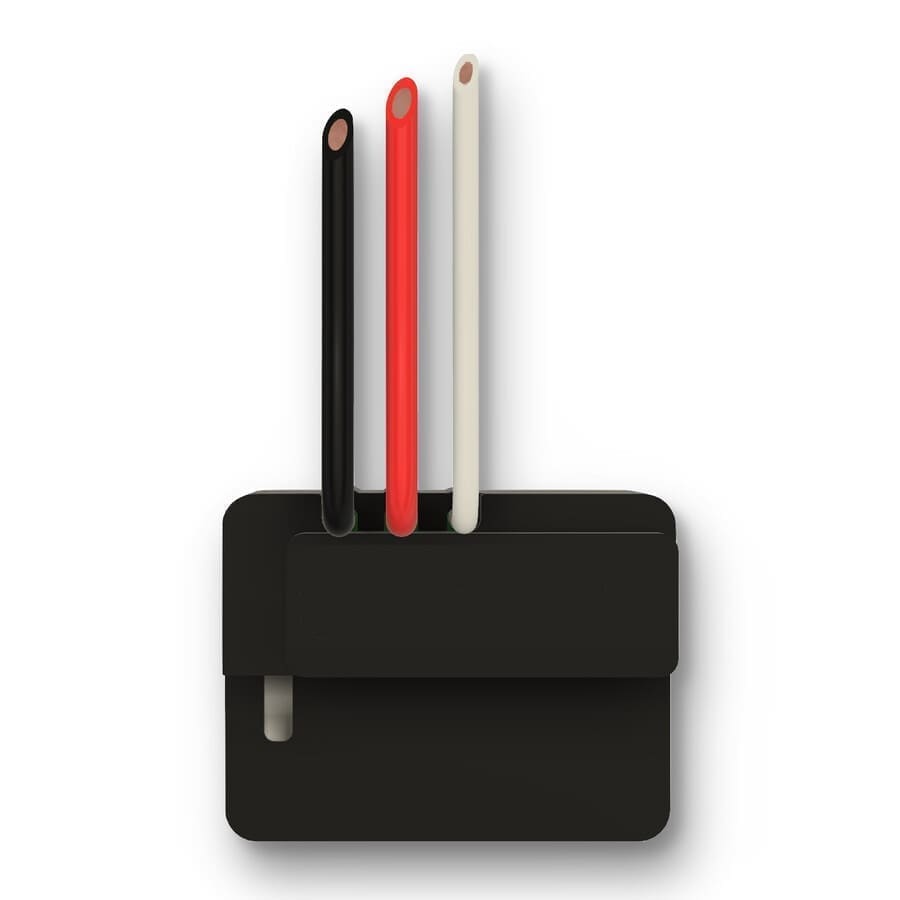
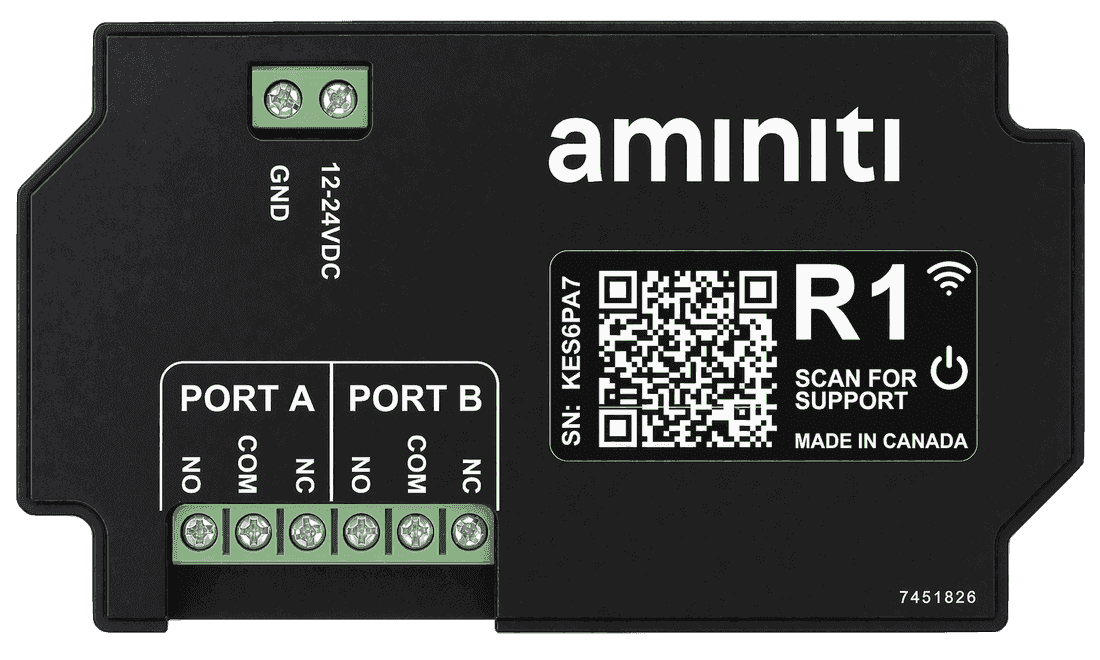
Use the Aminiti S16 inline relay. Add a junction box to enclose the S16 device if existing boxes are not suitable. For high-power tools, or to control power to an entire workspace or panel, use an Aminiti S16 in conjunction with a certified Contactor device.
Get started
Implementation
- 1
Install an Aminiti device in-line with each piece of equipment you wish to protect. Or, use a single Aminiti device with a contactor to control power to an entire workshop.
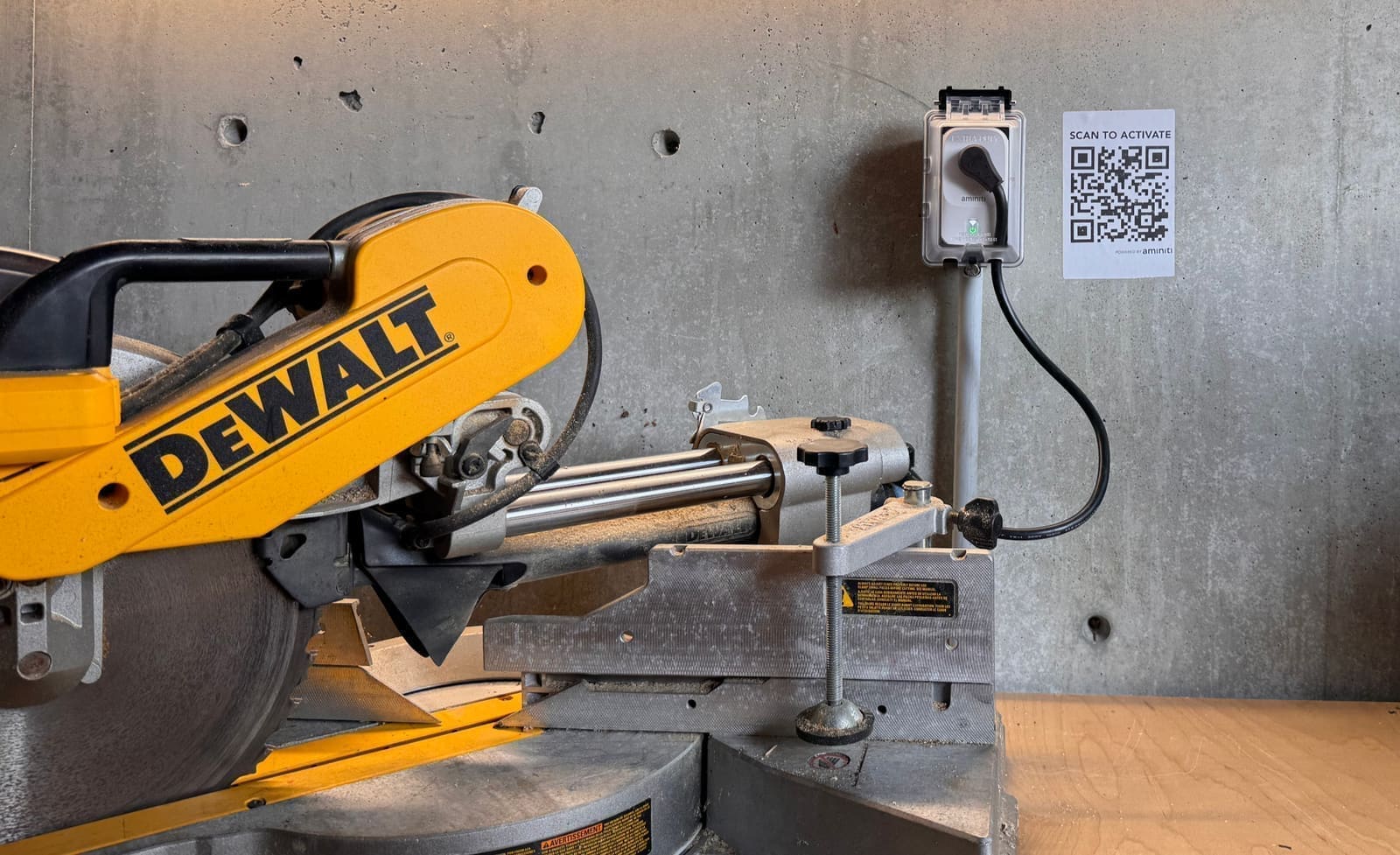
- 2
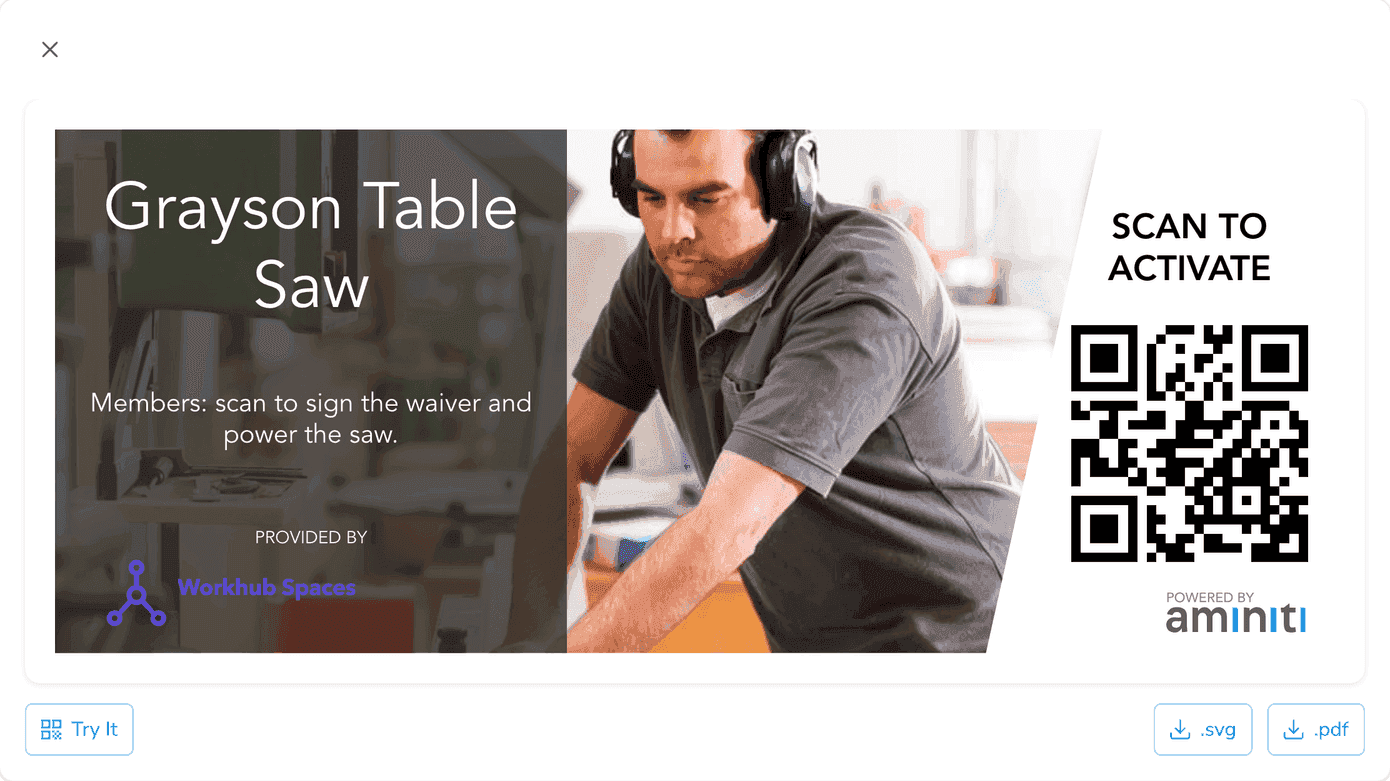
Use the Aminiti web app to create QR signage to enable users to activate the equipment.
- 3
Configure your station using the Aminiti app on the web or on your mobile device.
Forms & Waivers
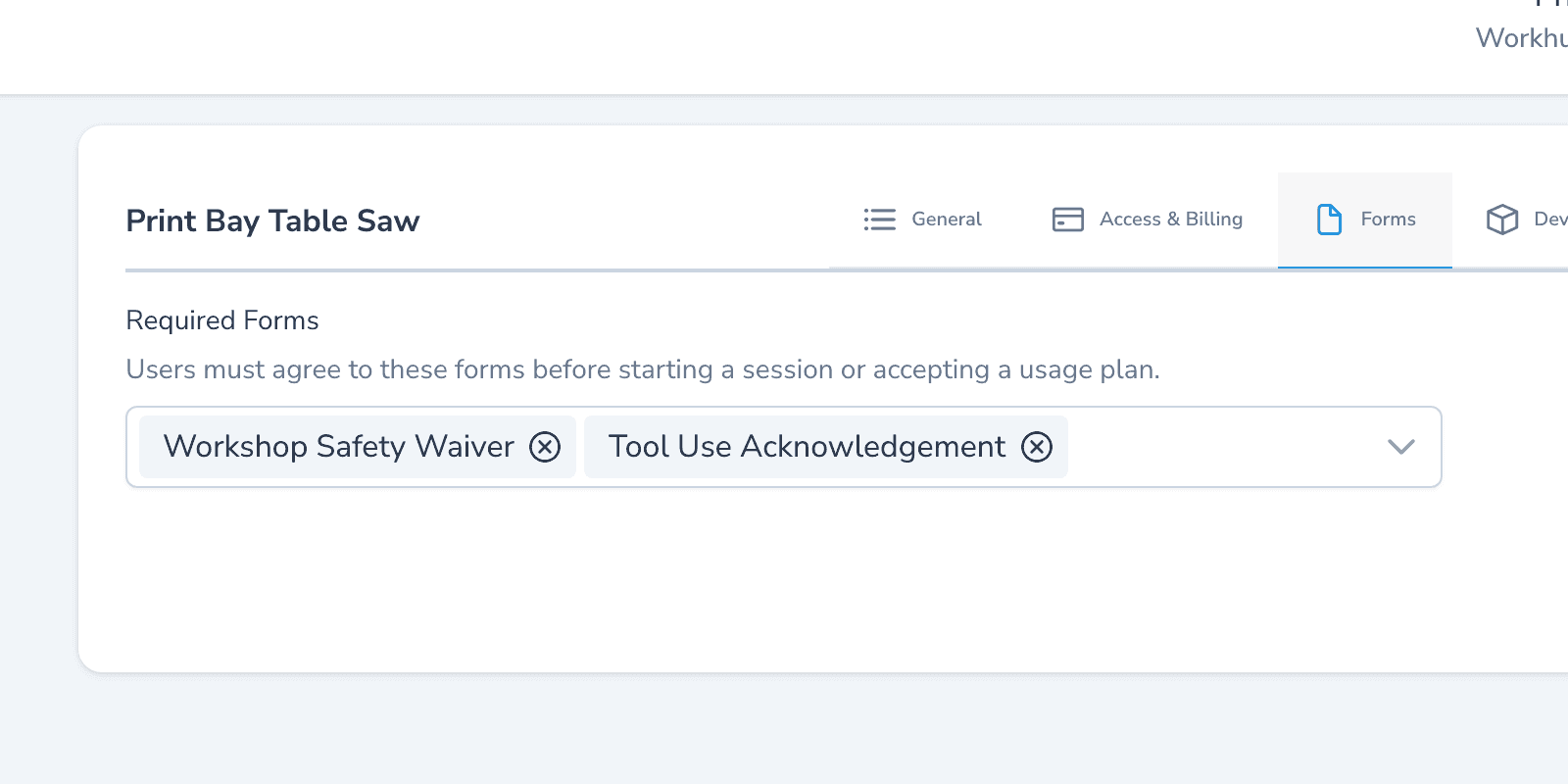
Require members to sign a tool-specific safety acknowledgement — guard in place, PPE worn, blade clear — before activation. The signed timestamp lives in your activity log if there's ever an incident.
Time Limits
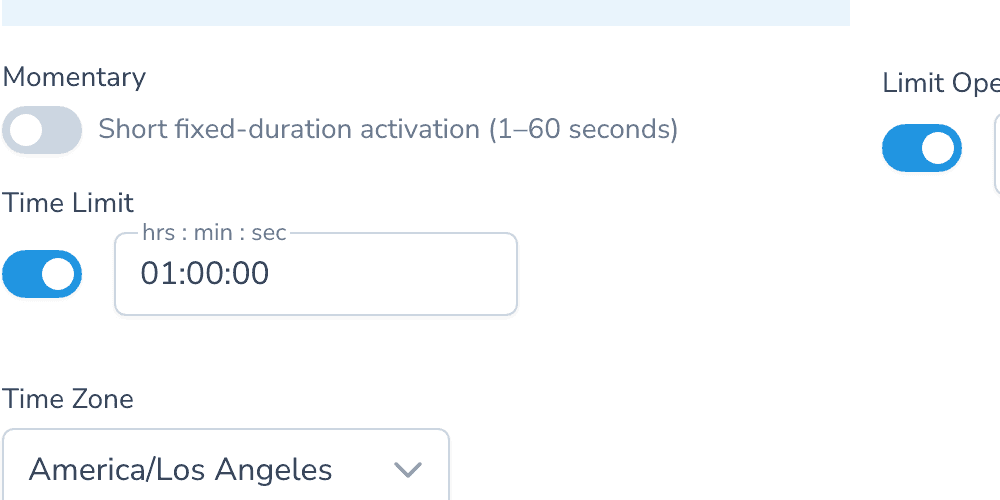
Cap session length so a tool can't be left available for unapproved users.
Auto Shut-Off
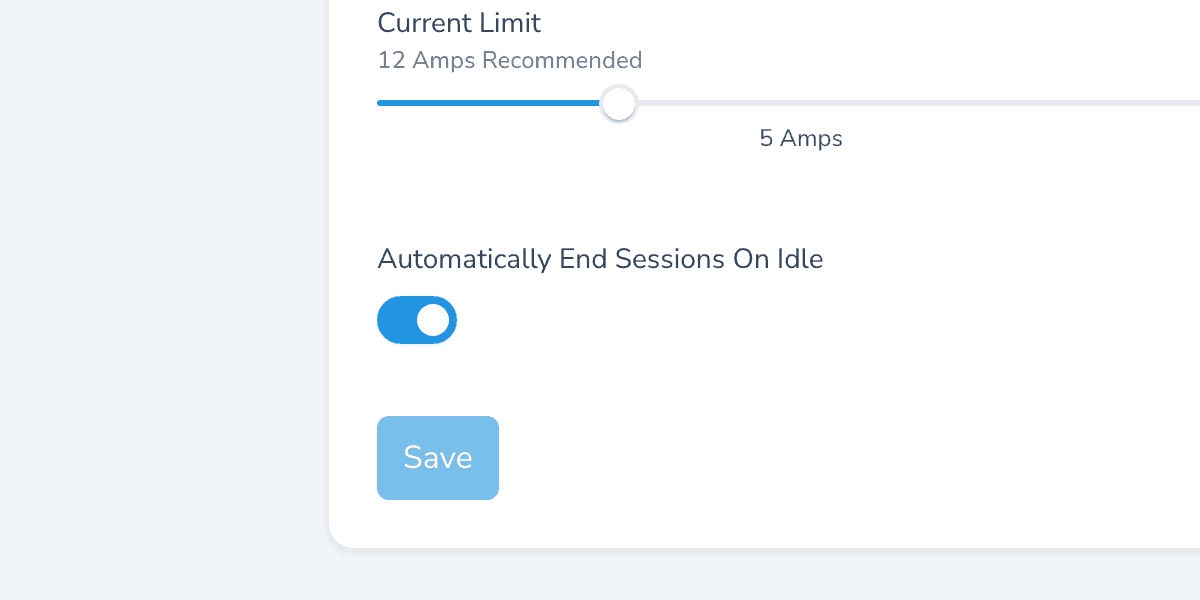
Turn on Auto end sessions on idle to detect when a tool is no longer in use, automatically ending sessions to prevent unauthorized piggybacking.
One app, many solutions
Manage access to all your amenities, with one app for your users and one portal for you. Explore more ways to use Aminiti on your property.