







Public Lighting
Prevent waste and secure lighting access for approved teams only.
Lights on demand, off by default
Put your fields, courts, and public spaces on a schedule — without manual switching.
Restrict access to approved teams, leagues, and registered users.
Set operating hours to keep neighbours peaceful and the grid efficient.
Cap session length so lights don’t get left on.
Scheduled, gated, audited fixtures
Sports fields, courts, and public areas need lighting on demand — but not all night. The wire-in S16 puts lighting circuits on a schedule and behind access control, reducing noise complaints, misuse, liability, and wasted energy.
Features
How Aminiti helps
Flexible Pay-per-use
Collect fees per session or by duration with Apple Pay, Google Pay, or most credit cards. Enable free access for staff or registered users.
Scheduled Operation
Make equipment available during approved hours only. Reduce noise complaints, misuse, and liability.

Time Limits
Cap session duration so equipment doesn't get left on, reducing waste and unauthorized use.
Authorized Use Only
Restrict access to approved users, staff, and community members. Aminiti devices hide away, with no outside keypads or controls to wear out or be vandalized.
Forms & Waivers
Require users to provide a signed acknowledgement, safety waiver, or custom form before a session can start. Protects you legally and communicates expectations to every user.

Passcode Access
For streamlined access, issue passcodes that provide instant, secured access for casual users without requiring account creation, and no app download (iOS only).
Hardware
Installation options
Aminiti is flexible — here are just a few ways to integrate our hardware
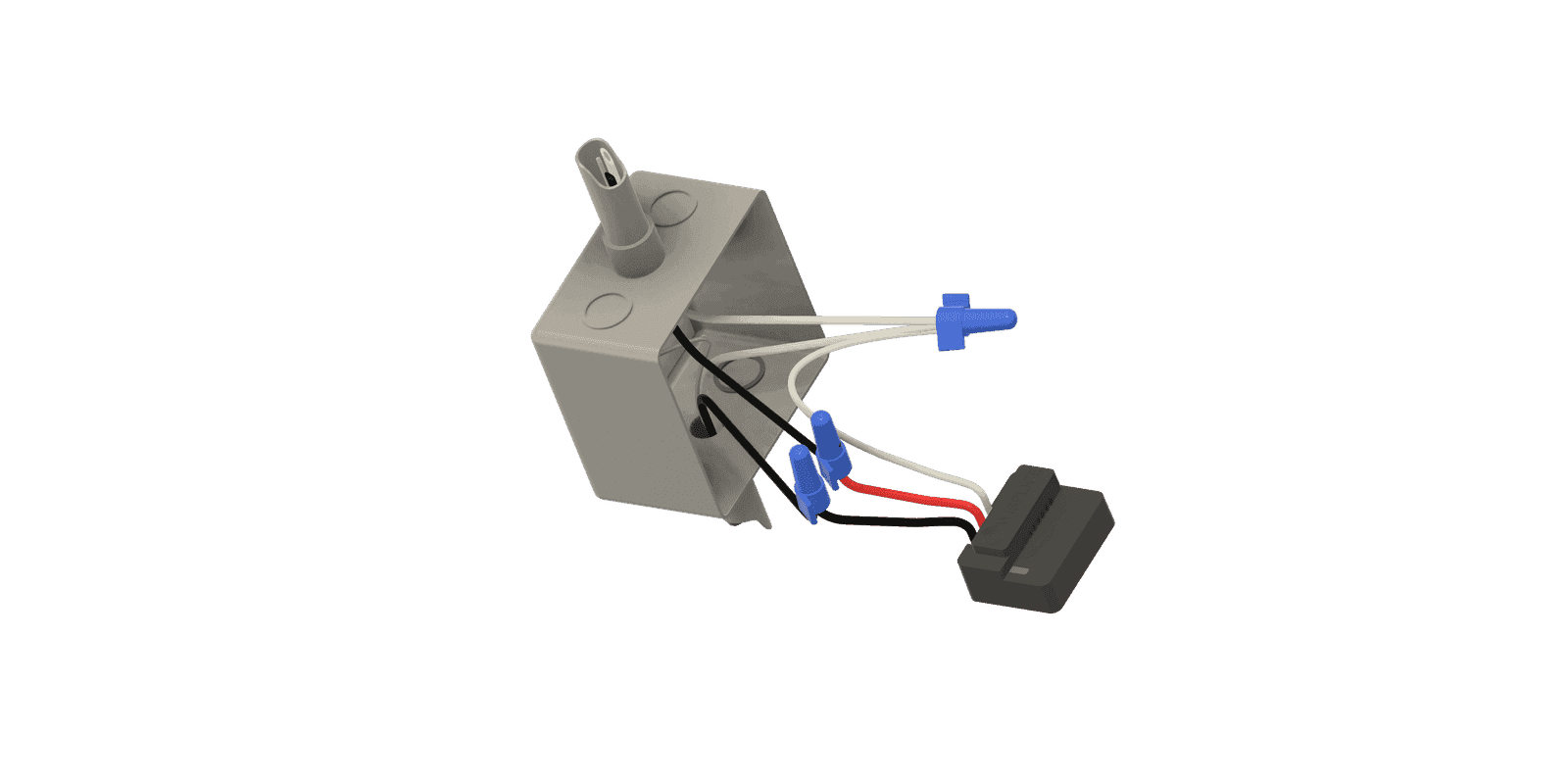
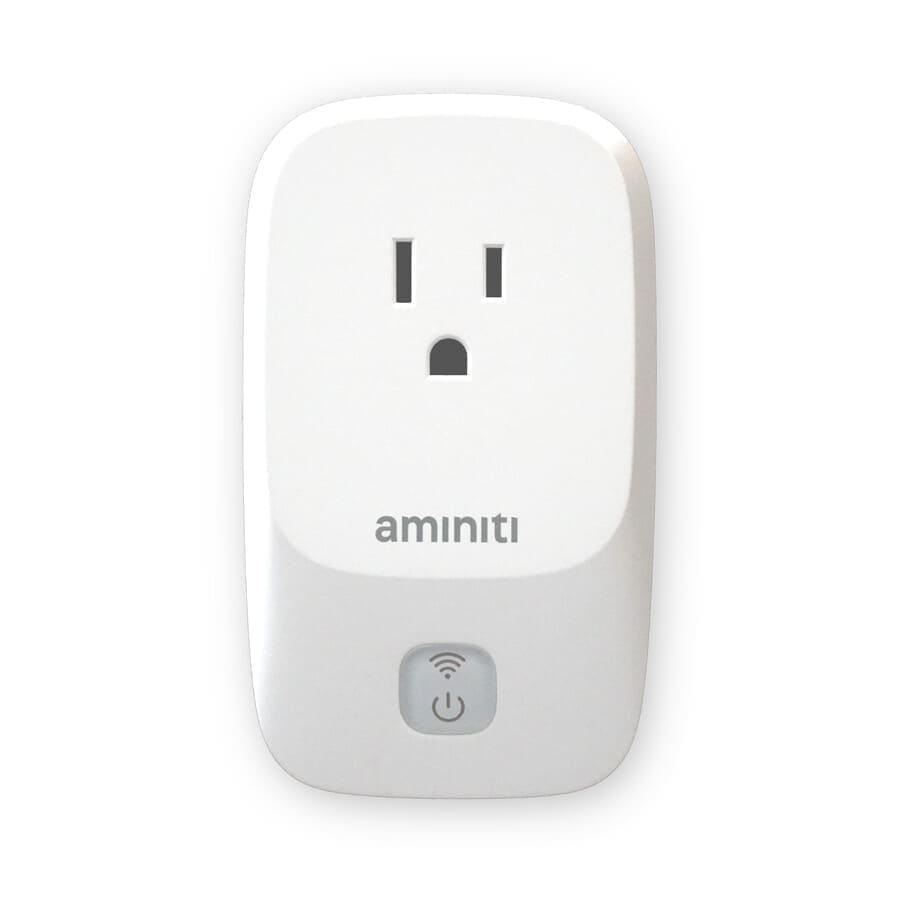
For small installations with high-efficiency LED lighting, an Aminiti S16 relay can control power to the fixtures. Install the Aminiti S16 in the control cabinet or other enclosure near the fixtures.
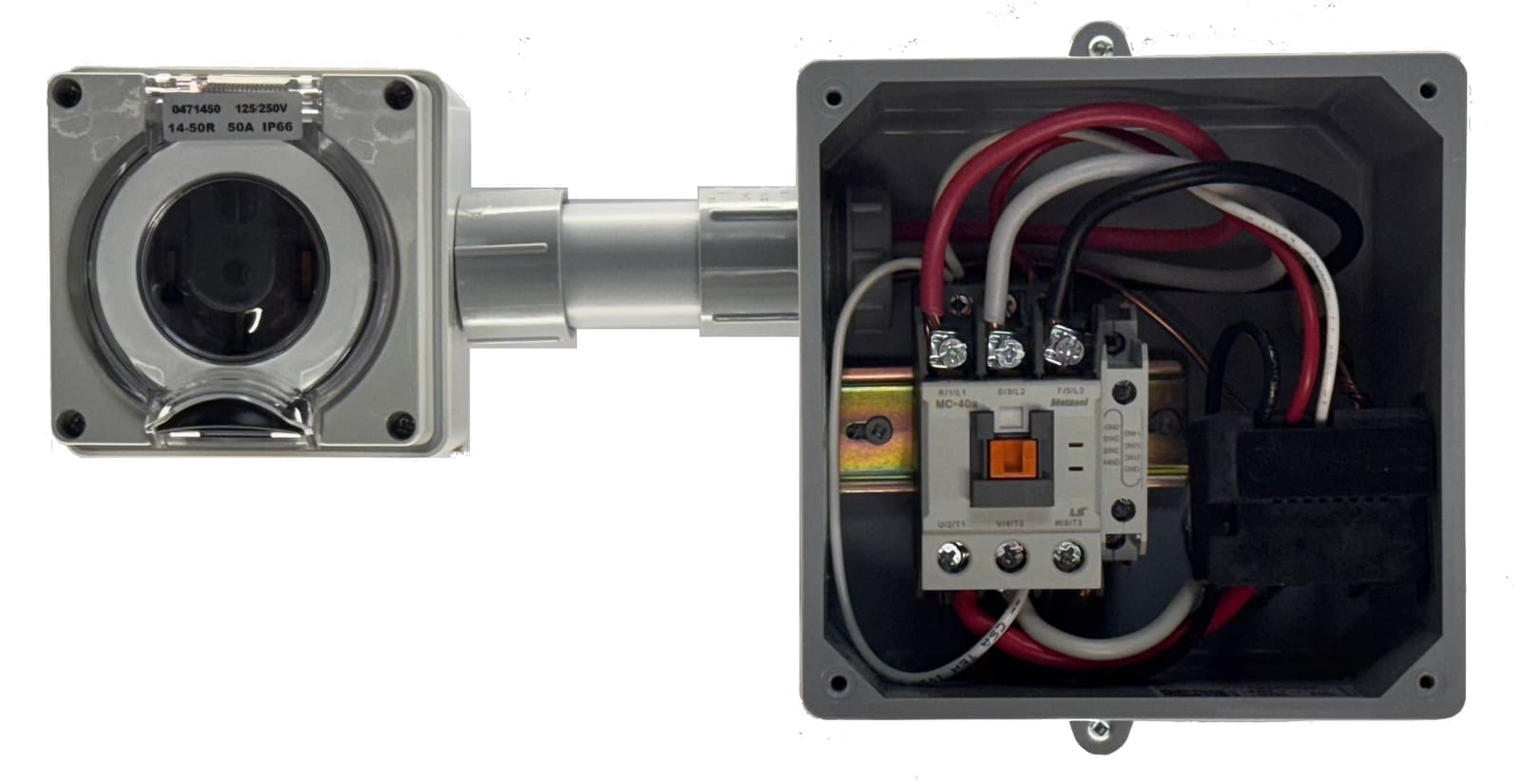
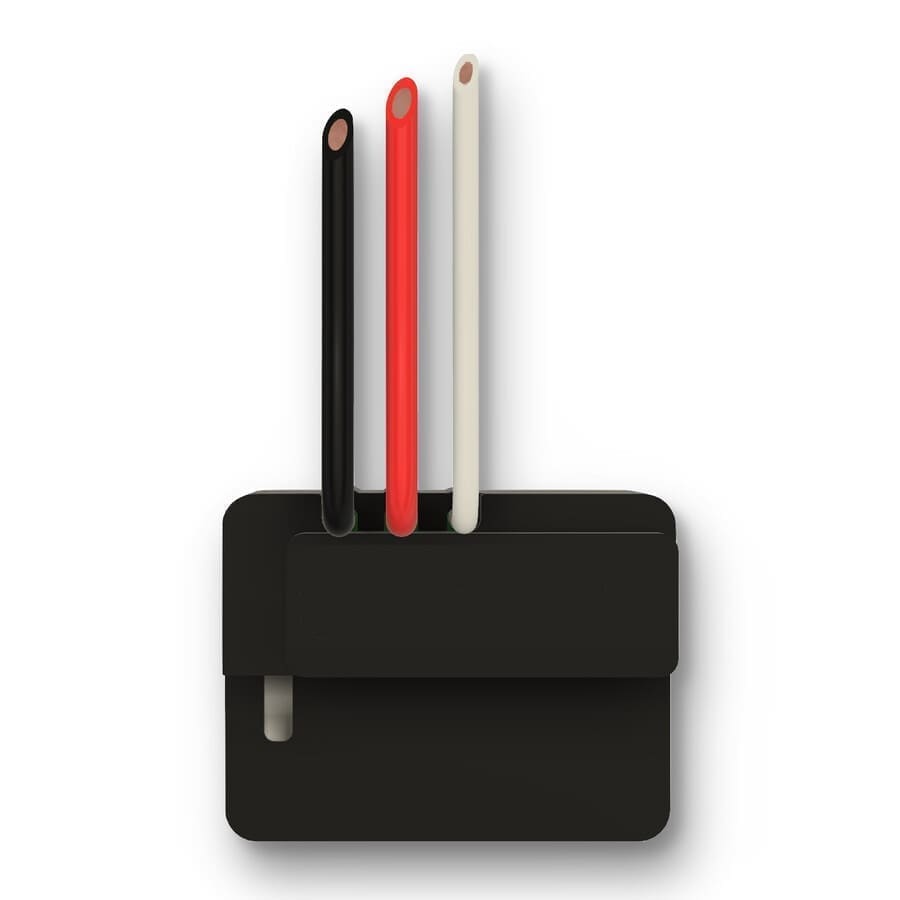
For high-power lighting installations, use an Aminiti S16 wire-in module to control one or more high-current contactor relays, or to provide on/off control alongside existing devices.
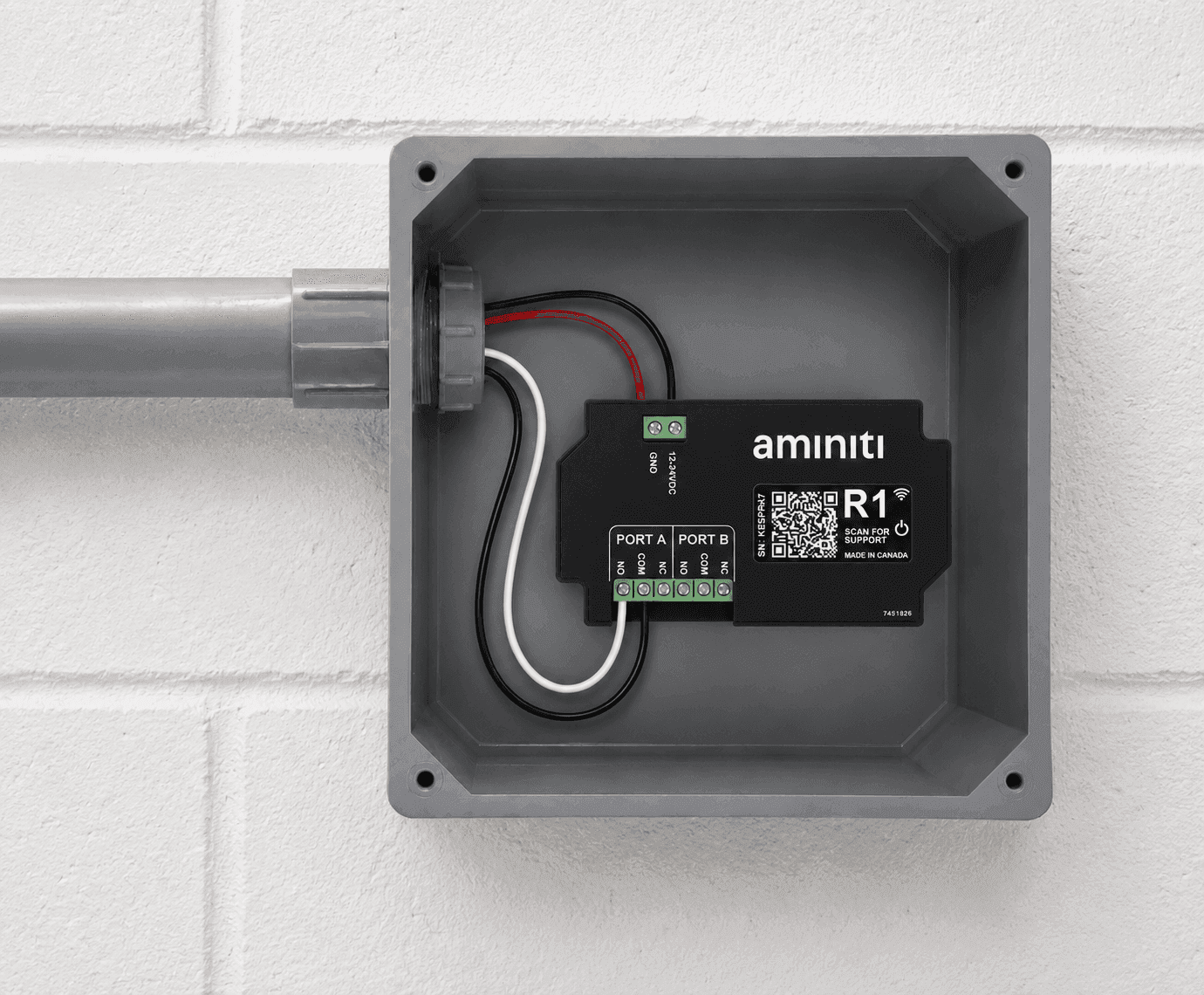
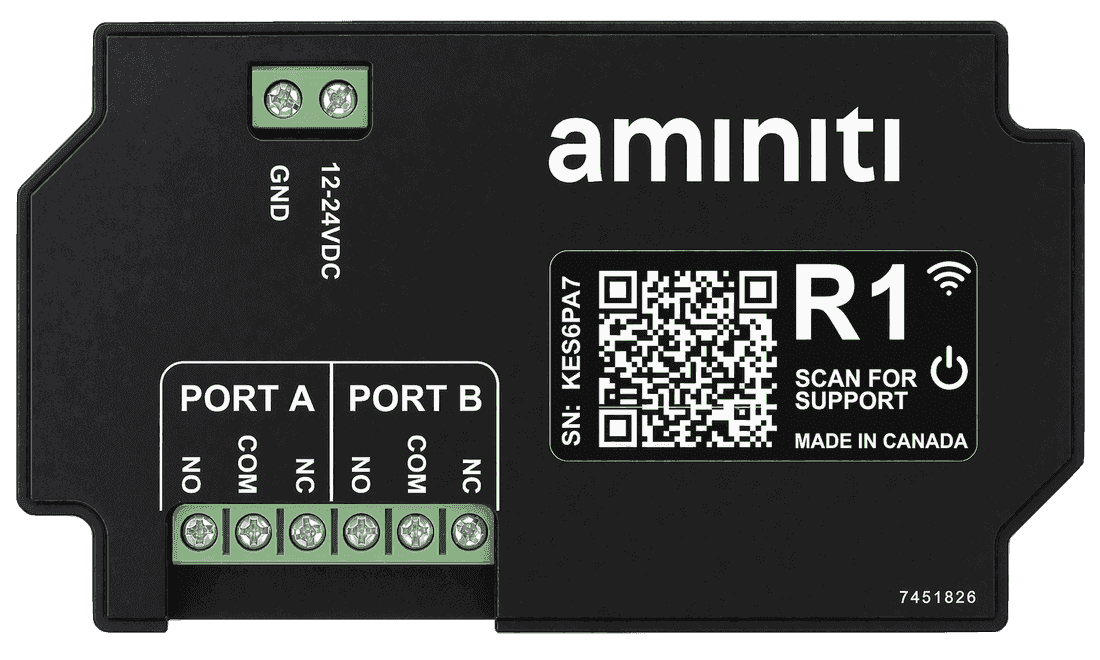
The R1 low-voltage relay operates your existing lighting controllers or contactors through its dry contact port. It coexists with installed keypads and key switches, allowing you to keep your existing controls while transitioning to Aminiti.
Get started
Implementation
- 1
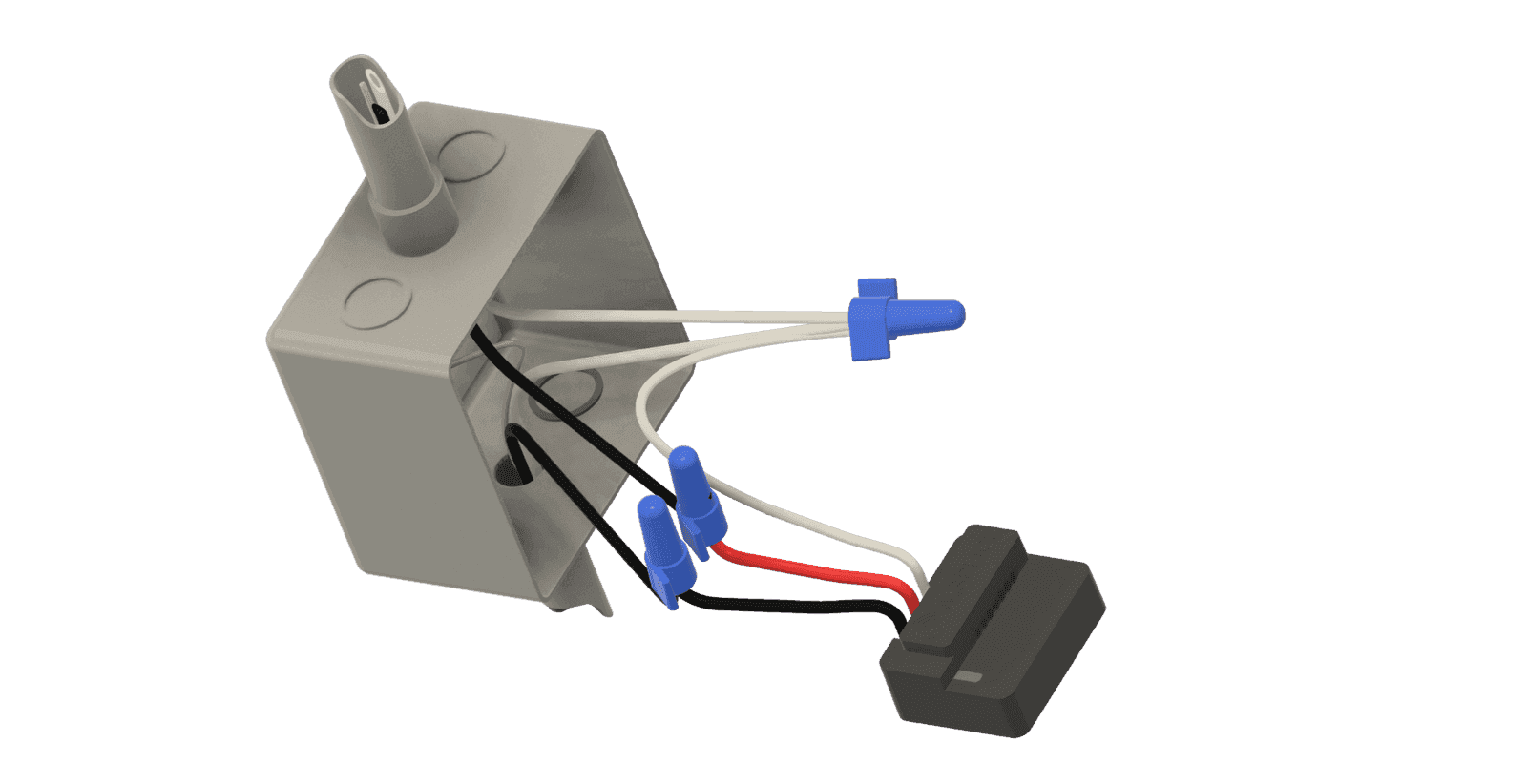
Install an Aminiti device to control power to your public lighting fixtures.
- 2
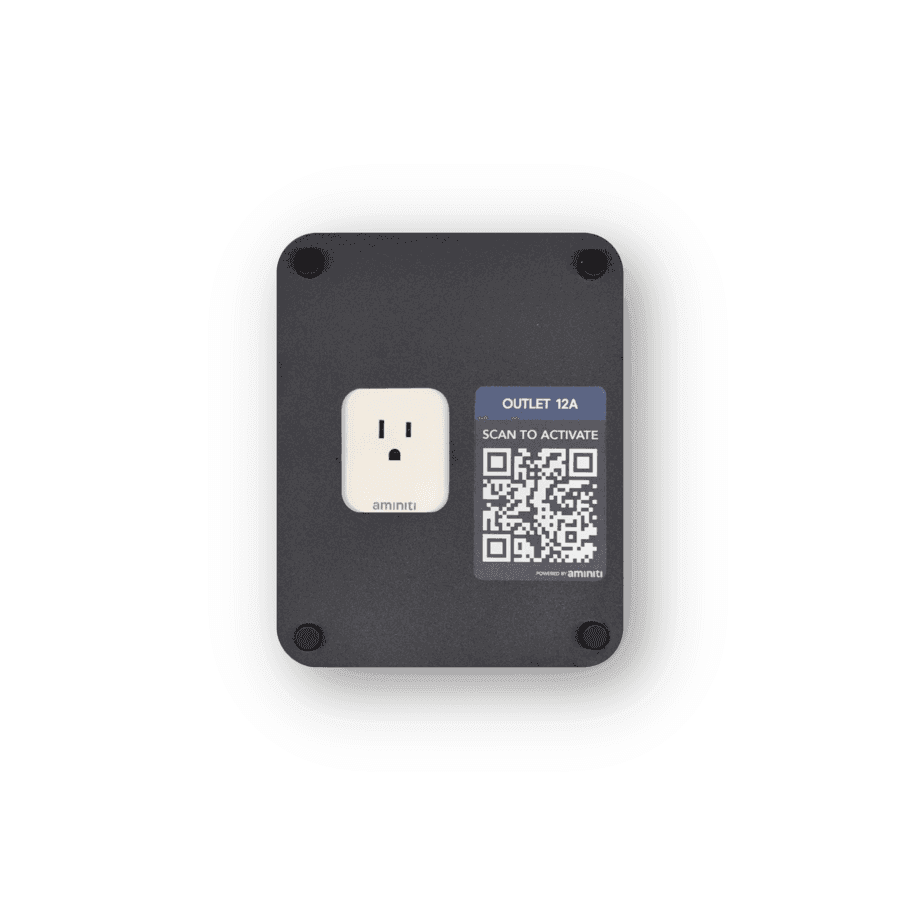
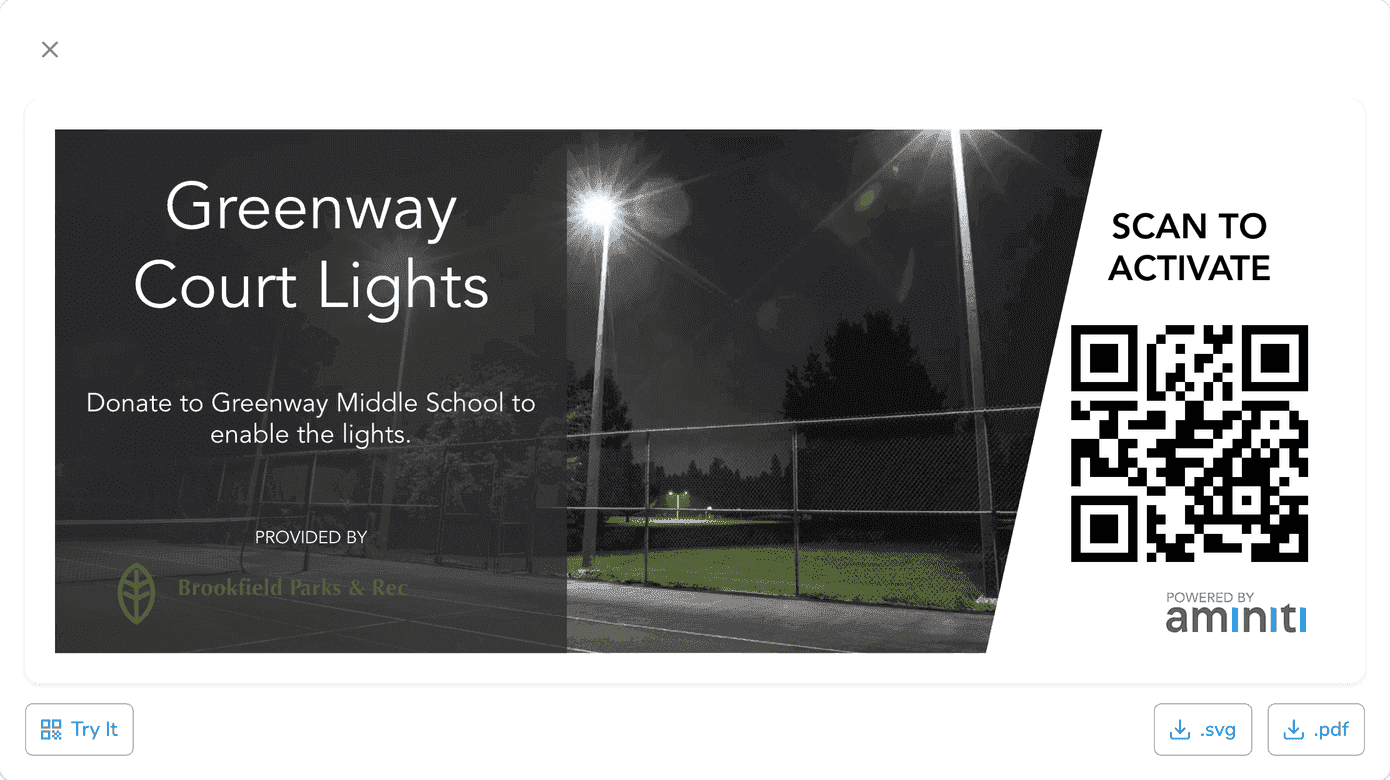
Use the Aminiti web app to create QR signage to enable users to activate the amenity. (Your users can still use the Aminiti app to activate without a QR code.)
- 3
Configure your station using the Aminiti app on the web or on your mobile device.
Flexible Pay-per-use
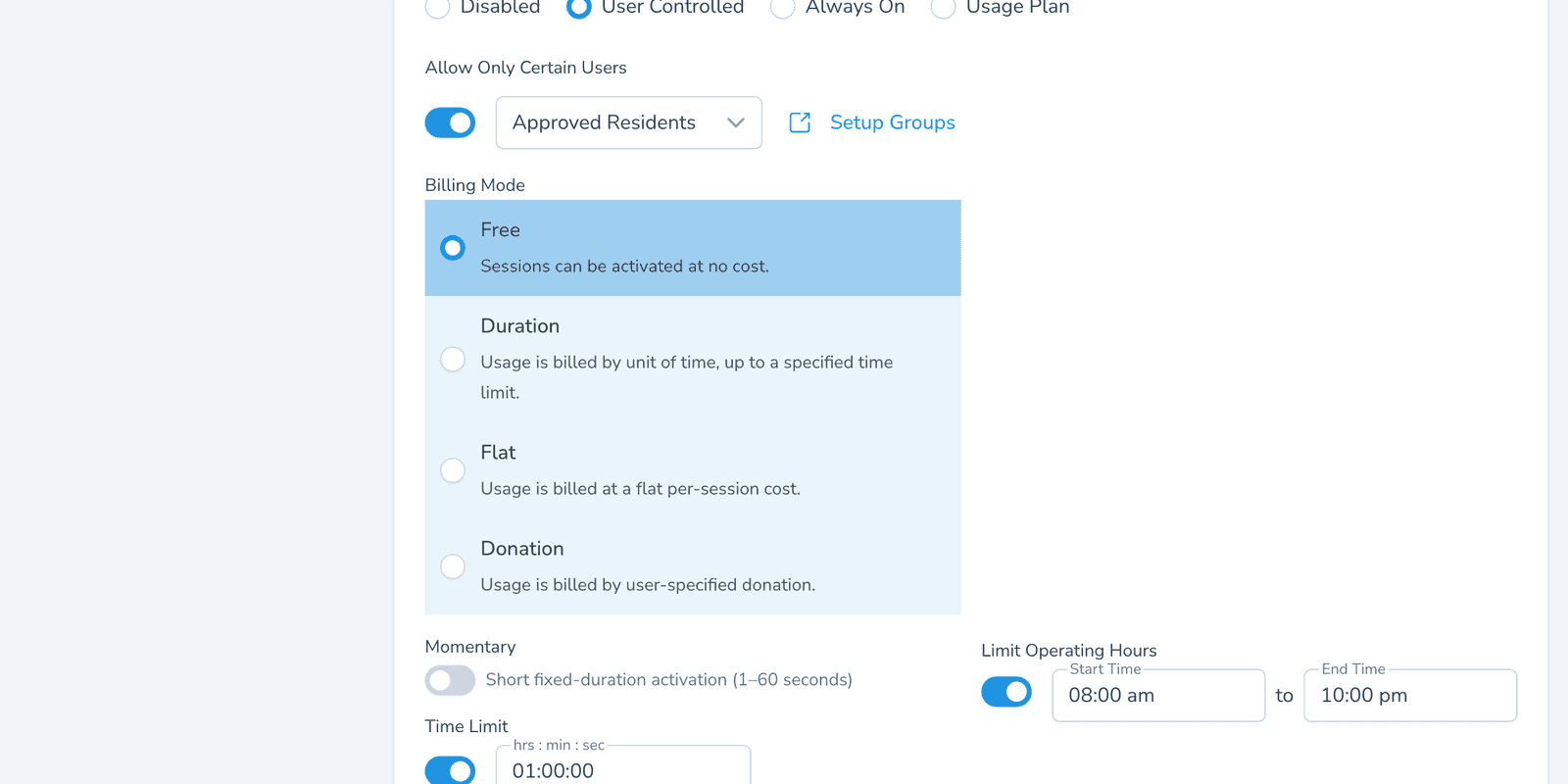
Charge approved leagues per-hour for lit play, or keep it free for community programs. Teams pay with Apple Pay, Google Pay, or credit card and the charge is split across the booking party.
Scheduled Operation
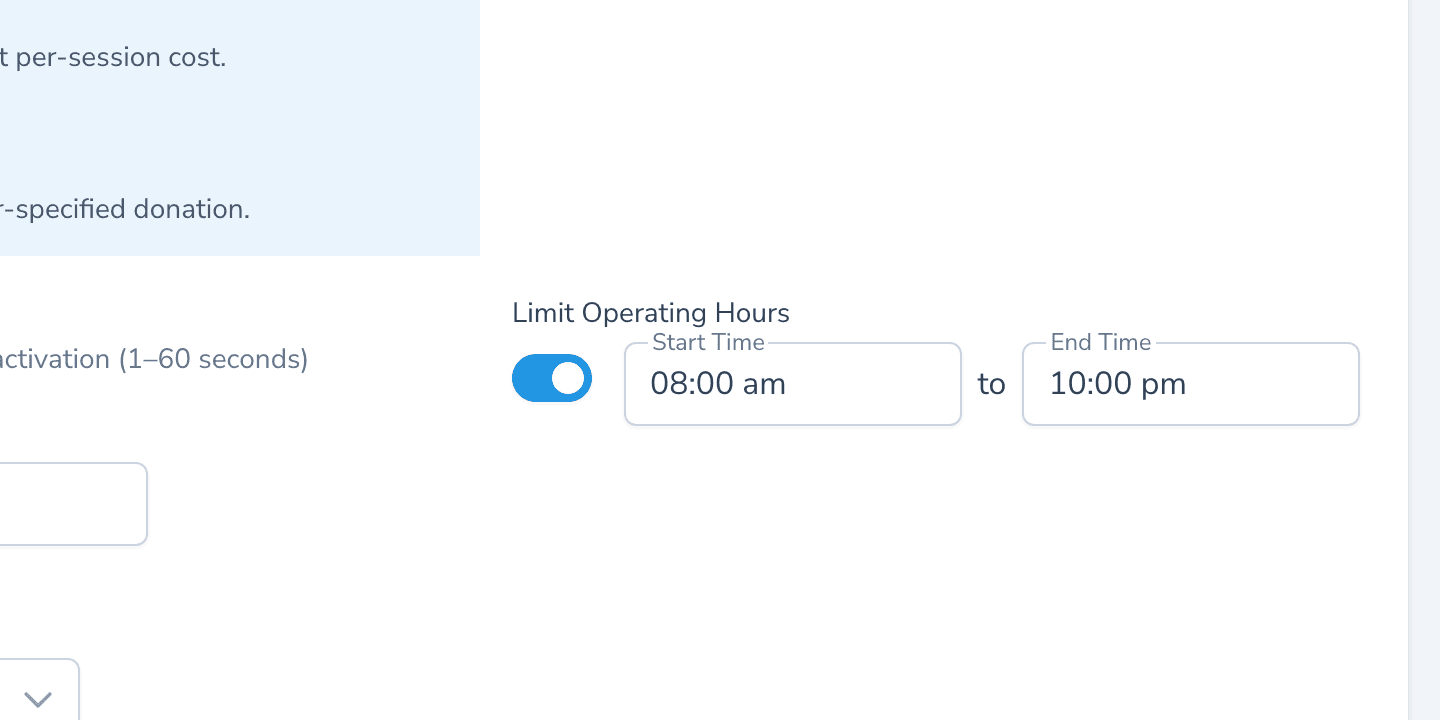
Set a hard operating window (e.g. dusk to 10 PM) so lights cannot run into quiet hours, even if a team forgets to end their booking. Outside the window, the contactor stays open.
Time Limits
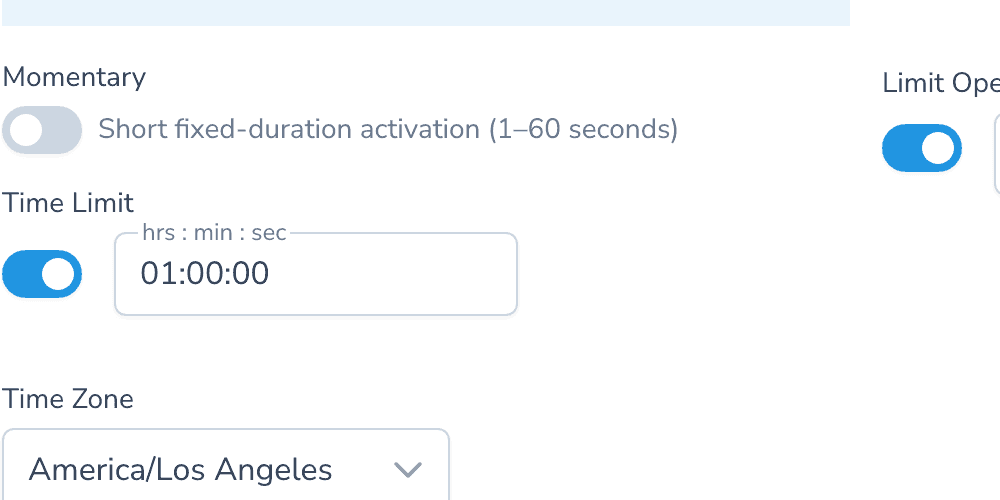
Cap each booking to the time the field was actually reserved. The lights cut off automatically when the timer expires — no manual sweep at the end of the night.
One app, many solutions
Manage access to all your amenities, with one app for your users and one portal for you. Explore more ways to use Aminiti on your property.